Chapter 1 - Basic info
34
Chapter 3 - Preparing the battery and compact flash card
attachinG and removinG a lens
attachinG
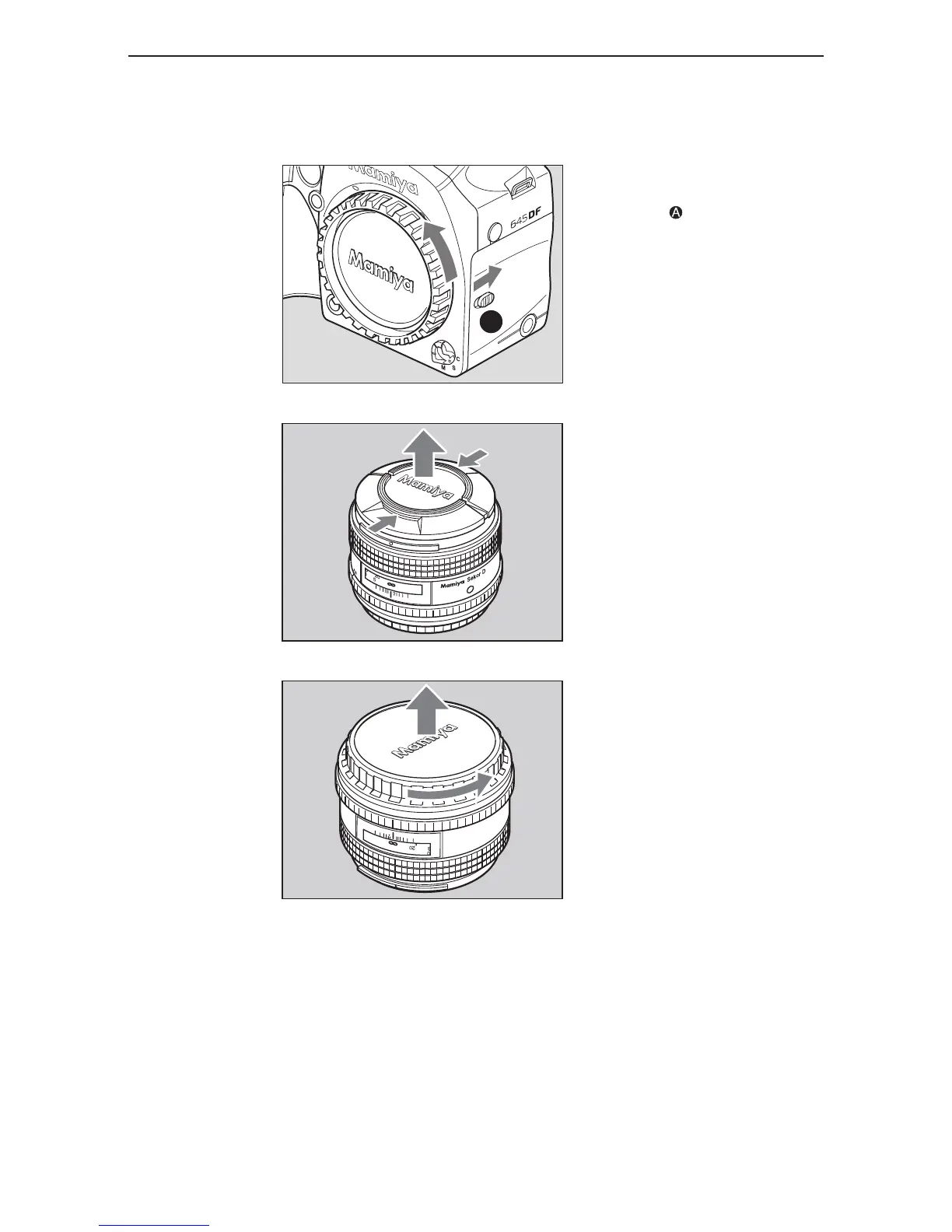
1. Remove the front body cap, just like
removing a lens, by pushing the lens
release button backward and then
turning the front body cap counter
clockwise and lift out.
To remove the front lens cap, squeeze
the shiny sections together and lift out.
To remove rear lens cap, turn it counter
clockwise.



 To Next Page