Chapter 1 - Basic info
183
Chapter 13 - Custom functions
initializinG user functions
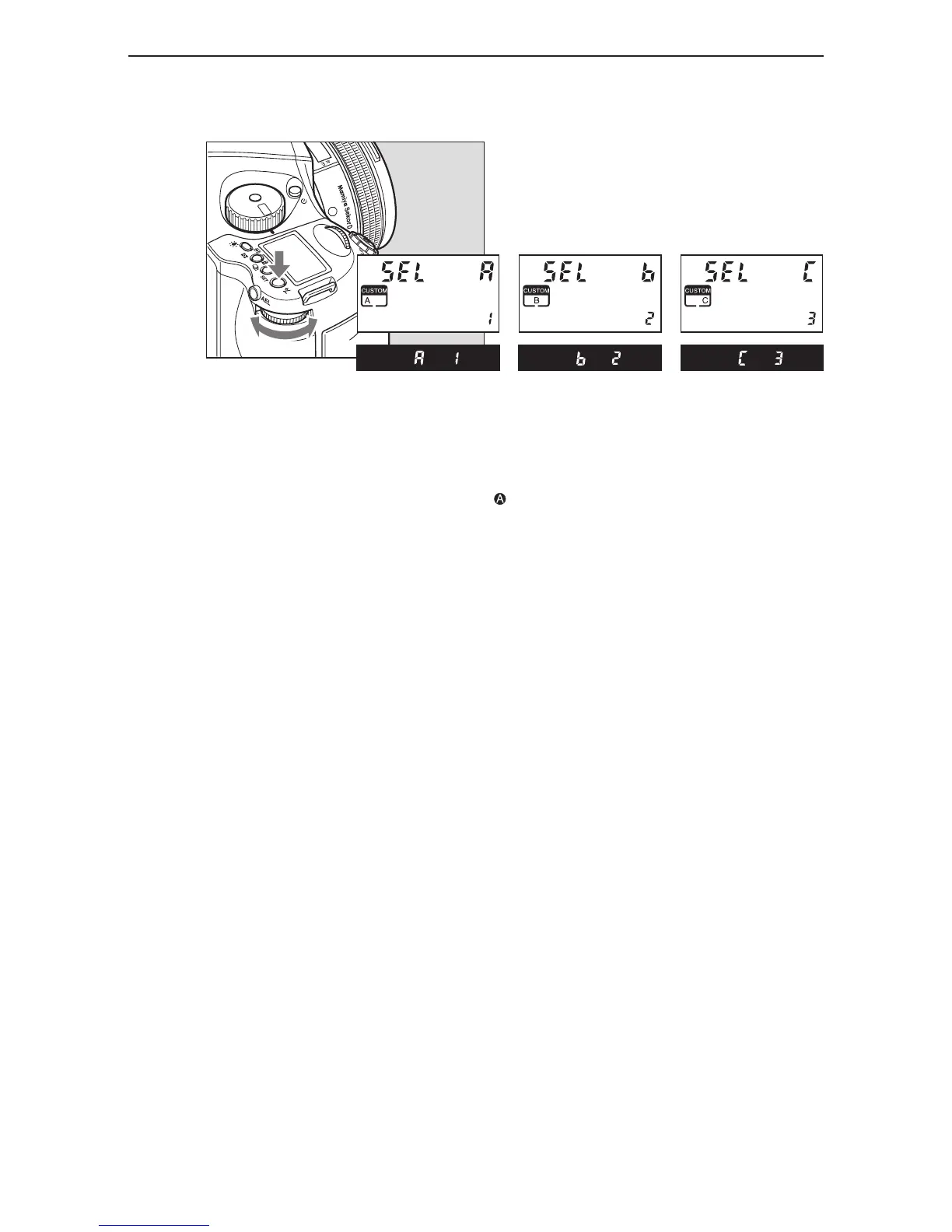
1. By turning the exposure mode dial, “CF” (custom function mode) can be selected.
2. By turning the rear dial, user “A”, “b” or “C” can be selected.
3. Press and hold down set button (for longer than 1 second) and settings for A,B,C
can be initialized, or the settings can be returned to “default”.
The default user setting is “User 0”.



 To Next Page