Chapter 1 - Basic info
52
Chapter 5 - Focusing the camera
manual focus mode
manual focusinG usinG the focus mark
(Focus confirmation method)
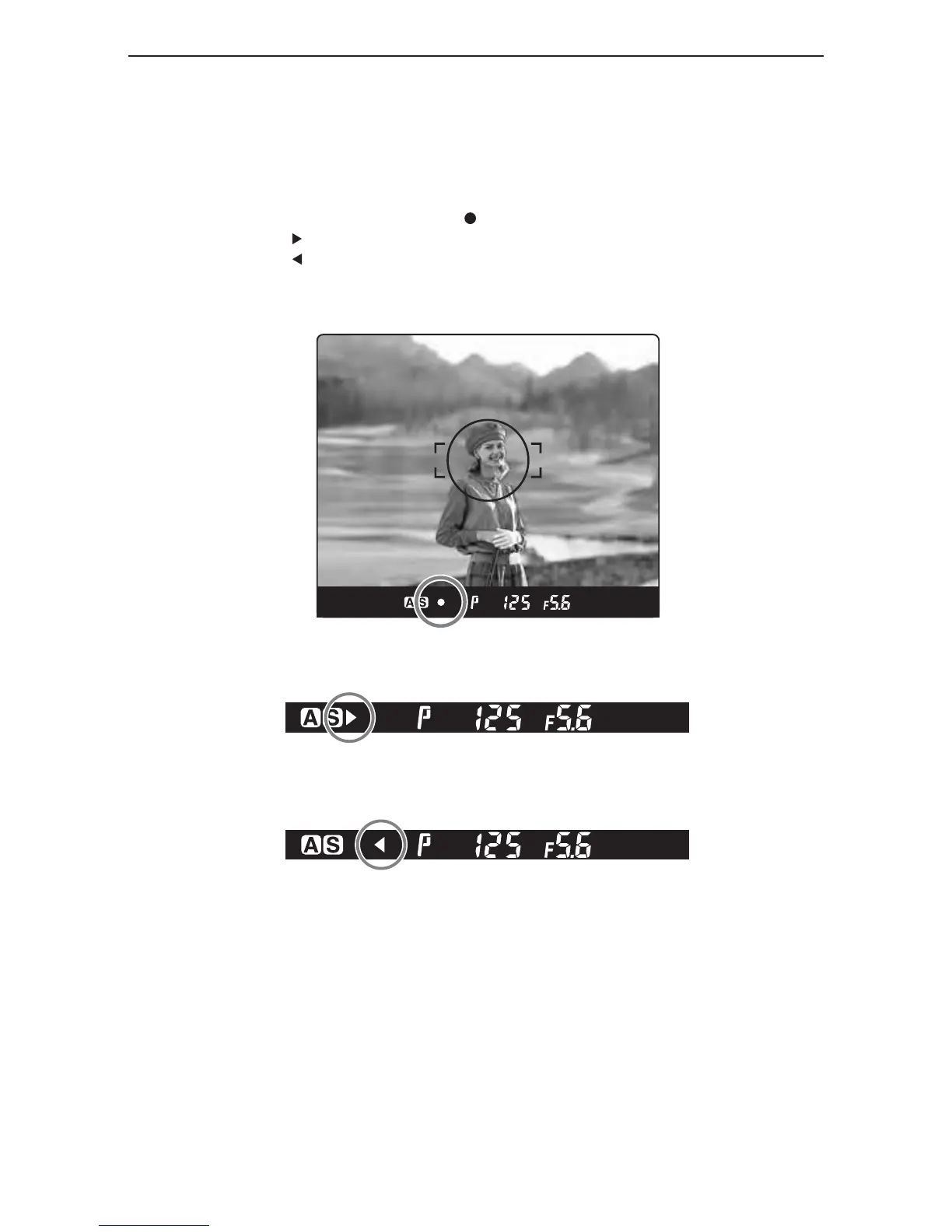
With the shutter release button half-pressed, turn the lens focusing ring to focus on the subject.
When the subject is in focus, the focus mark lights in the viewfinder’s LCD.
If is lit in the viewfinder’s LCD, the camera is focused on a point behind the object.
If is lit, the camera is focused on a point in front of the object.
Use the focus mark when taking photos in manual focus mode or using the M645 manual lens.
If focus is adjusted using the focus mark with an M645 lens, be sure to open the aperture.
This function can be used with a lens of f/5.6 aperture or higher.
in focus
turn the focusinG rinG clockwise.
turn the focusinG rinG counterclockwise.



 To Next Page