Chapter 1 - Basic info
59
Chapter 6 - Exposure Modes
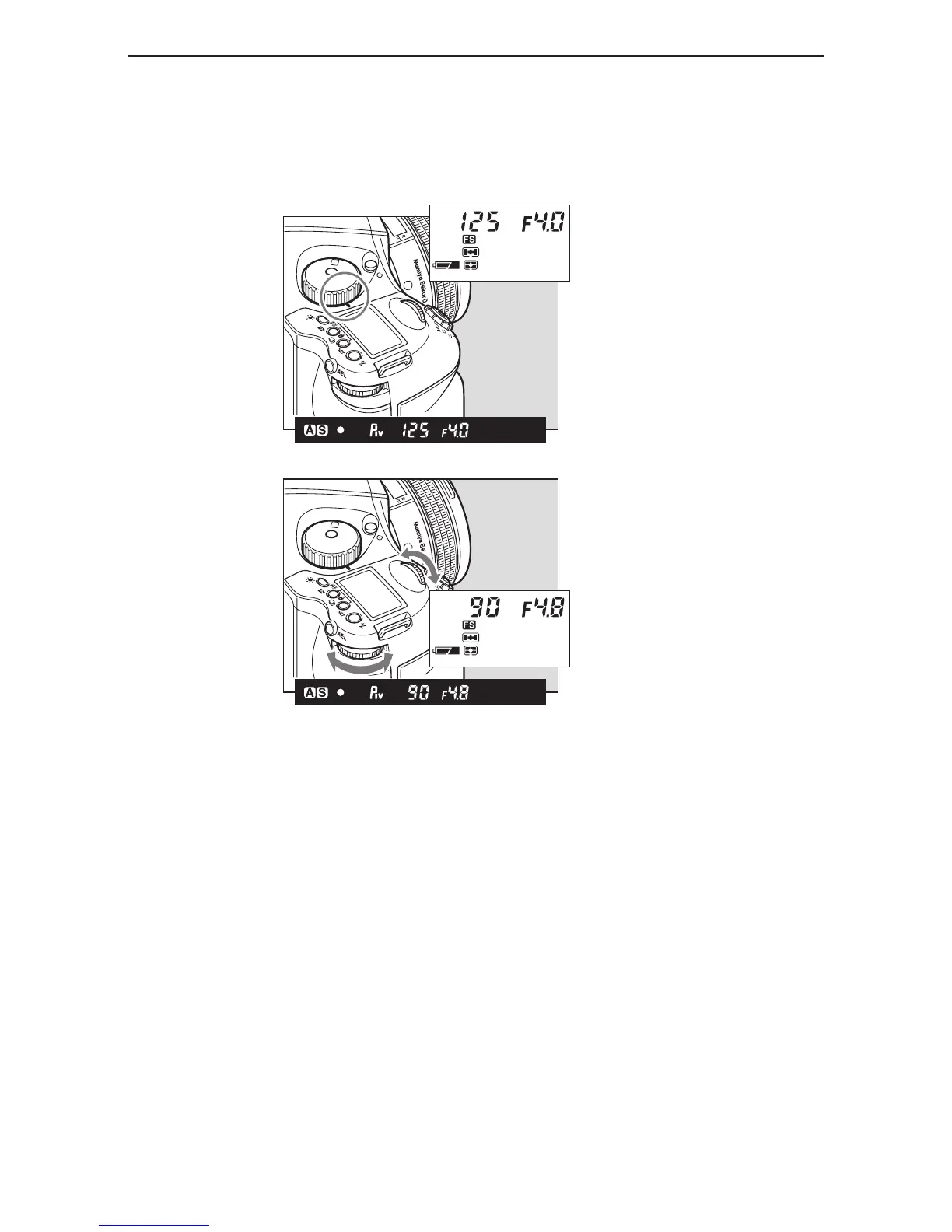
aperture priority ae (av)
Set the desired aperture and the camera selects the optimum shutter speed accordingly. Use the
Av mode to maintain specific control over depth of field, i.e. taking portraits or landscapes.
The shutter speed value will blink when the subject is too dark or too bright for a correct
exposure. To obtain the correct aperture, adjust the aperture value until the shutter speed value
stops blinking and remains lit.
1. Turn the exposure mode setting dial
to “Av” (aper
ture priority AE) position.
2. Turn the front or rear dial to set the
desired aperture.



 To Next Page