EasyManua.ls Logo

Mamiya 645DF - BACKLIGHT BUTTON; Backlight Operation for Panel Visibility; Backlight Usage and Sleep Mode Interaction

Mamiya 645DF
82 pages
Print Icon
To Next Page IconTo Next Page
To Previous Page IconTo Previous Page
Loading...
Chapter 1 - Basic info
47
Chapter 4 - Basic camera operations
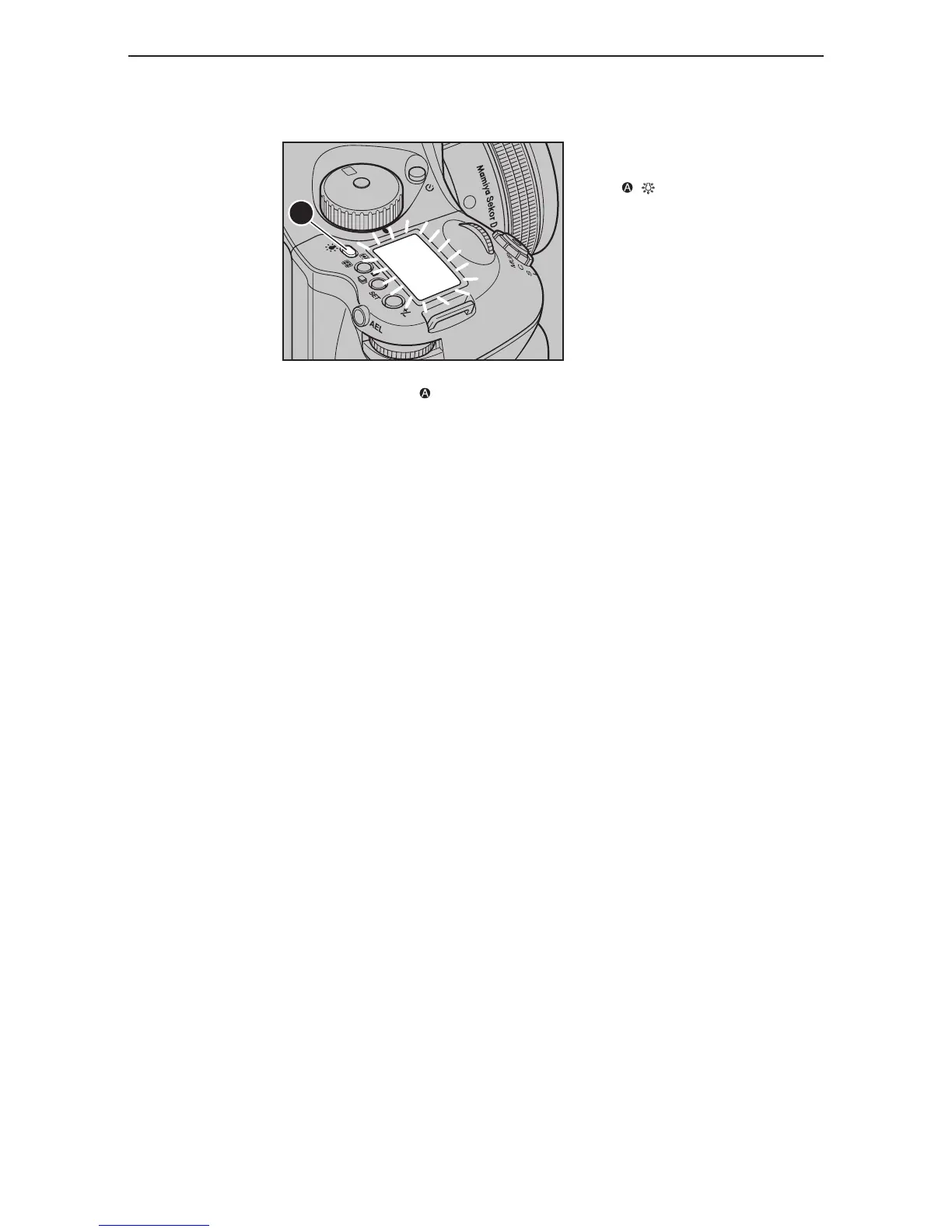
backliGht button

If the backlight button is held down for one second, the light will remain on until the button is
pressed again.

When the backlight is on, the camera will not go into sleep mode, whereby draining the
battery power.
P
Av
Tv
M
X
C
F
C1
C2
C3
A
To see the main panel at night or in
dark places, press the backlight
button / . The backlight will go on
for approximately 20 seconds and then
go off unless there is another operation.

Table of Contents

Other manuals for Mamiya 645DF

Related product manuals