2726
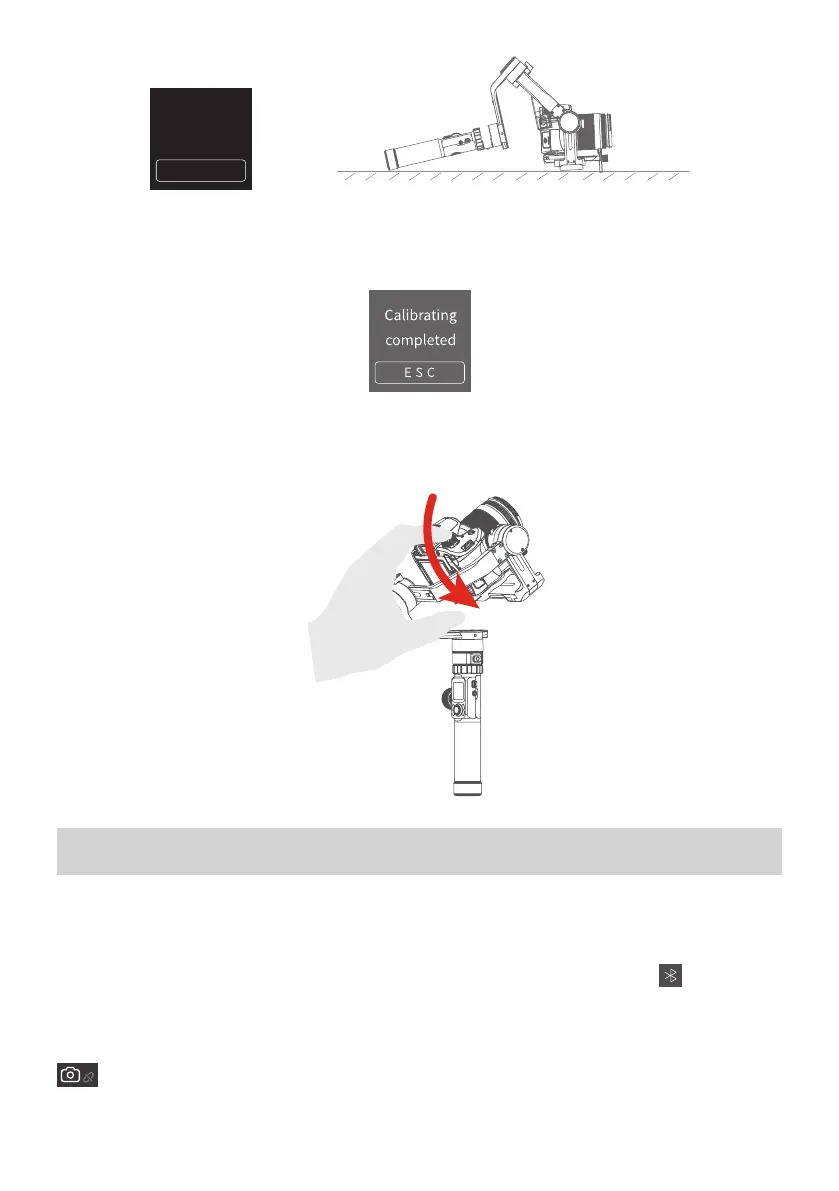
Calibrating....
Do Not Move it
E S C
(3) After the initialization is successful, slide the touch screen interface to the
left/right or click the “ESC” on the screen to wake up.
4.8 Manual Lock
Manually move camera to desired position,and hold for half a second. New tilt
and/or pan positions are automatically saved.
5. How to connect Camera with Wi-Fi
Connect Camera with Wi-Fi
(1) Power on the Gimbal.
(2) Turn on Bluetooth and Manfrotto Gimbal App, APP automatically connects to
Gimbal with the strongest signal of Bluetooth. The Bluetooth icon on display
will be lighted after successfully connected.
(3) Obtain camera’s Wi-fi name and password.
(4) Switch on Manfrotto Gimbal App, select the camera connection icon
in the virtual joystick interface, select corresponding camera brand
and camera you used, choose right camera Wi-Fi name and input pass-




 To Next Page