Appendix
TipsSettingsConnections
Contents
Front panel Display Rear panel IndexRemote
4
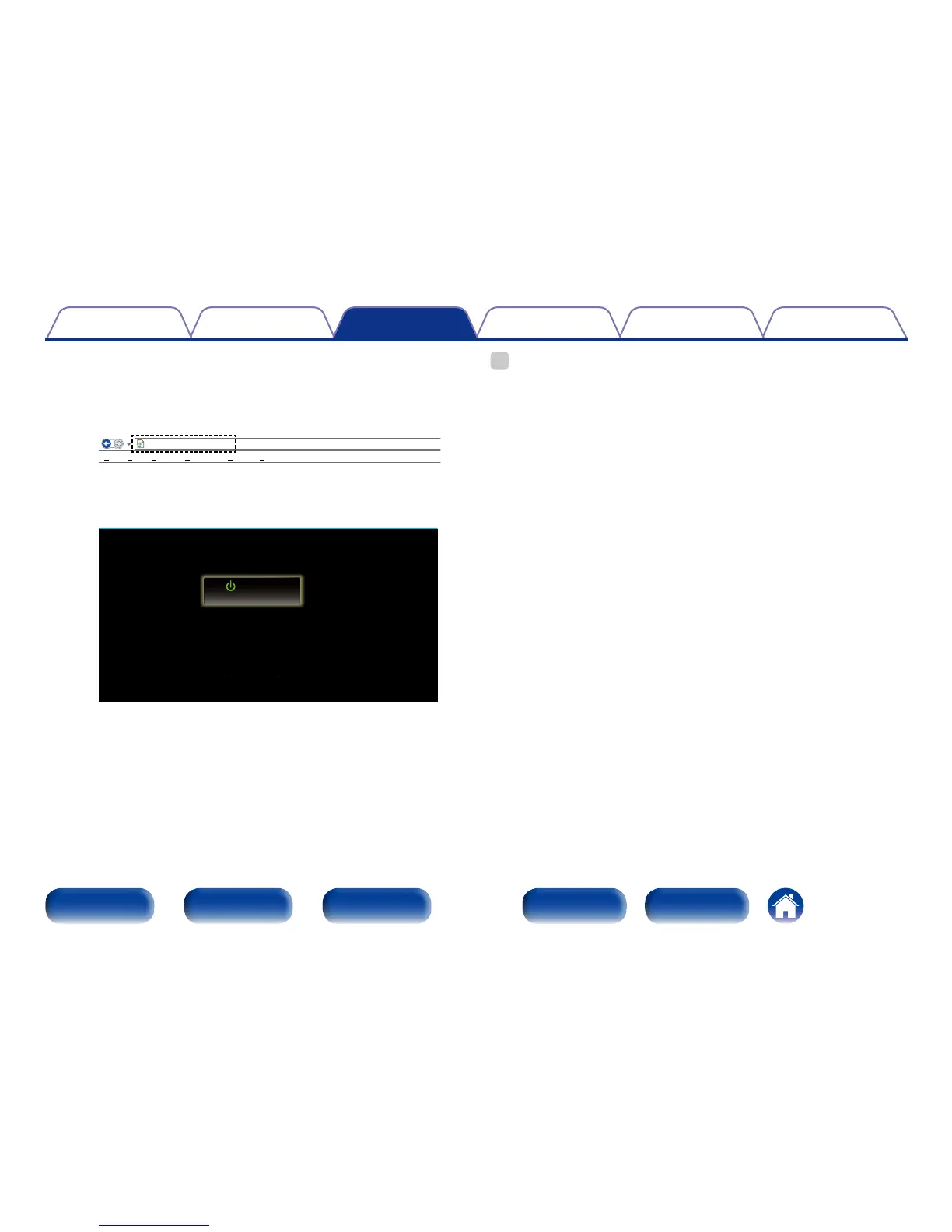
Enter the IP address of this unit in browser’s address
box.
For example, if the IP address of this unit is “192.168.0.2”, enter
“http://192.168.0.2”.
http://192.168.0.2
INDEX
File
Edit View Tools HelpFavorites
Marantz NR1504
Web Controller
Setup Menu
MAIN ZONE
0.0
CBL/SAT
5
When the top menu is displayed, click on the menu item
you want to operate.
http://192.168.0.2
INDEX
File
Edit View Tools HelpFavorites
Marantz NR1504
Web Controller
Setup Menu
MAIN ZONE
0.0
CBL/SAT
%
•You can use the Web control function with Internet Explorer 8 or later to memorize
and call up various settings on this unit.
To memorize settings, click “SAVE” on the Setup Menu screen.
To call up settings, click “LOAD” on the Setup Menu screen.

















 To Next Page