Playing back files stored on a PC and
NAS
Use this procedure to play music files, image files or playlists.
1
Prepare for playback.
q Check the network environment, then turn on this unit’s power
(vpage37 “Connecting to a home network (LAN)”).
w Prepare the computer (vComputer’s operating instructions).
2
Press NETWORK.
•You can also press MEDIA SERVER to select the input source
“Media Server” directly.
3
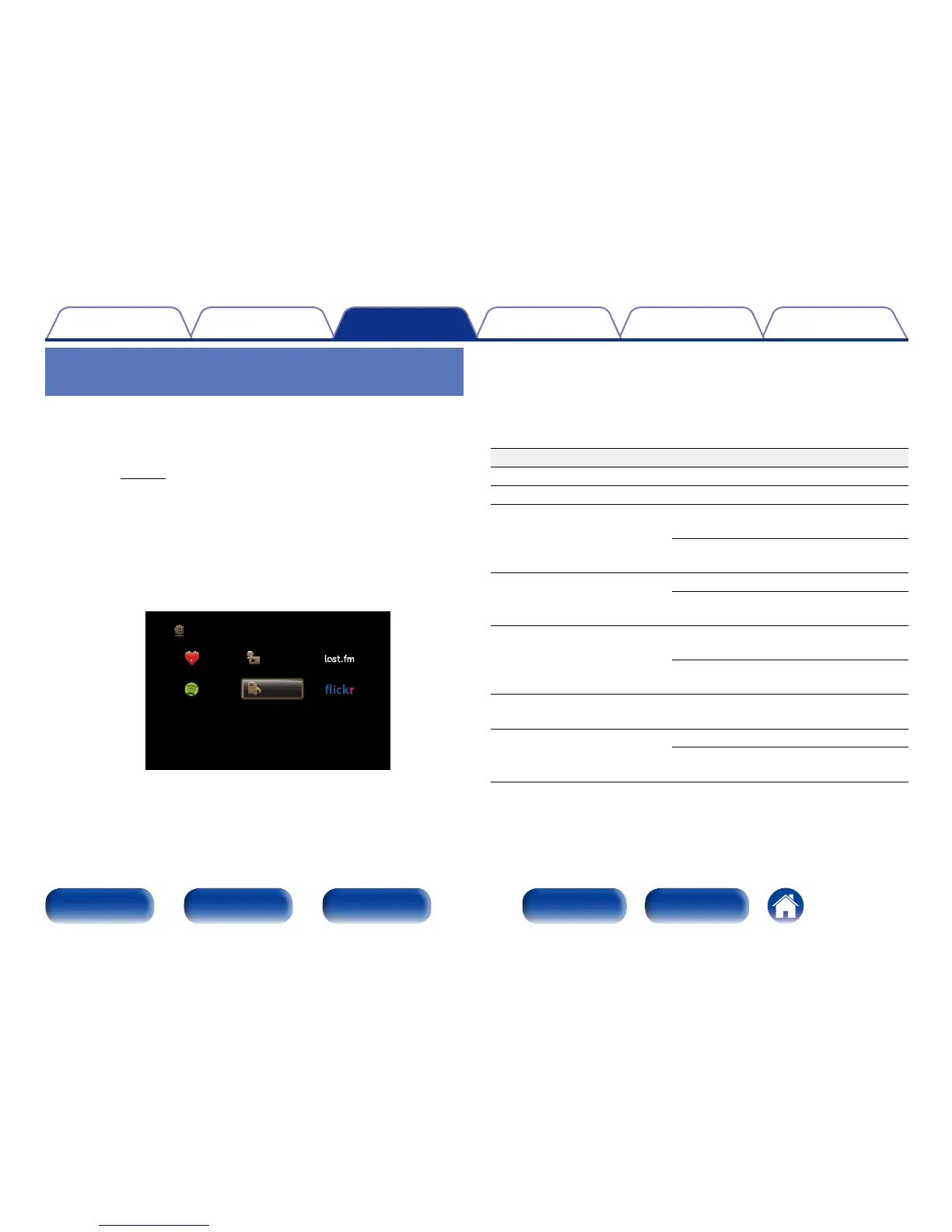
Use uio p to select “Media Server”, then press ENTER.
Favorites Internet Radio
Media Server
Spotify
Network
4
Use ui to select the server including the file to be
played, then press ENTER.
5
Use ui p to select the file, then press ENTER.
Playback starts once buering reaches “100%”.
Operation buttons Function
1
Playback
3
Pause
8 9
Skip to previous track / Skip to next
track
(Press and hold)
Fast-reverse / Fast-forward
z
ENTER
Playback / Pause
(Press and hold)
Stop
ui
Skip to previous track / Skip to next
track
(Press and hold)
Fast-reverse / Fast-forward
z
PAGE df
Switch to previous page / Switch to
next page in the list display
FAVORITE STATION 1 – 3
Call up FAVORITE STATION
(Press and hold)
Registering to FAVORITE STATION
z This function is available while an MP3 / WAV / AAC / FLAC file is being played
back.

















 To Next Page