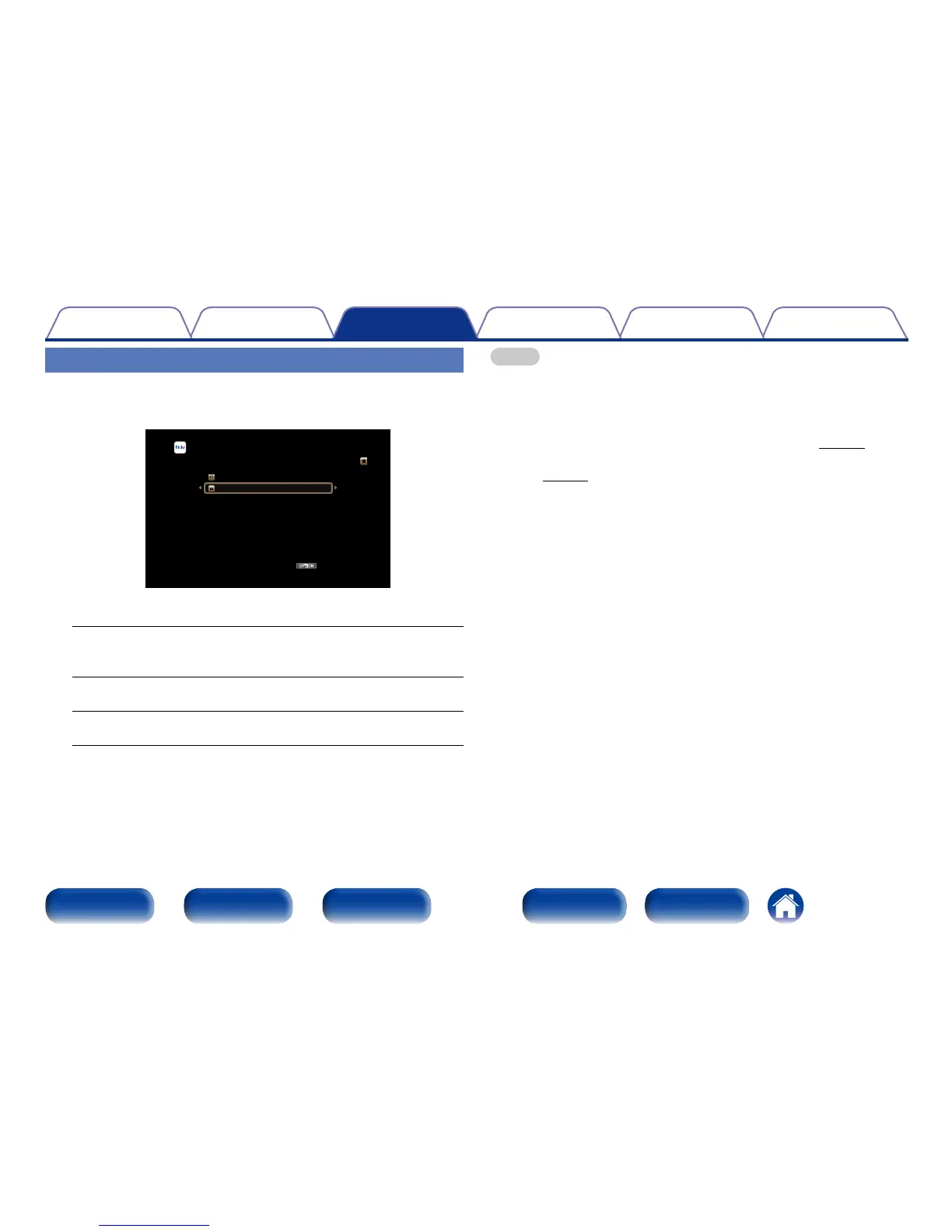
Viewing all photographs on Flickr
1
Use ui to select “All Content”, then press ENTER.
OPTION
Flickr [1/2]
Add Flickr Contact
All Content
Option
2
Use ui to select the folder, and then press ENTER.
Interestingness :
•Displays photographs that are popular from the number of user
comments or number of times they are added as favorites.
Recent :
•Displays the most recently added photographs.
Search by text :
•Search for photographs by keyword.
3
Use ui p to select the photograph, and then press
ENTER.
The selected photograph is displayed.
NOTE
•Depending on the file format, some photographs may not be viewable.
2 Operations available through the OPTION
button
•Setting the Slideshow Interval (Slideshow Time) (vpage93)
•Displaying your desired video during audio playback (Video Select)
(vpage93)

















 To Next Page