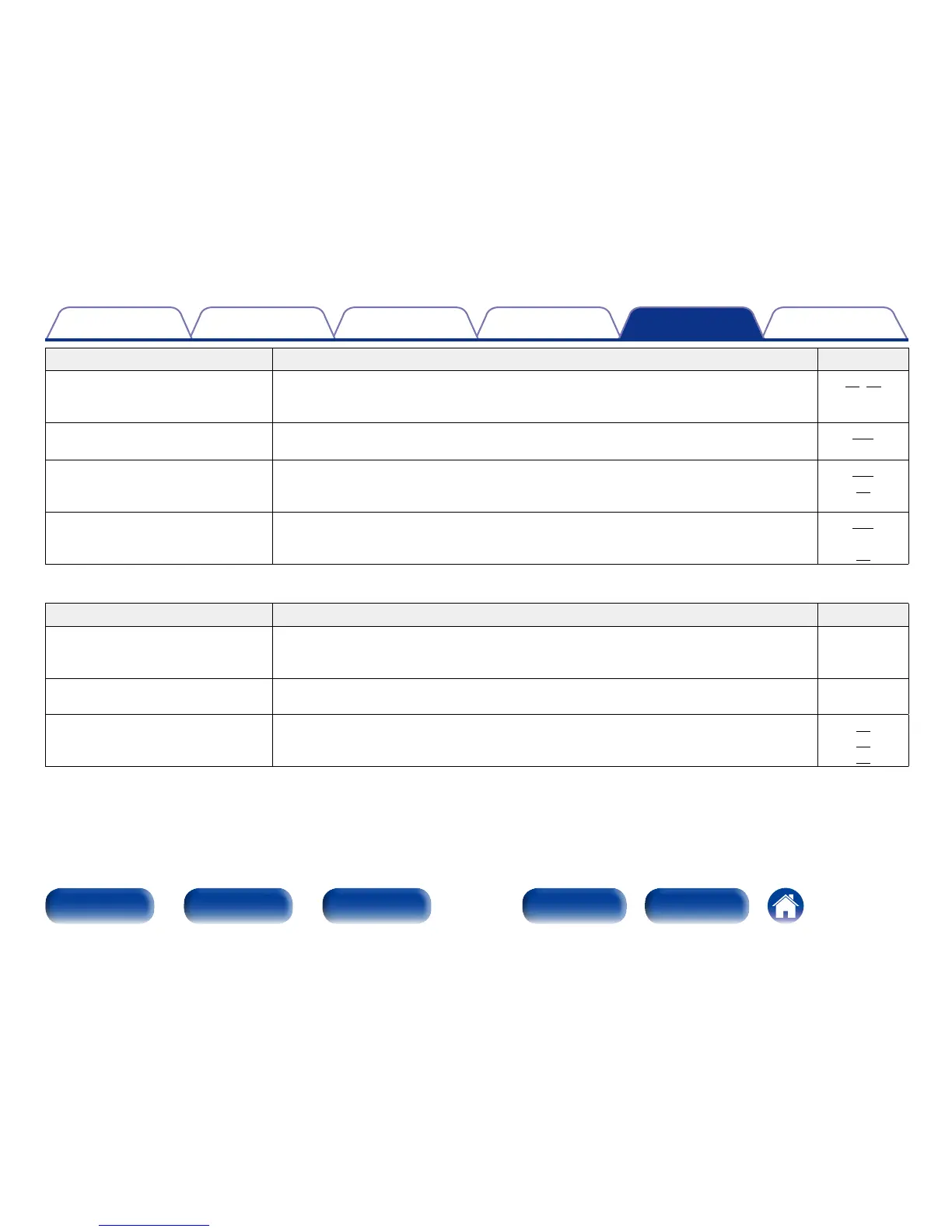
Symptom Cause / Solution Page
Dolby TrueHD, DTS-HD, Dolby Digital
Plus audio is not output.
•Make HDMI connections.
•Check the digital audio output setting on the connected device. On some devices, “PCM” is
set by default.
31,32
–
Dolby PLg mode or DTS NEO:6 mode
cannot be selected.
•It cannot be selected when “None” is set for “Speaker Config.” – “Center” and “Surround”.
•These cannot be selected when using the headphones.
145
–
Audyssey MultEQ®, Audyssey
Dynamic EQ® and Audyssey Dynamic
Volume® cannot be selected.
•These cannot be selected when you have not performed Audyssey® Setup.
•Switch the sound mode to other than “DIRECT” or “PURE DIRECT”.
•These cannot be selected when using the headphones.
136
96
–
“M-DAX” cannot be selected. •Check that an analog signal or PCM signal (Sample Rate=44.1/48 kHz) is input. For playback
of multichannel signals such as Dolby Digital or DTS surround, “M-DAX” cannot be used.
•Switch the sound mode to other than “DIRECT” or “PURE DIRECT”.
124
96
2 Sound is interrupted or noise occurs
Symptom Cause / Solution Page
During playback from the Internet
radio or USB memory device, sound
is occasionally interrupted.
•When the transfer speed of the USB memory device is slow, sound may occasionally be
interrupted.
•The network communication speed is slow or the radio station is busy.
–
–
When making a call on iPhone, noise
occurs in audio output on this unit.
•When making a call, keep a distance of 20 cm or longer between iPhone and this unit. –
Noise often occurs in FM
broadcasting.
•Change the antenna orientation or position.
•Use an FM outdoor antenna.
•Separate the antenna from other connection cables.
36
36
36

















 To Next Page