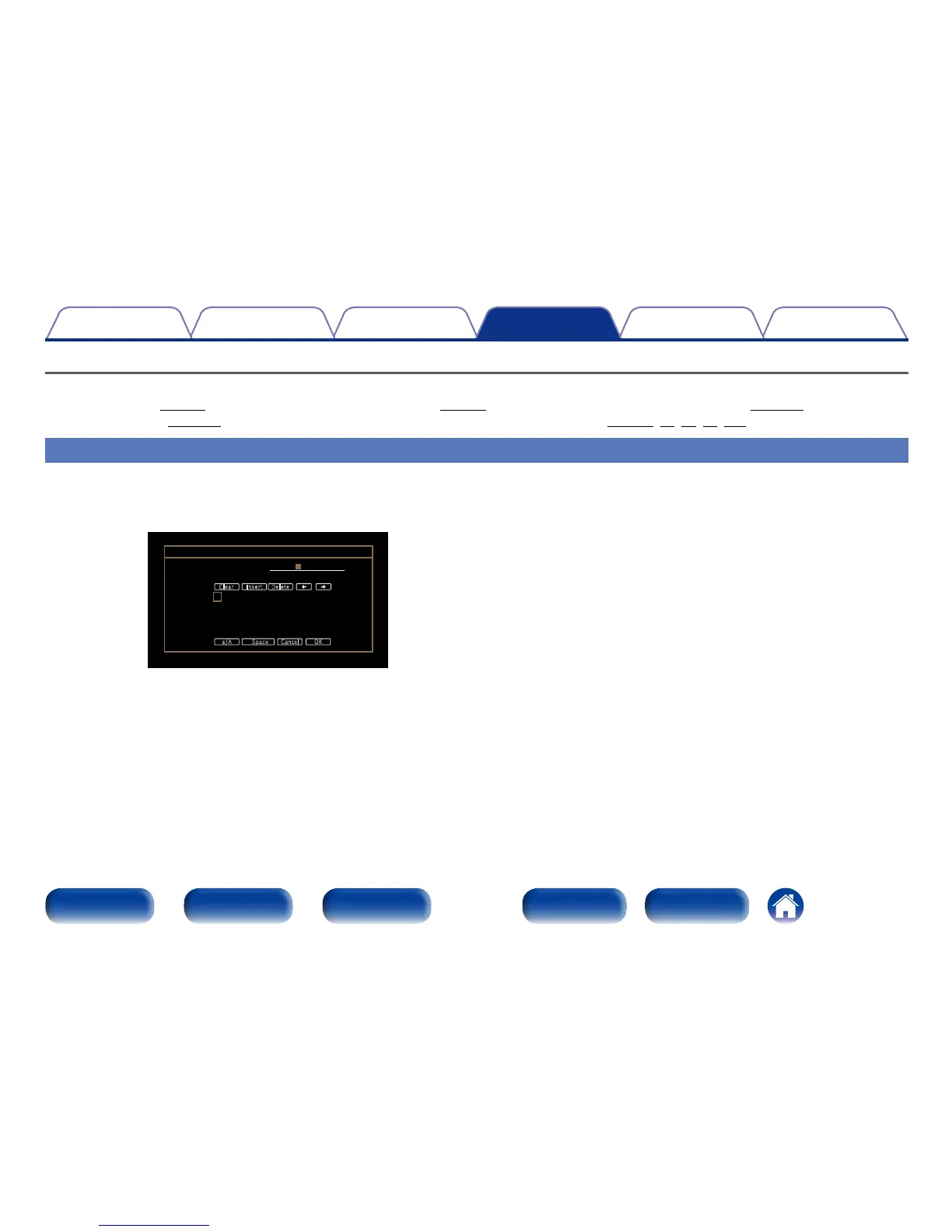
Inputting characters
On this unit, you can change the name displayed on the following screens to the names that you prefer.
•Preset Name (vpage60) •Text Search (vpage91) •Source Rename (vpage134)
•Friendly Name (vpage149) •Character input for the network functions (vpage63, 70, 75, 79, 150)
Keyboard screen
1
Display the screen for inputting characters.
GExampleH Source Rename screen
Source Rename
CBL/SAT
A
N
0
$
B
O
1
%
C
P
2
&
D
Q
3
‘
E
R
4
(
F
S
5
)
G
T
6
z
H
U
7
+
I
V
8
,
J
W
9
;
K
X
!
<
L
Y
“
=
M
Z
#
>
a/A Cancel OKSpace
InsertClear Delete
CBL/SAT
2
Select a character to be changed.
q Use uio p to select “,” or “.”.
w Press ENTER to place the cursor at the character to
be changed.
Each time ENTER is pressed, the cursor moves by one character.
3
Select a character to be input with uio p then press
ENTER.
4
Repeat steps 2 and 3 to change the name.
5
Use uio p to select “OK”, then press ENTER.

















 To Next Page