Inputs
Perform settings related to input source playback.
You do not have to change the settings to use the unit. Make settings when needed.
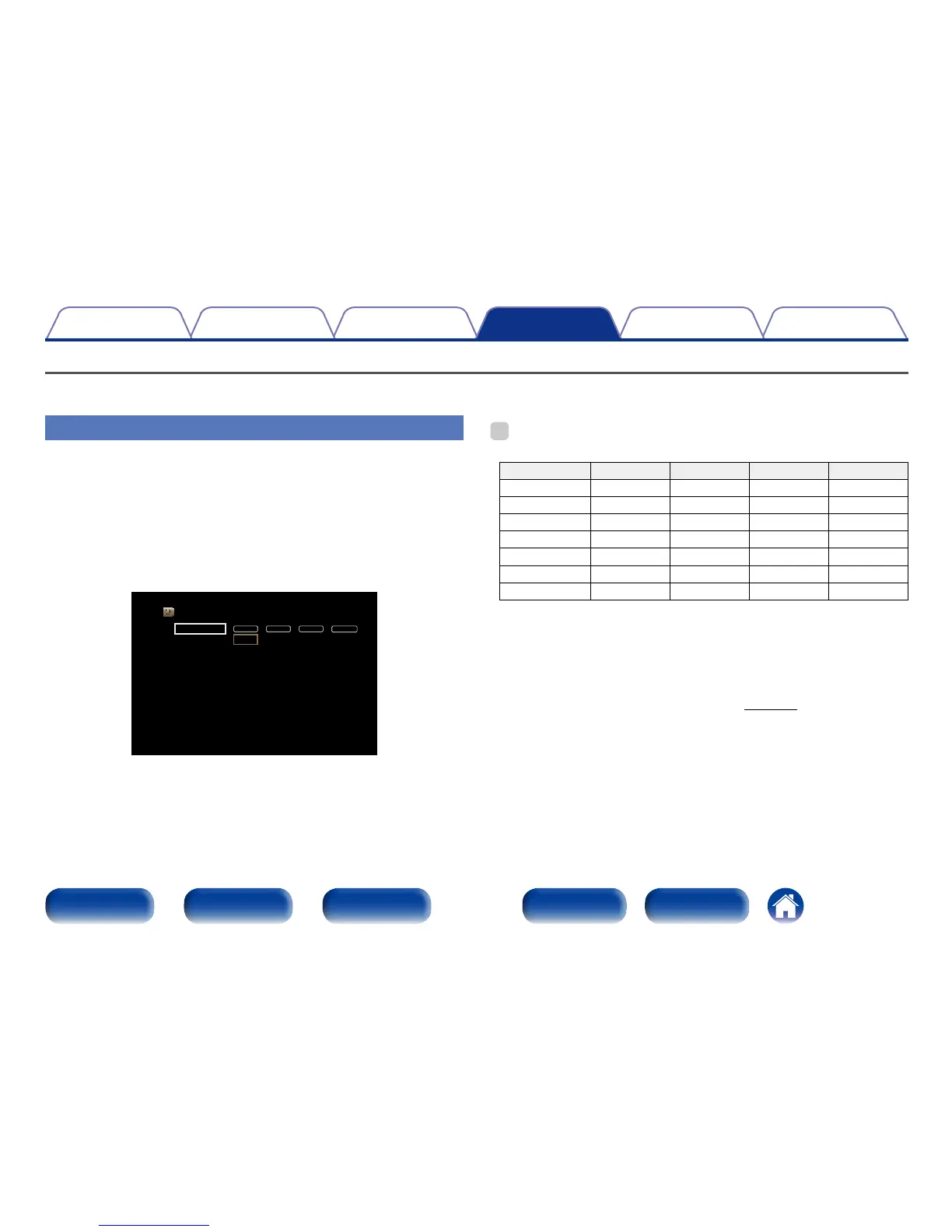
Input Assign
By making connections as indicated by the input sources printed on the
audio/video input connectors of this unit, you can just press one of the
input source select buttons to easily play back audio or video from a
connected device.
If you have made connections that are dierent to the default settings, the
HDMI input connectors, digital audio input connectors, analog audio input
connectors and video input connectors assigned to each input source can
be changed using these items.
DIGITAL ANALOGHDMI VIDEO
Set Defaults
Input Assign
CBL/SAT
Blu-ray/DVD
GAME
MEDIA PLAYER
TV AUDIO
AUX
CD
1
2
3
4
-
Front
-
Coax
-
-
-
Opt
-
-
1
2
-
-
-
-
3
1
2
-
3
-
-
-
%
•By default, each item is set as follows.
Input source HDMI DIGITAL ANALOG VIDEO
CBL/SAT 1 Coax 1 1
Blu-ray/DVD 2 – 2 2
GAME 3 – – –
MEDIA PLAYER 4 – – 3
TV AUDIO – Opt – –
AUX Front – – –
CD – – 3 –
n TV set top box/satellite users please note
When using the optical or coaxial digital audio output on a TV/satellite
box :
To play the video signal assigned to “HDMI” combined with the audio
signal assigned at “Input Assign” – “DIGITAL”, you will also need to
select “Digital” in the “Input Mode” (vpage135).

















 To Next Page