%
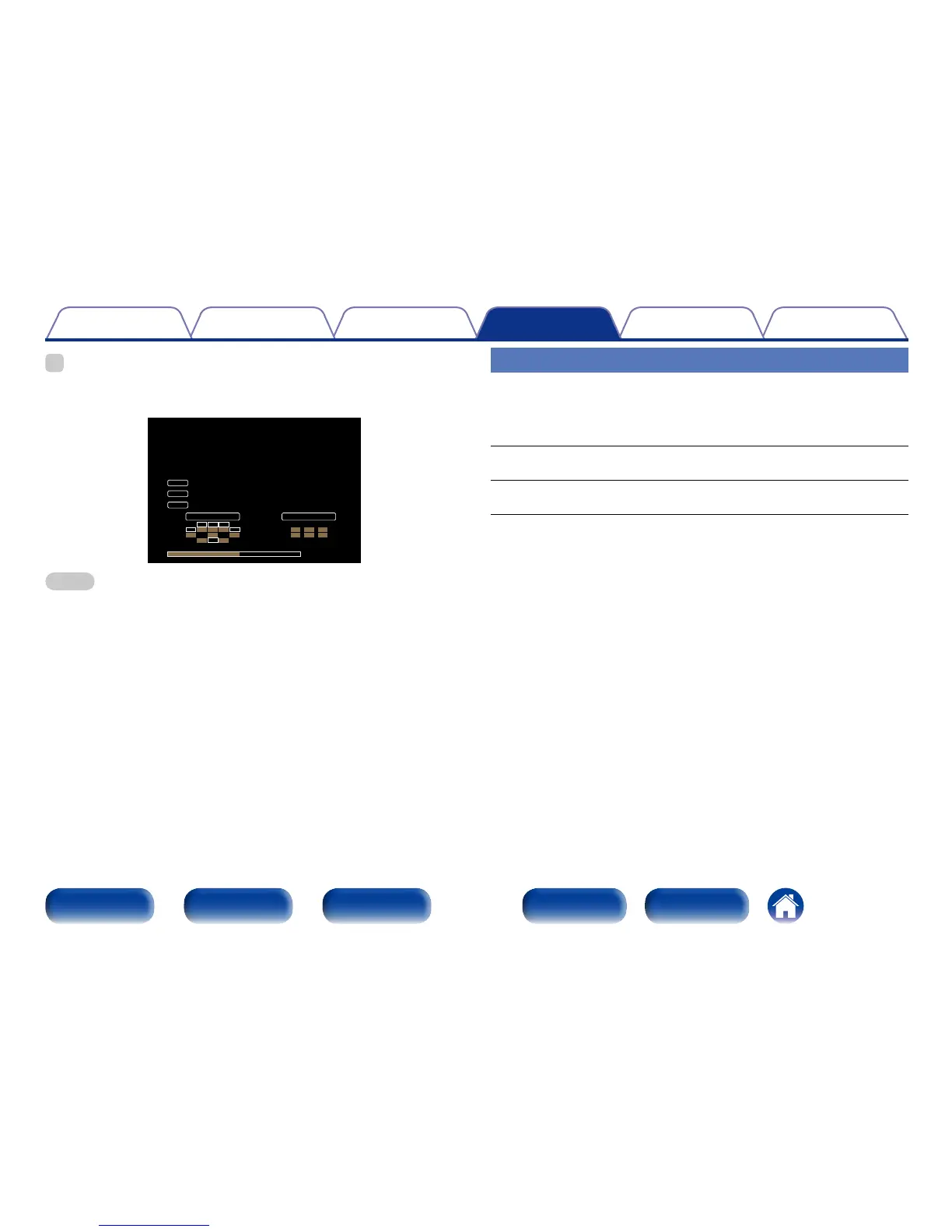
•Press INFO on the remote control unit to display current source name, volume,
sound mode name, and other information at the bottom of the screen.
EXT FHRFHL
SB SBRSBL
C FR FWRFLFWL
LFE SRSL
C FRFL
SW SRSL
INPUT SIGNAL ACTIVE SPEAKERS
SOURCE
SOUND
SIGNAL
DOLBY TrueHD
Blu-ray/DVD
Dolby TrueHD
40.0
NOTE
•The status display screen cannot be displayed at a computer’s resolution (e.g. VGA)
is being played.
Usage Data
To help us improve our products and customer service, Marantz collects
anonymous information about how you use your AV receiver (such as
frequently used input sources and sound modes and speaker settings).
Marantz will never provide any information we collect to third parties.
Yes : Provide Marantz with information about how you use this unit via
the network.
No : Do not provide Marantz with information about how you use this unit
via the network.

















 To Next Page