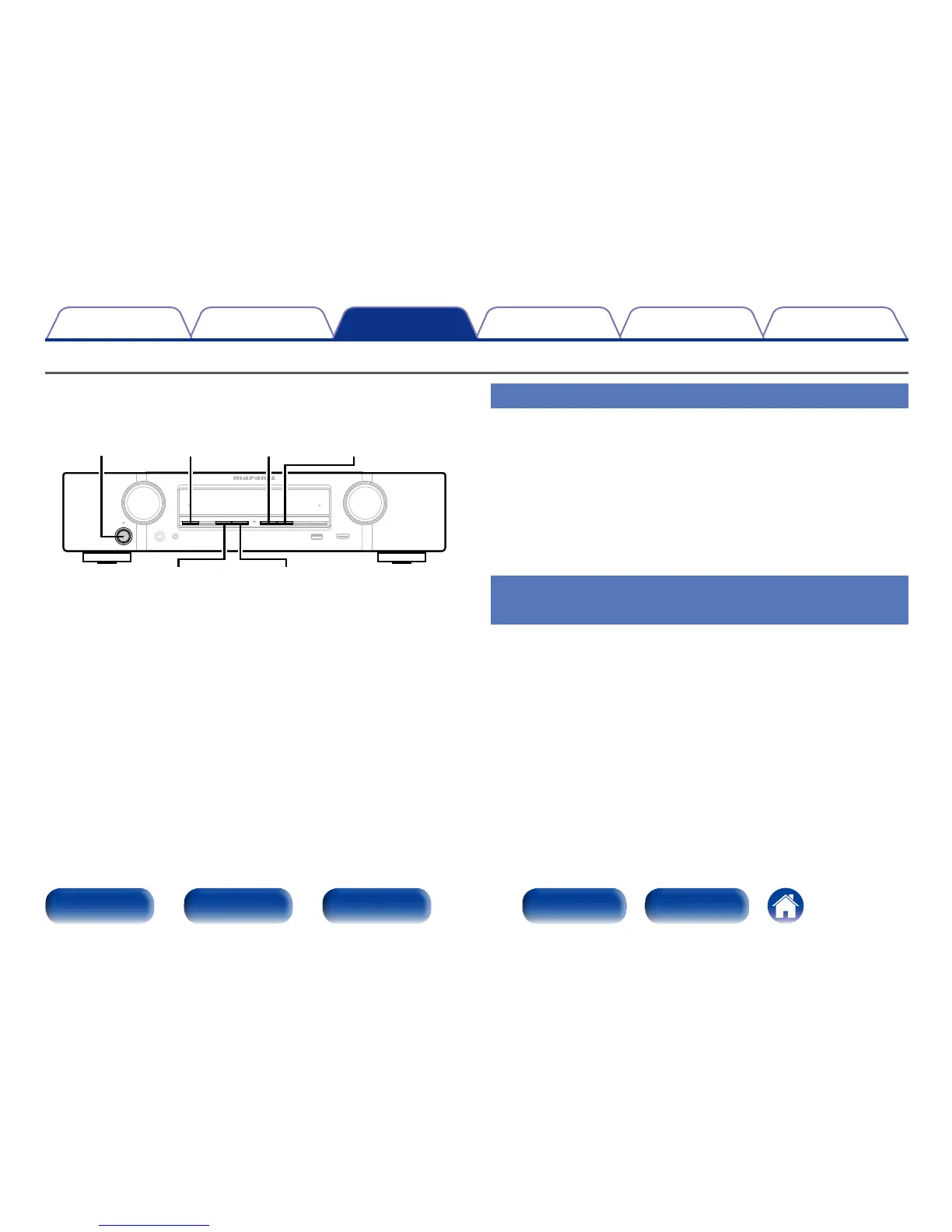
Panel lock function
To prevent accidental operation of this unit, you can disable operation of
the buttons on the front panel.
X
M-DAX STATUSDISPLAY
PRESET CH – PRESET CH +
Disabling all key button operations
1
Press X while you press and hold M-DAX and DISPLAY
with the unit in standby mode.
2
Press PRESET CH + or PRESET CH – to select “FP/VOL
LOCK On”.
3
Press STATUS to enter the setting.
All button operations except X are disabled.
Disabling all button operations except
VOLUME
1
Press X while you press and hold M-DAX and DISPLAY
with the unit in standby mode.
2
Press PRESET CH + or PRESET CH – to select “FP LOCK
On”.
3
Press STATUS to enter the setting.
All button operations except X and VOLUME are disabled.

















 To Next Page