Settings
Menu map
For menu operation, connect a TV to this unit and display the menu on the TV screen. For menu operations, see the following page.
By default, this unit has recommended settings defined. You can customize this unit based on your existing system and your preferences.
2 Audio
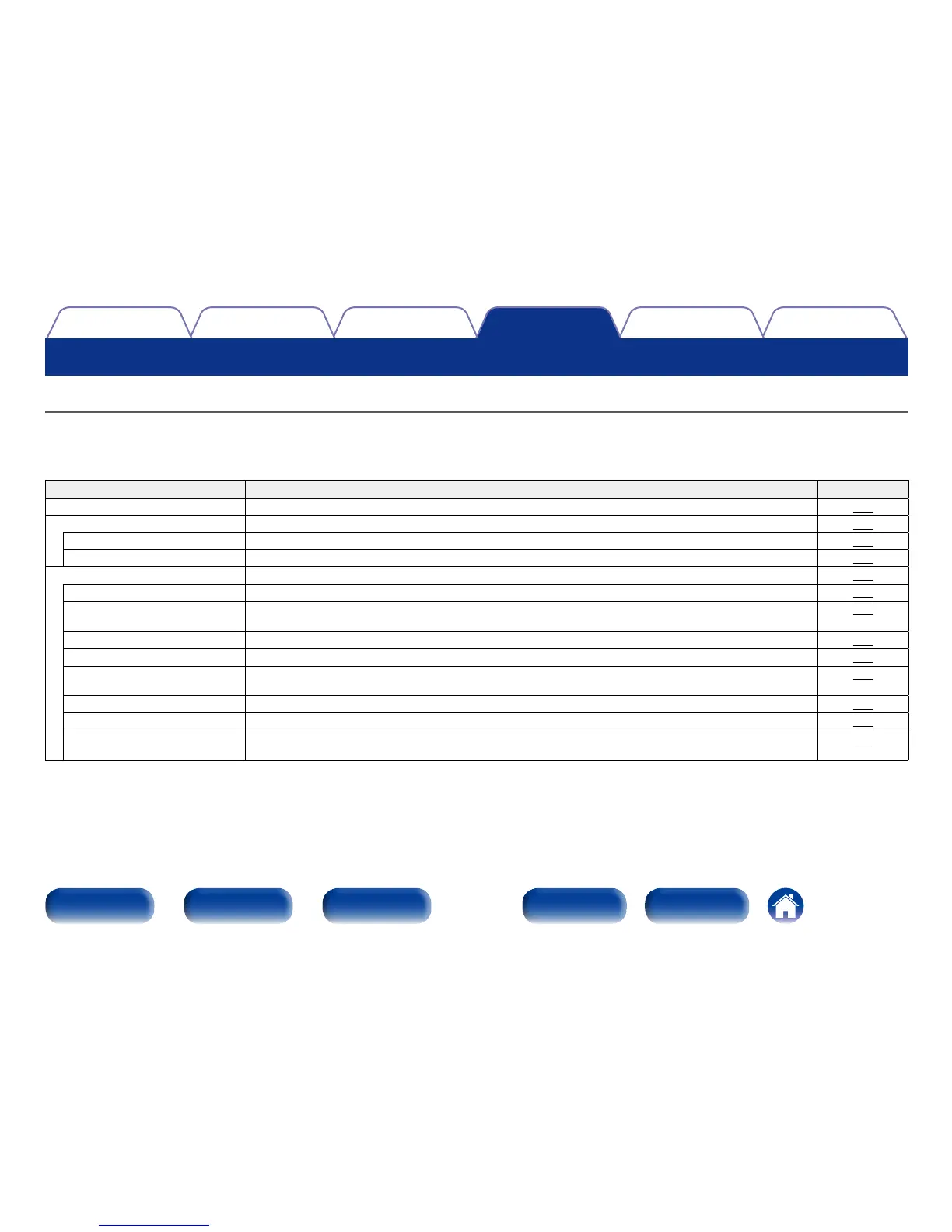
Setting items Description Page
Dialog Level This setting adjusts the output level to clarify the dialogue output from the center channel.
120
Subwoofer Level This setting adjusts the volume level for the subwoofer.
120
Subwoofer Turn subwoofer output on and o.
120
Subwoofer Level This setting adjusts the volume level for the subwoofer.
120
Surr.Parameter Adjusts surround sound parameters.
121
Home Theater EQ Gently softens the upper treble range of movie soundtracks to reduce possible harshness and improve clarity.
121
Loudness Mngmt This sets whether to output as specified in “Dynamic Comp.” or output directly without compressing the
dynamic range of audio recorded in the disc.
121
Dynamic Comp. Compress dynamic range (dierence between loud and soft sounds).
121
Low Frequency Adjust the low frequency eects level (LFE).
122
Center Image Distributes the dialogue output from the center channel to the front left and right channels and widens the sound
image in the front.
122
Panorama Assign front L/R signals to also go to the surround channels for wider sound.
122
Dimension Shift sound image center to front or rear to adjust playback balance.
122
Center Width Distributes the dialogue output from the center channel to left and right channels and widens the sound image
in the front.
123

















 To Next Page