3
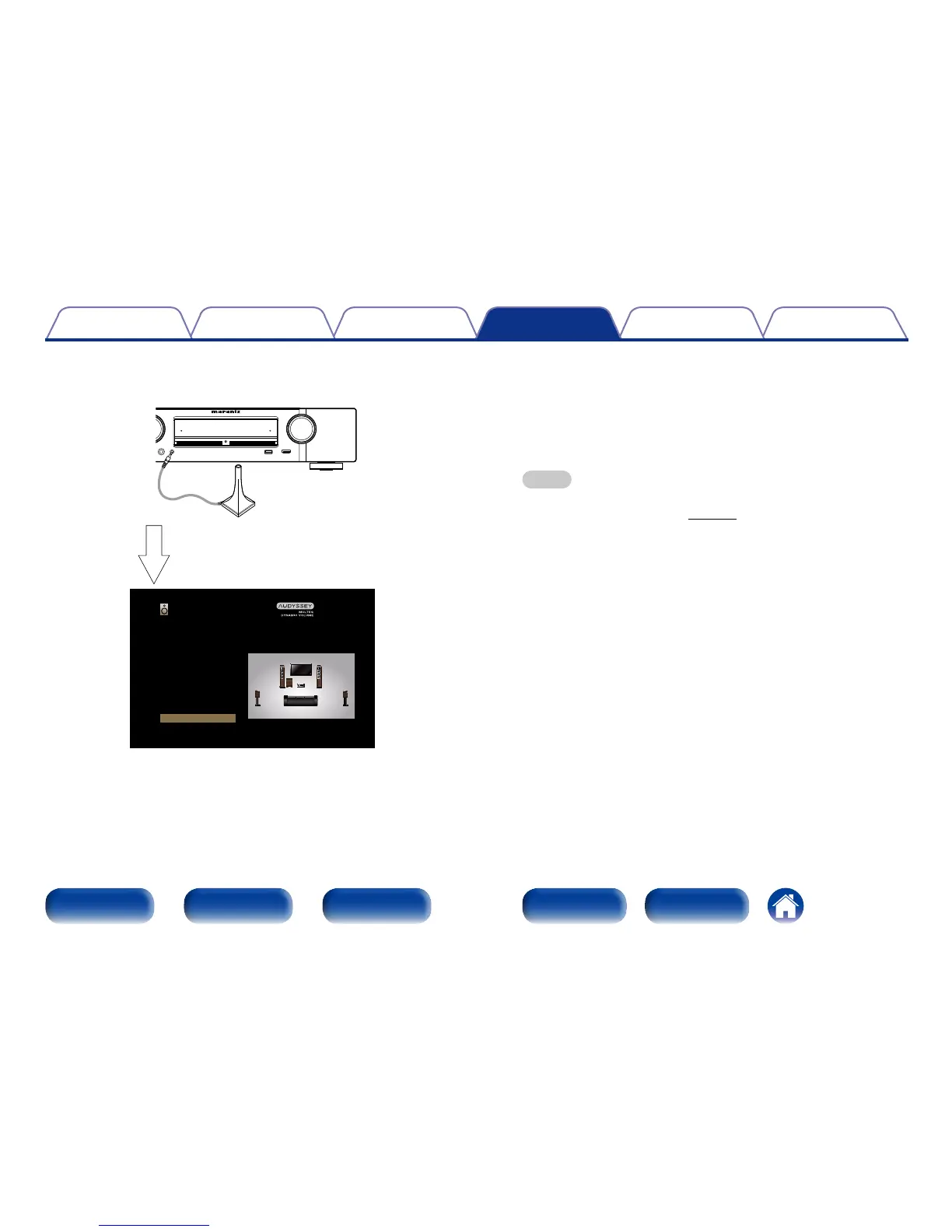
Connect the Setup and measurement microphone to
the SETUP MIC jack of this unit.
When the Setup and measurement
microphone is connected, the following
screen is displayed.
Audyssey Setup
Your AVR can automatically measure the
acoustics of your room and the optimize
your speakers.
Start
4
Select “Start” and then press ENTER.
5
Select “Next” and then press ENTER.
6
Select “Begin Test” and then press ENTER.
•Measurement requires several minutes.
NOTE
•If “Caution!” is displayed on TV screen:
Go to “Error messages” (vpage 143). Check any related items, and
perform the necessary procedures.
n When measuring has stopped
q Press BACK to display the popup screen.
w Press o to select “Yes”, and then press ENTER.

















 To Next Page