8-4 8-4
Change time delay to 15 msec (only in versions with variable delay).
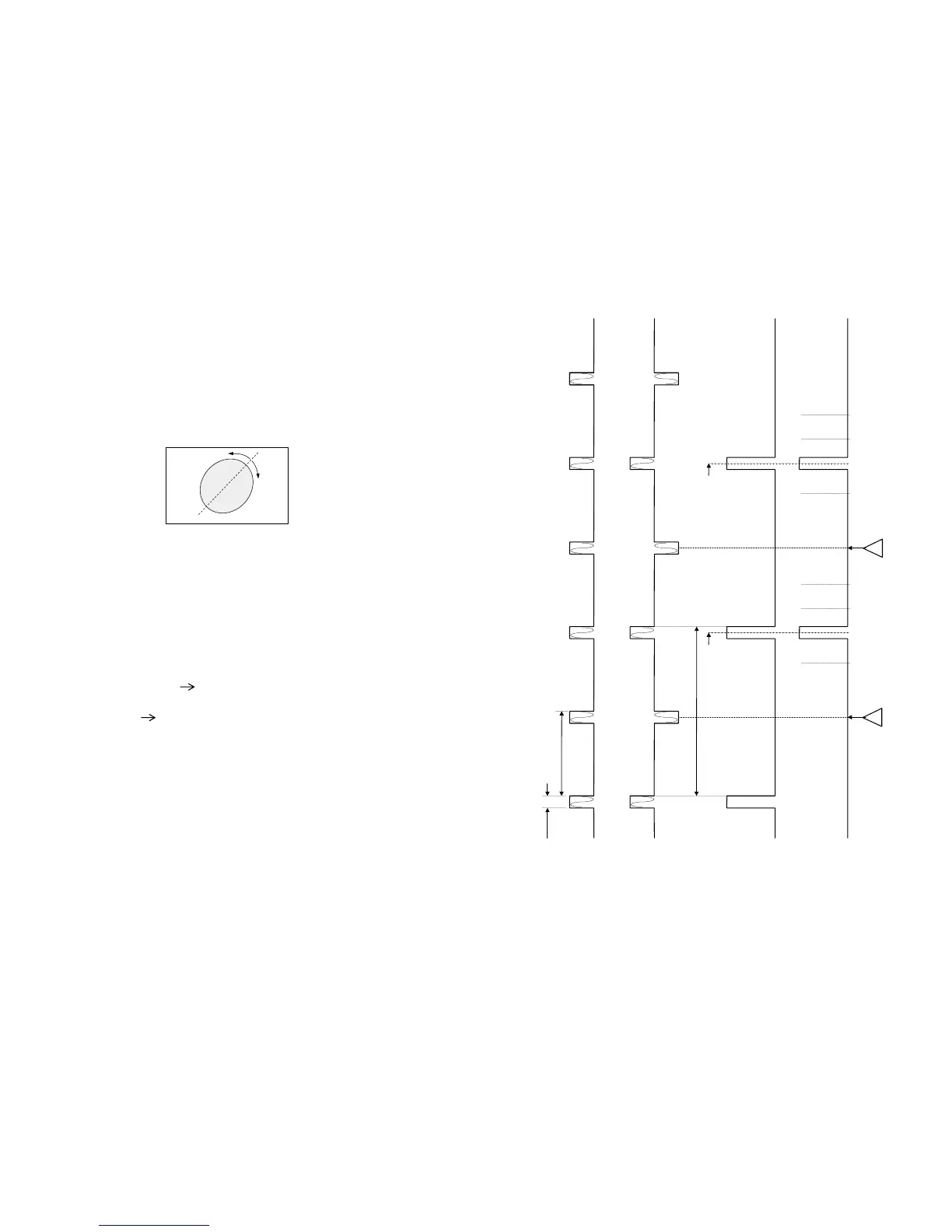
he surround pulse in channel B moves to the left with respect to side from center marker (channel A) position.
Change time delay to 25 or 30 msec (versions with variable delay).
The surround pulse in channel B moves to the right with respect to center marker (channel A) position.
Time delay with track 6
Alternative methode :
The functional operation of the time delay can be made visible with a lisajous figure, with an single beam scope.
Connect X-direction on Surround output
Connect Y-direction on Left or Right output/input.
Note : be careful and use only 1 ground connected to scope.
Select track 6 (surround test) :
Make the lisajous figure visible on the scope (amplitude adjust) see fig. 4
Lisajous out of phase
Fig 4 Time delay = OK
Note : in sets with variable time delay the ellipse of the lisajous figure must be always open. Changing the time
delay changes the direction of the circle accordingly.
CHANNEL modes:
Surround OFF (Stereo) 2 channel mode
Signal on :L out (2703) and R out (2704)
Surround ON
-Prologic 4 channel mode all four outputs are used
Signal on : L out (2703), R out (2704), Center out (2705), Surround (2706).
-Front 3 stereo No surround speaker available
The surround information is equelly to the left and right outputs.
Signal on : L out (2703), R out (2704), Center out (2705).
-HALL
Signal on : L out (2703), R out (2704), Surround (2706).
Subwoufer out. not in all versions
Signal on : Subwoofer out (2788).
(....) as indicated on the component side of the DPL decoder board.
15 msec.
25 msec.
20 msec.
1 msec = 1kHz
20 msec
20 msec20 msec
40 msec
30 msec 30 msec
25 msec25 msec 15 msec15 msec
L


 To Next Page