22
3. DUAL BACKUP MEMORY
This product has a Dual Backup Memory function. The conventional Backup functions to memorize, in the EEPROM
(U3103) in the circuit, a current setting of the moment the main power is turned off so that it can be restored when it
is turned ON again. Meanwhile, the DUAL BACKUP MEMORY is capable of memorizing any arbitrary setting that is
confi gured while the product is in operation so as to restore it at any time. When servicing units returned from end-users
for repairs, use this function to back up the current setting (e.g. Tuner Preset). This will enable the units to be returned to
the users after repairs, with the setting unchanged.
NOTE : If end-users use this function, the data will be overwritten.
The contents of the memory do not disappear even if you initialize this unit.
When you erase it, refer to "3.2 SERVICE PRECAUTIONS".
3.1. HOW TO OPERATE
-Backup-
(1) Confi gure a setting you would like to save in the MEMORY and hold down the "BAND" and "ENTER" buttons on the
Front Panel at the same time for 3 seconds or more.
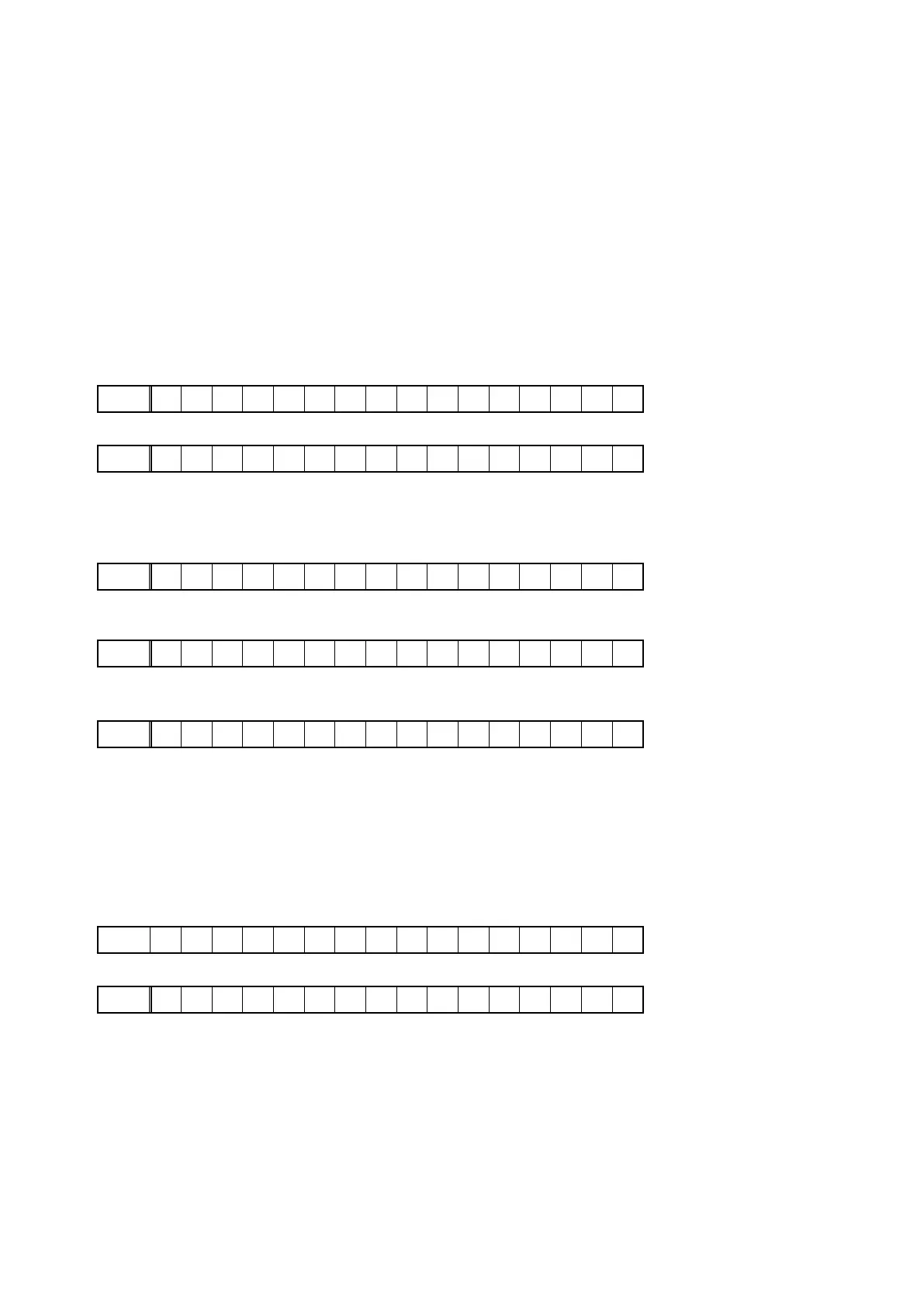
(2) The FL Display indicates "MEMORY SAVING" while the Backup is being performed.
FLD
MEMORY SAVING
(3) The FL Display indicates "COMPLETE" when the Backup is completed.
FLD
COMPLETE
-Recovery-
(1) Hold down the "BAND" and "MENU" buttons at the same time for 3 seconds or more.
(2) The FL Display indicates "MEMORY LOAD" while the Recovery is being performed.
FLD
MEMORY LOAD
(3) After the FL Display indicates "COMPLETE", the product goes into Standby mode. When the power is restored, the
Recovery is completed.
FLD
COMPLETE
The FL Display indicates "NO BACKUP" if the DUAL BACKUP MEMORY has not been activated with no data to be
recovered saved in the Memory.
FLD
NO BACKUP
3.2. SERVICE PRECAUTIONS
When the Flash Rom (U3103) on the HDMI PWB is replaced make sure, in order to maintain consistency with the
Backup Memory, to clear the DUAL BACKUP MEMORY in thefollowing way :
-How to clear the Backup Memory-
(1) Hold down the "BAND" and "AUTO" buttons at the same time for 3 seconds or more.
(2) The FL Display indicates "BACKUP CLEAR" while the memory is being cleared.
FLD
BACKUP CLEAR
(3) After the FL Display indicates "COMPLETE", the operation is completed.
FLD
COMPLETE
s



 To Next Page