6
CAUTION IN SERVICING
Initializing AV SURROUND RECEIVER
AV SURROUND RECEIVER initialization should be performed when the μcom, peripheral parts of μcom, and Digital
P.W.B. are replaced.
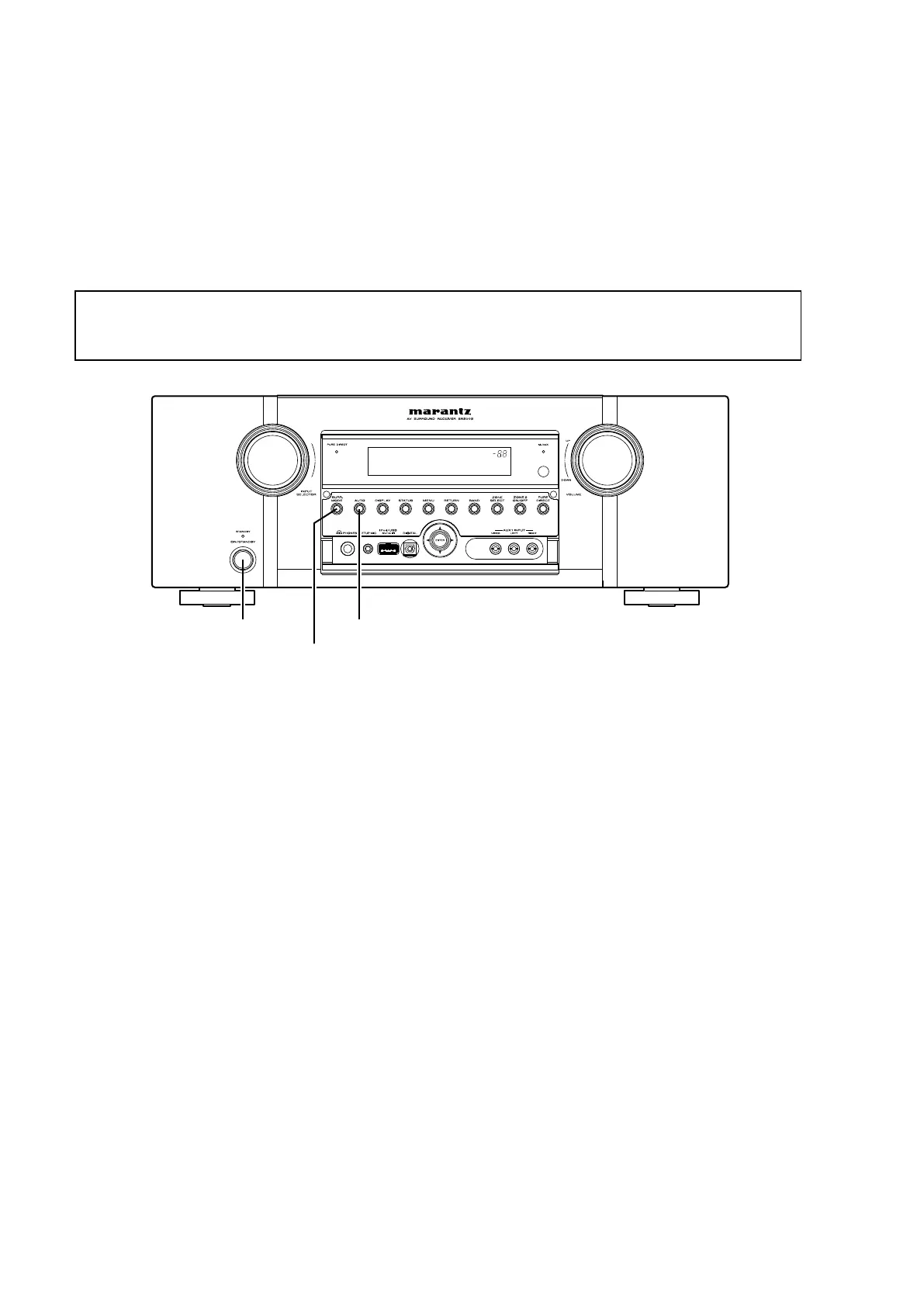
1. Turn off the power using ON/STANDBY button.
2. Press ON/STANDBY button while simultaneously pressing SURR.MODE and AUTO
buttons.
3. Check that the entire display is fl ashing with an interval of about 1 second, and release your fi ngers from the 2
buttons and the microprocessor will be initialized.
Service Jigs
When you repair the printing board, you can use the following JIG (Extension cable kit).
Please order to marantz Offi cial Service Distributor in your region if necessary.
8U-110084S :
EXTENSION UNIT KIT : 1 Set
(Refer to "JIG FOR SERVICING".)
Note:
•
If step 3 does not work, start over from step 1.
•
All user settings will be lost and this factory setting will be recovered when this initialization mode.
So make sure to memorize your setting for restoring after the initialization.
ON/STANDBY
SURR.MODE
AUTO



 To Next Page