EasyManua.ls Logo

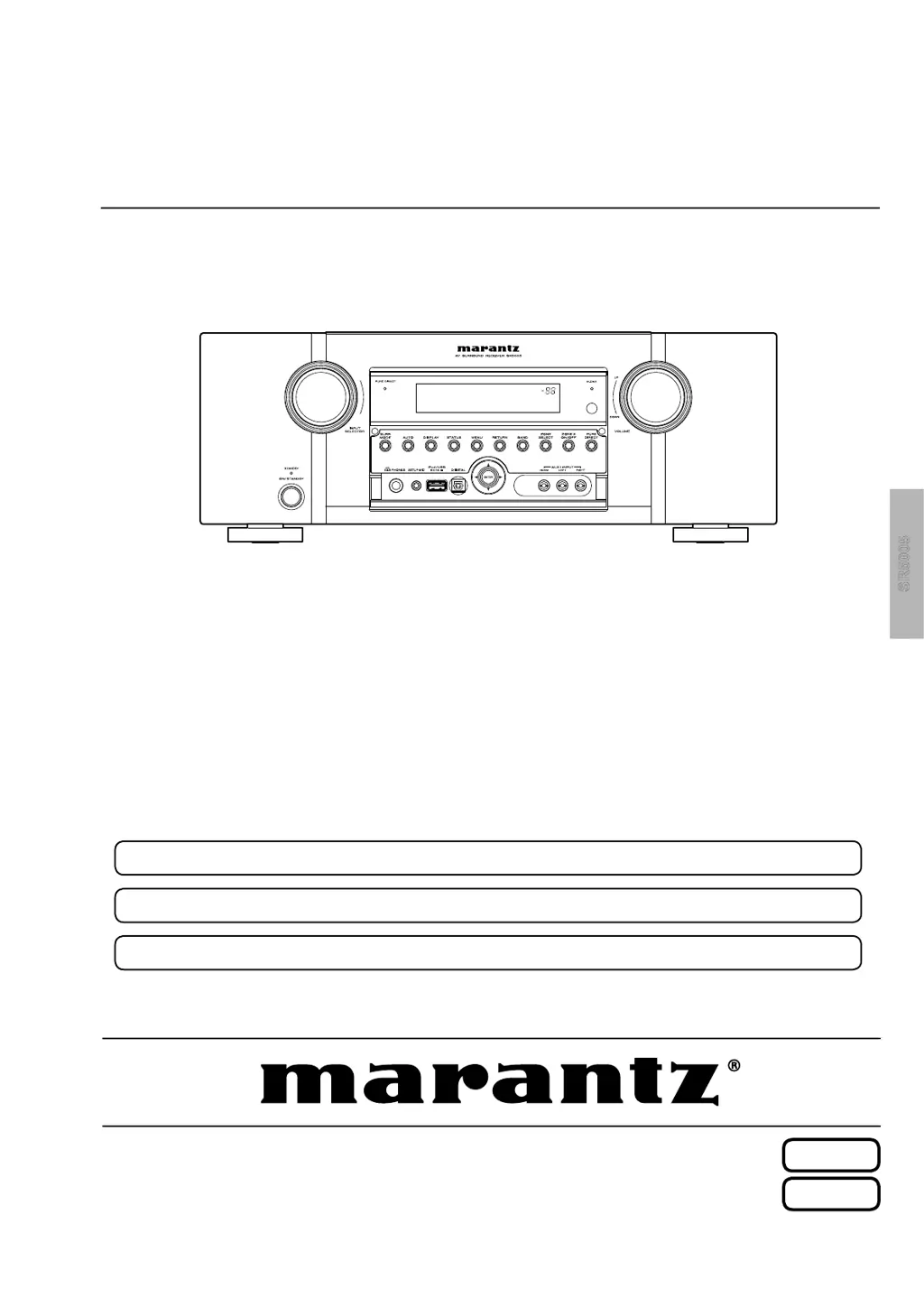
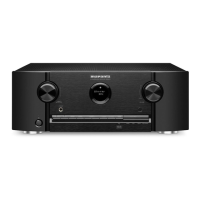
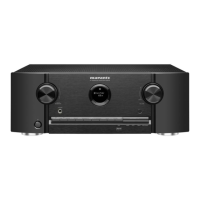
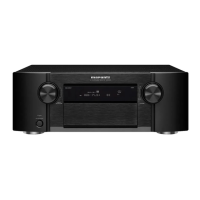
Marantz SR5005 - Service Manual

Marantz SR5005
165 pages
Print Icon
To Next Page IconTo Next Page
Loading...
Service
Manual
•
Some illustrations using in this service manual are slightly different from the actual set.
•
Please use this service manual with referring to the operating instructions without fail.
•
For purposes of improvement, speci cations and design are subject to change without notice.
AV Surround Receiver
SR5005 /
N1SG/N1B/U1B
/K1B
s
SR5005
SR5005
S0158-1V03DM/DG1010
Copyright 2010 D&M Holdings Inc. All rights reserved.
WARNING: Violators will be prosecuted to the maximum extent possible.
Ver. 3
Please refer to the
MODIFICATION NOTICE.

Table of Contents

Other manuals for Marantz SR5005

Questions and Answers

  • F
    felicialunaAug 21, 2025
    Why is my Marantz Receiver not responding to the remote control?
    • D
      Dominique OsborneAug 21, 2025
      If the remote control isn't working with your Marantz Receiver: * Replace the batteries with new ones. * Ensure you're within 23 ft/7 m and within a 30° angle of the unit. * Remove any obstructions between the remote and the receiver. * Verify the batteries are inserted correctly, matching the polarity marks. * Shield the receiver's remote sensor from strong light sources like direct sunlight or fluorescent lights.
  • J
    Jessica GrahamSep 3, 2025
    Why is there no sound from the surround back speaker on my Marantz Receiver?
    • S
      Shaun SilvaSep 3, 2025
      If there's no sound from the surround back speaker on your Marantz Receiver: * Set “Amp Assign” to “Normal” in the menu. * Ensure “Speaker Config.” – “S.Back” is set to something other than “None”. * Make sure the surround mode is not set to “STEREO.”
  • K
    Keith StokesSep 1, 2025
    Why is Dolby TrueHD not working on my Marantz Receiver?
    • J
      jason13Sep 1, 2025
      If Dolby TrueHD, DTS-HD, or Dolby Digital Plus audio isn't outputting from your Marantz Receiver, ensure you are using HDMI connections.
  • R
    Ronald HernandezAug 30, 2025
    Why is there no audio output with HDMI connection on my Marantz Receiver?
    • Y
      yatesjenniferAug 31, 2025
      If you're not getting audio with an HDMI connection on your Marantz Receiver: * Check the HDMI connector connections. * To output audio from the speakers, set “HDMI Audio Out” to “Amp” in the menu. * To output audio from a TV, set “HDMI Audio Out” to “TV” in the menu.
  • B
    Brandon ConnerAug 29, 2025
    How can I improve the radio reception on my Marantz Receiver?
    • D
      Donald LeonAug 29, 2025
      If you're experiencing poor reception, noise, or distortion on your Marantz Receiver: * Try adjusting the antenna's orientation or position. * Keep the AM loop antenna separate from the unit. * Consider using an FM outdoor antenna. * Keep the antenna away from other connection cables.
  • M
    Michael SolisAug 27, 2025
    How to troubleshoot no sound from the subwoofer on my Marantz Receiver?
    • K
      Kathryn AvilaAug 27, 2025
      If your Marantz Receiver's subwoofer isn't producing sound: * Check the subwoofer connections. * Ensure the subwoofer is powered on. * In the menu, set "Speaker Config." – "Subwoofer" to "Yes". * Note: If "Front" and "Center" are set to "Large" and "Subwoofer Mode" is set to "LFE", the subwoofer might not output sound depending on the input signal or surround mode.
  • S
    santosjodiAug 26, 2025
    What to do if no video is output with HDMI connection on Marantz Receiver?
    • S
      Samantha CastilloAug 27, 2025
      If you're not getting video output via HDMI on your Marantz Receiver: * Check the HDMI cable connections. * Ensure the input source matches the connected HDMI port. * Verify that your TV supports HDCP. Incompatibility can prevent video output.
  • M
    michael94Aug 25, 2025
    How to fix a Marantz Receiver that does not turn on?
    • W
      woodphilipAug 25, 2025
      If your Marantz Receiver isn't powering on: * Make sure the power plug is fully inserted into the outlet. * If the protection circuit is active, unplug the receiver, wait 5-10 seconds, and plug it back in.
  • S
    sarafloresAug 23, 2025
    Why is there no audio output from my Marantz Receiver?
    • A
      Adam PattersonAug 23, 2025
      If audio is not coming from your Marantz Receiver, try these steps: * Check all device connections. * Verify the speaker connections. * Ensure the audio device is powered on. * Adjust the master volume. * Deactivate mute mode. * Select the correct input source and mode. * Disconnect headphones, as they may disable speaker output.

Summary

Marantz Design and Service Information

Shock, Fire Hazard Service Test

Details the essential safety tests to be performed after servicing.

Safety Precautions

Leakage Current Check

Procedure for performing leakage current checks before returning the unit.

Electric Shock Cautions

Warnings about electric shock hazards when working with energized sets or high voltage parts.

Service Procedures

Disassembly

Step-by-step guide for disassembling the unit and its main assemblies.

Version Upgrade Procedure

Step-by-step guide for updating the unit's firmware.

Adjustments

Troubleshooting

Troubleshooting Power Issues

Diagnoses and resolves problems related to power and blown fuses.

System Diagrams

Schematic Diagrams

Detailed circuit diagrams for various sections of the unit.

Component and Parts Information

Marantz SR5005 Specifications

General IconGeneral
Channels7.1
HDMI Inputs4
HDMI Outputs1
Signal-To-Noise Ratio100 dB
Input Sensitivity200 mV
Tuner BandsAM/FM
HDMI SwitchingYes
3D TechnologyYes
Frequency Response10Hz-100kHz
Damping Factor100
Tone ControlBass, Treble
Dolby TechnologiesDolby Digital Plus, Dolby TrueHD, Dolby Pro Logic IIz
DTS TechnologiesDTS-HD Master Audio, DTS Neo:6
Audyssey TechnologiesAudyssey Dynamic EQ, Audyssey Dynamic Volume
Dimensions440 x 161 x 346 mm
Response Bandwidth10Hz-100kHz
Input Impedance47k ohms
Speaker Impedance6 - 8 Ohm
Power Output100 watts per channel (8 ohms, 20Hz-20kHz, 0.08% THD)
Amplifier Output Details100 watts per channel (8 ohms, 20Hz-20kHz, 0.08% THD)

Related product manuals