6. Tablet Holder Install
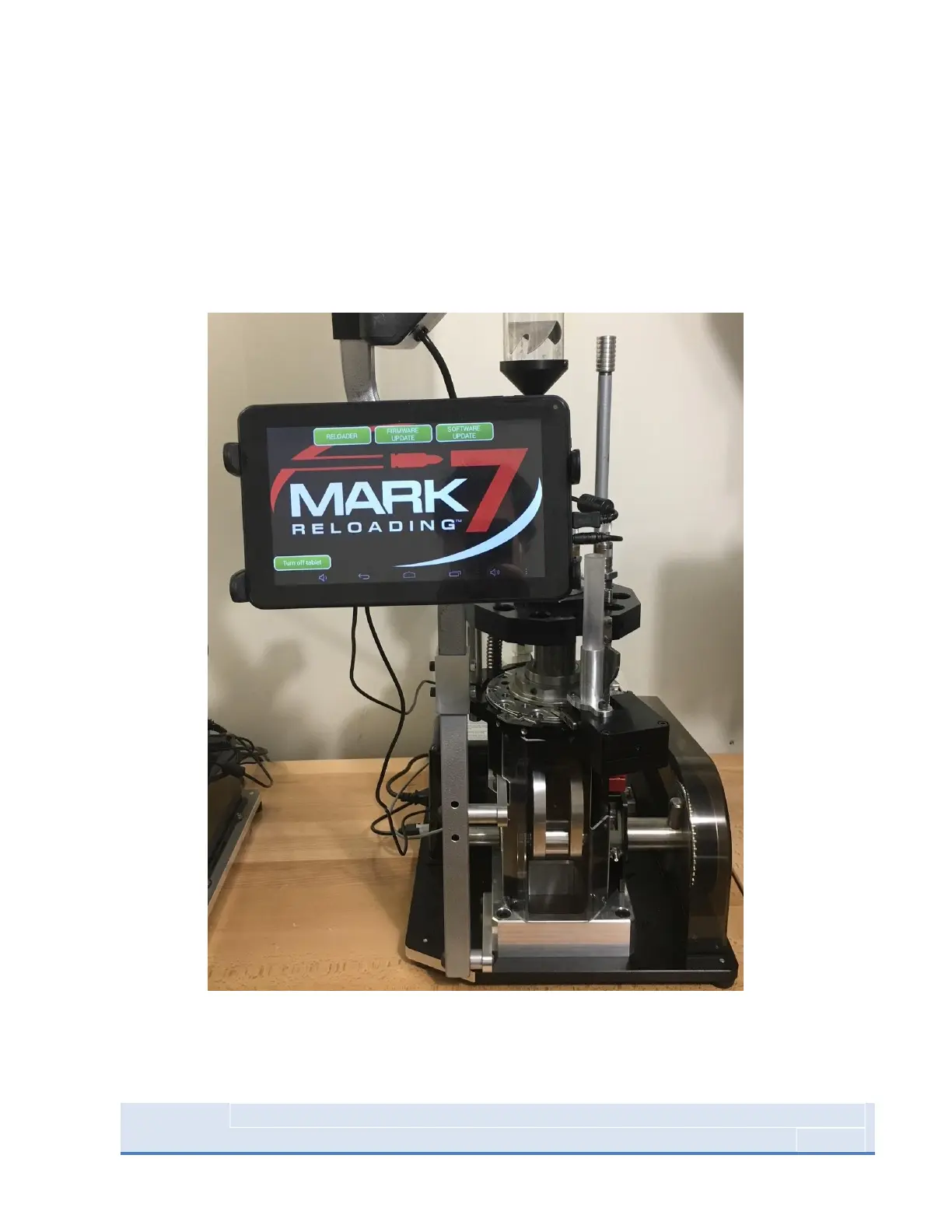
Attach tablet holder arm to the tablet holder. Once attached, clamp tablet holder arm to brass feeder
post at the desired position. Once tablet holder is positioned correctly, carefully pull the arms to expand
enough to accommodate tablet as seen in picture. To power tablet, press and hold the button on the
upper right-hand side of the tablet. Be mindful that the arms do not cover the power or the micro-USB
inputs on the tablet.
Figure 6: Tablet Installed in holder



 To Next Page