Software and Firmware Update Instructions
1. Download the latest software/firmware from the support section of our website. Installation
instructions specific to the update will be included in the downloaded file. These are general
update instructions.
2. Unzip the downloaded file and make sure your file manager doesn’t change the name of the
zipped files or file extensions. This sometimes happens if the same file is downloaded twice or
multiple times. Confirm the downloaded files read exactly as shown below:
Firmware: __Mark7_mot.hex
Software: Mark7Reloader.apk and Firmup.apk*
*May only be included in some update packages
3. Insert the Micro SD card into the SD card adapter that was provided with the Mark 7® Autodrive
and load the downloaded .hex and .apk file(s) onto the SD card via a SD card reader.
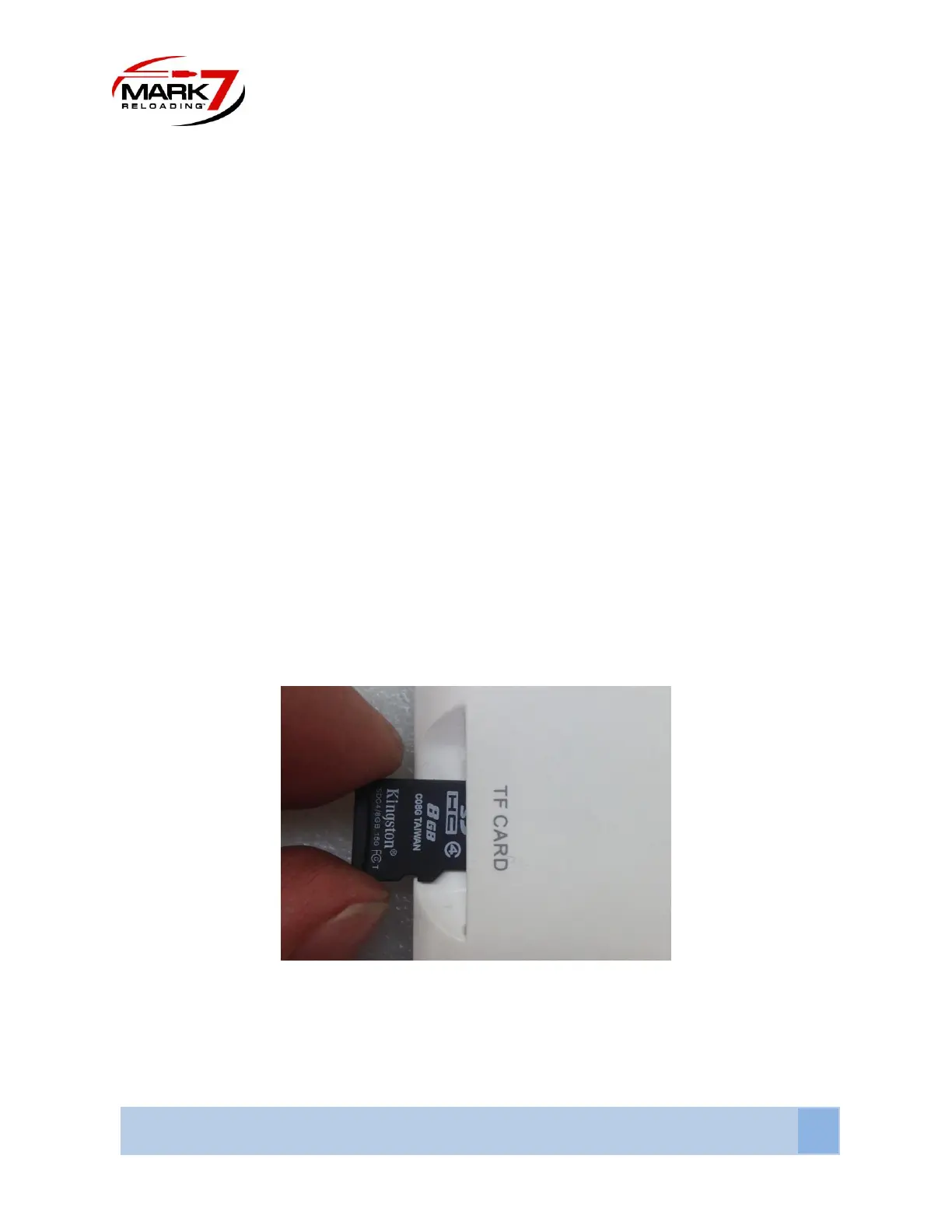
4. Remove the micro SD card from the SD adapter and insert it into the back of the tablet. Make
sure the SD is inserted in the orientation shown below with the text facing out.
Figure 37: Orientation of Micro SD card
5. Power on the tablet and the Mark 7® console and clear shell plate; make sure all system cables
are fully connected as in normal operation.



 To Next Page