DECAPSense
TM
Installation Instructions (Optional Sensor)
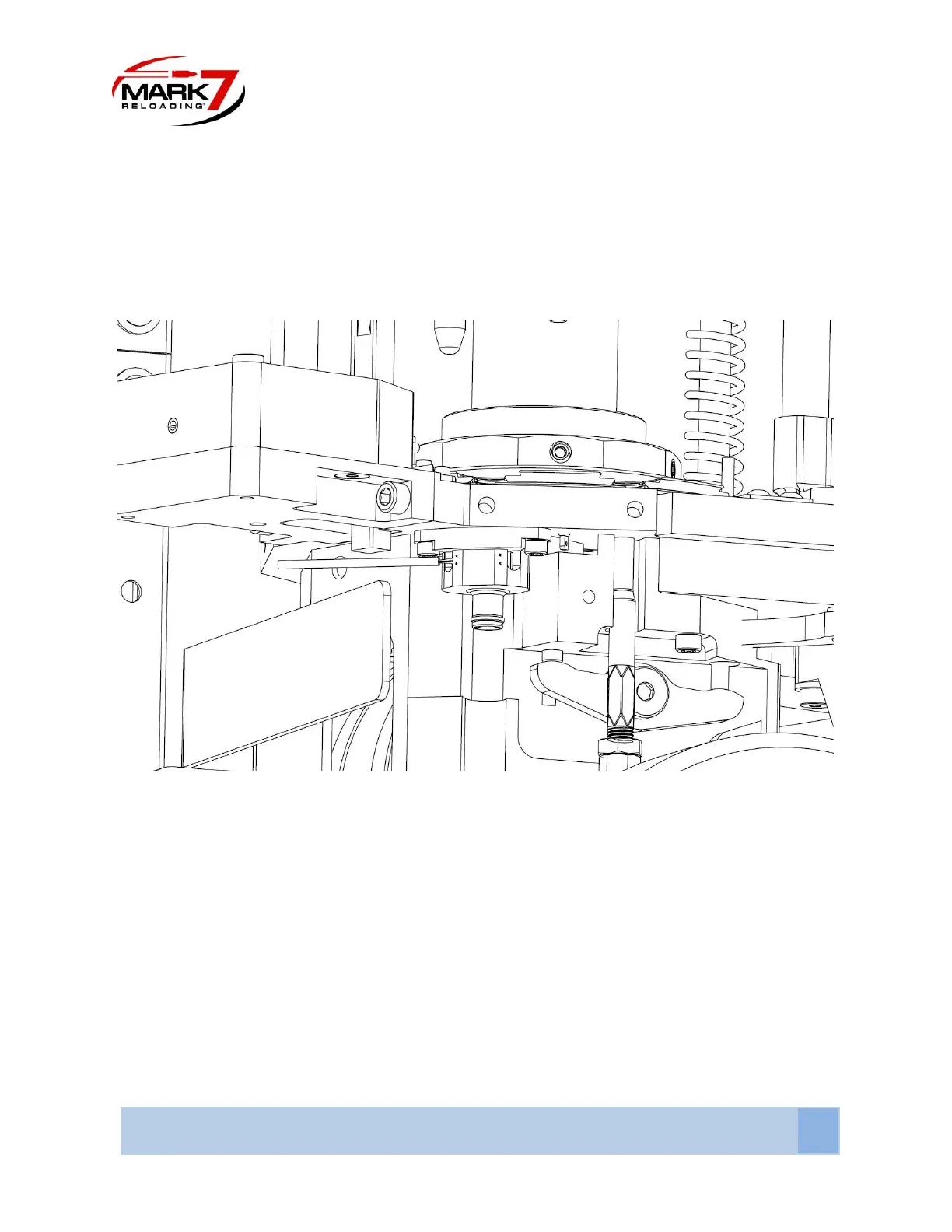
Replace the Evolution Decap Mount with the DecapSense® sensor and re-attach the hose. The Decap
sensor plugs into Port #5 – Refer to the Console port section for more information.
Figure 26: Evolution DecapSense®™
DecapSense® Sensor™ Operating Instructions
1. The Mark 7® DecapSense ® must be connected to the console before you enter the Reloading
application and enabled on the sensor tab.
2. Calibrate and run the machine as normal. When a spent primer is not ejected the following
notification box will appear. After you rectify the issue press okay and proceed with normal
operation.



 To Next Page