Operating Instructions:
WARNING - This equipment uses a high-power motor and drive belt system. Avoid contact with any
part of the drive belt or sprockets. Contact with the drive belt or sprockets could result in serious injury
or death.
Main Screen
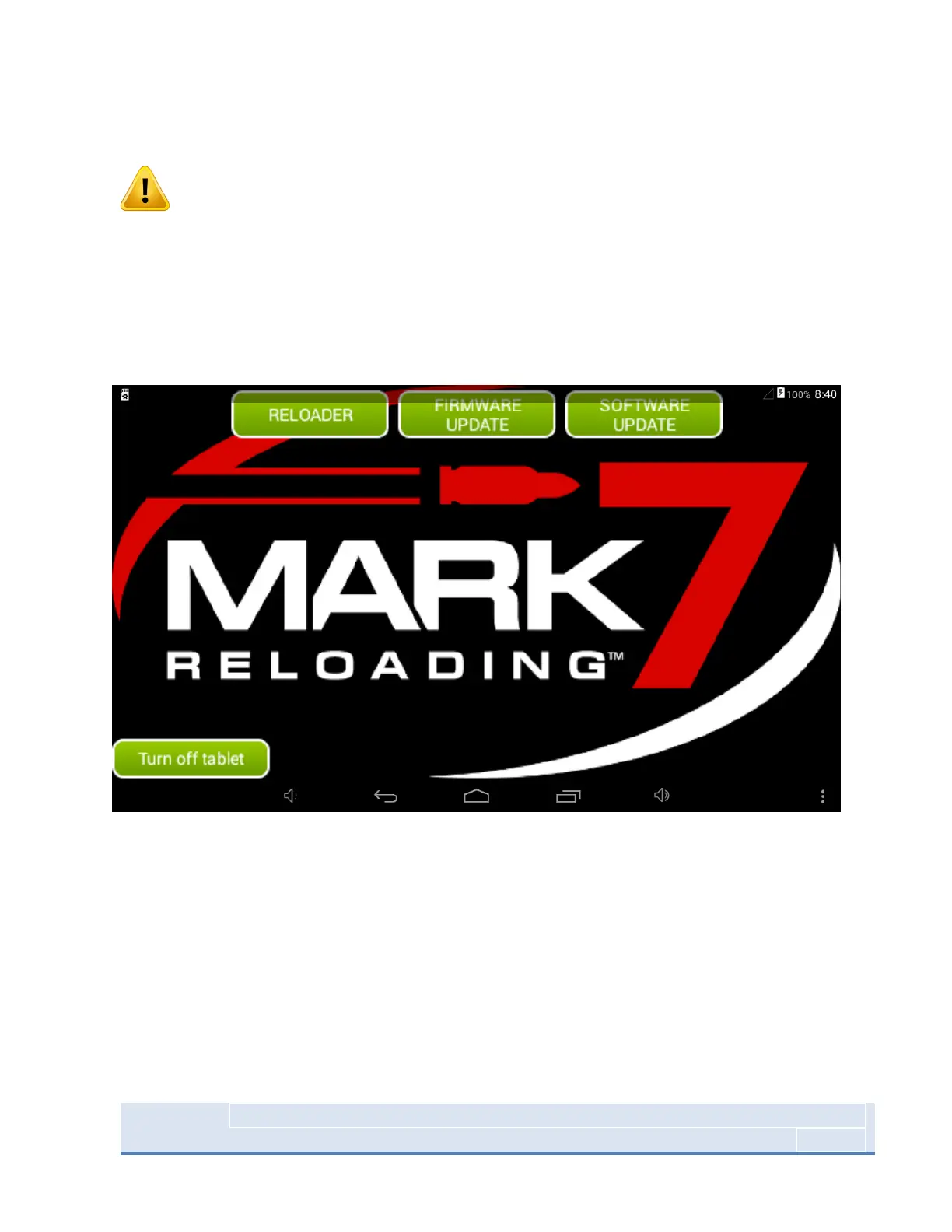
Figure 12: System Home Screen
When the tablet is powered on the main screen shown above will launch. This screen contains the
Reloader, firmware and software update applications. Before selecting the Reloader application, make
sure the console is powered on, all system cables are connected and the shellplate is clear.
When powering down the machine, power off the main electronics console first then turn off the tablet
using the turn off tablet icon in the lower left corner. Make sure quick boot mode is DISABLED (uncheck
the “Quickboot mode” pop-up when it appears when you shut the tablet off).



 To Next Page