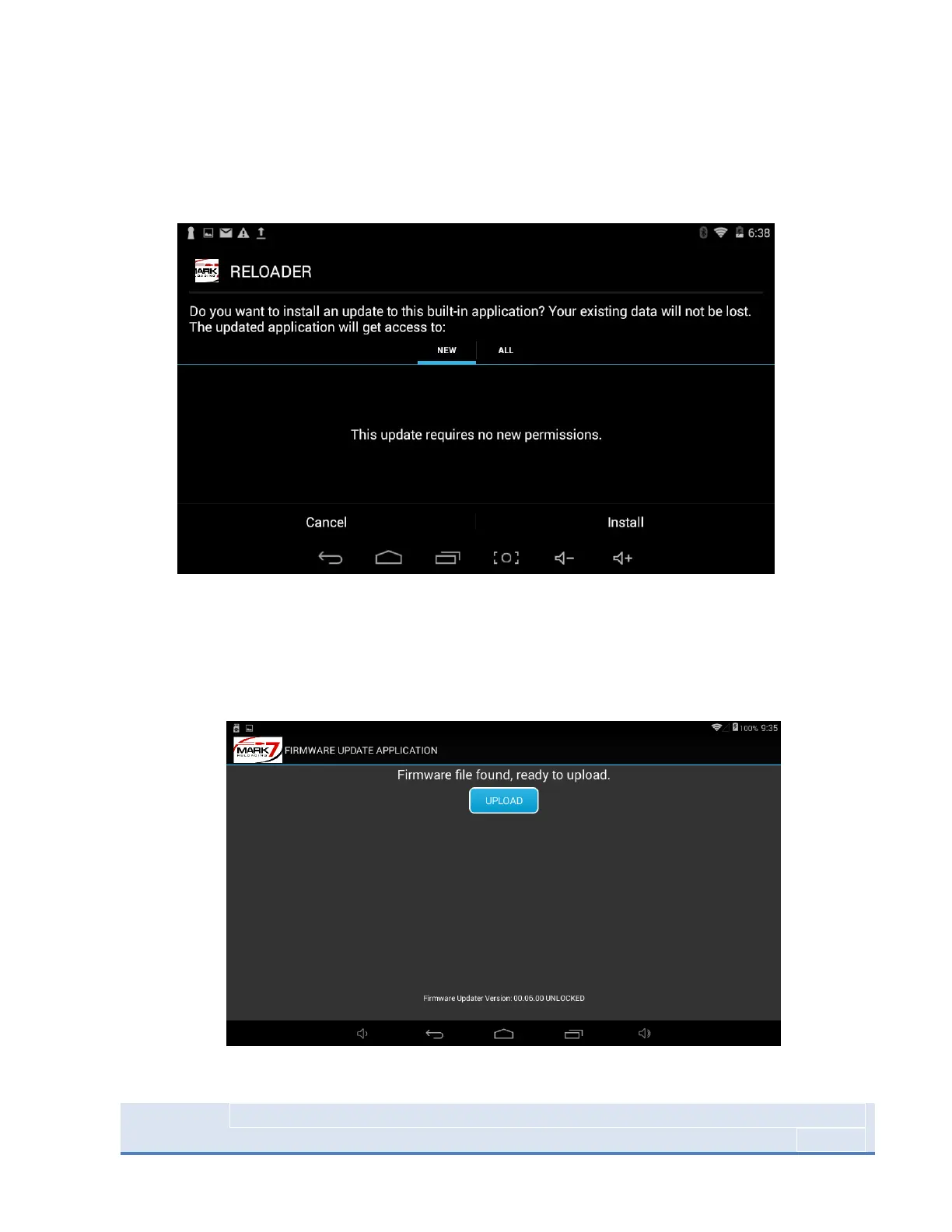
6. Select SOFTWARE UPDATE on the main screen then press INSTALL and DONE after the
installation is finished. Depending on the software release there may be more than one
software application to install. The additional file will automatically launch after the first file is
finished.
Figure 38: Software installation Screen
7. Once the software has been updated return to the main screen select FIRMWARE UPDATE, then
press UPLOAD and press CLOSE when complete. Select the Reloader application and confirm
that software version and firmware at the waiver screen is the same as what was just installed.
Figure 39: Firmware installation Process



 To Next Page