Installation Instructions
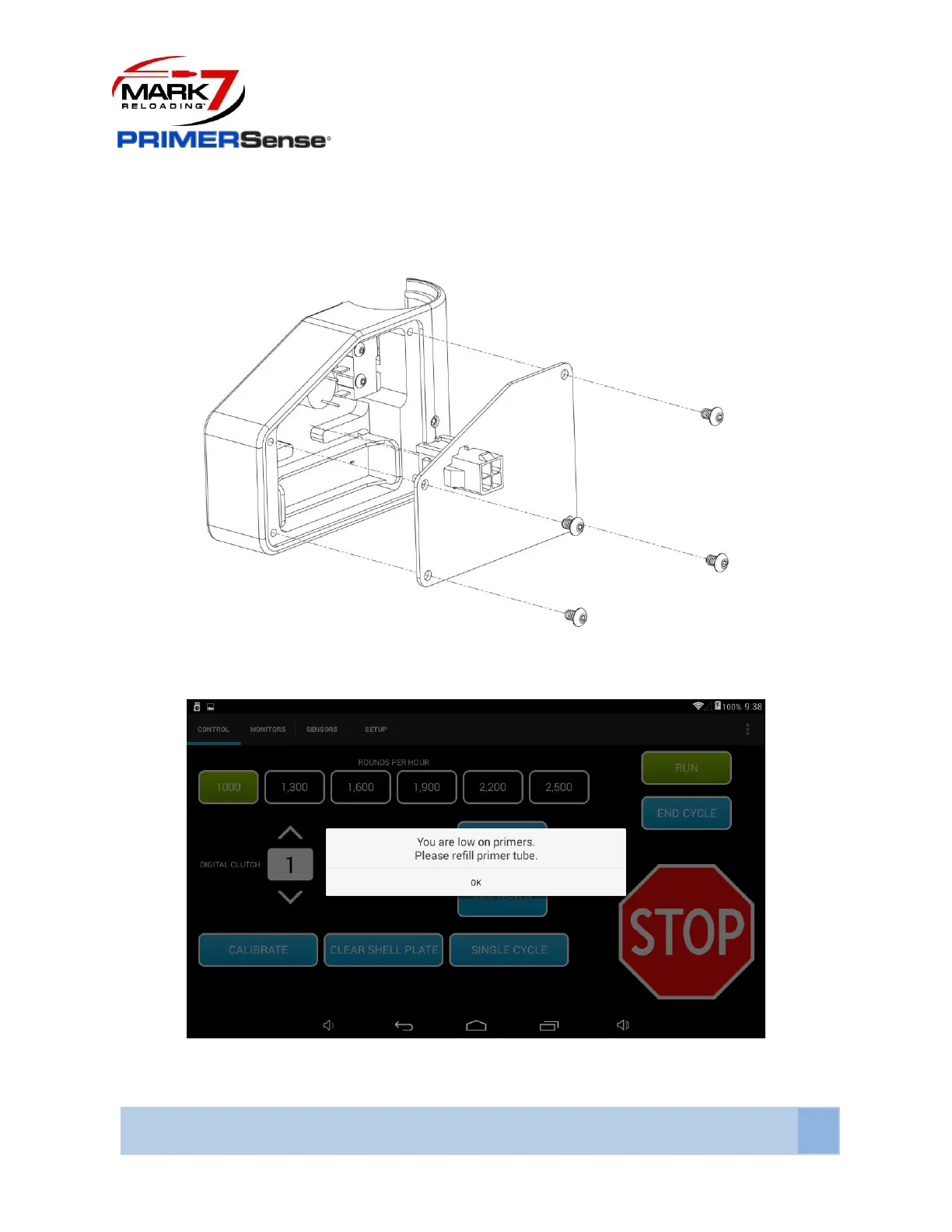
Before connecting the PrimerSense® to the electronics console with the cable included. Remove the
back cover and take out the battery. When the sensor is plugged into the Autodrive the machine can
stop and send a notification to the tablet when the sensor is activated.
Figure 20: Removing Battery from PrimerSense
Figure 21: PrimerSense® Sensor Notification



 To Next Page