50
confi rm or reject
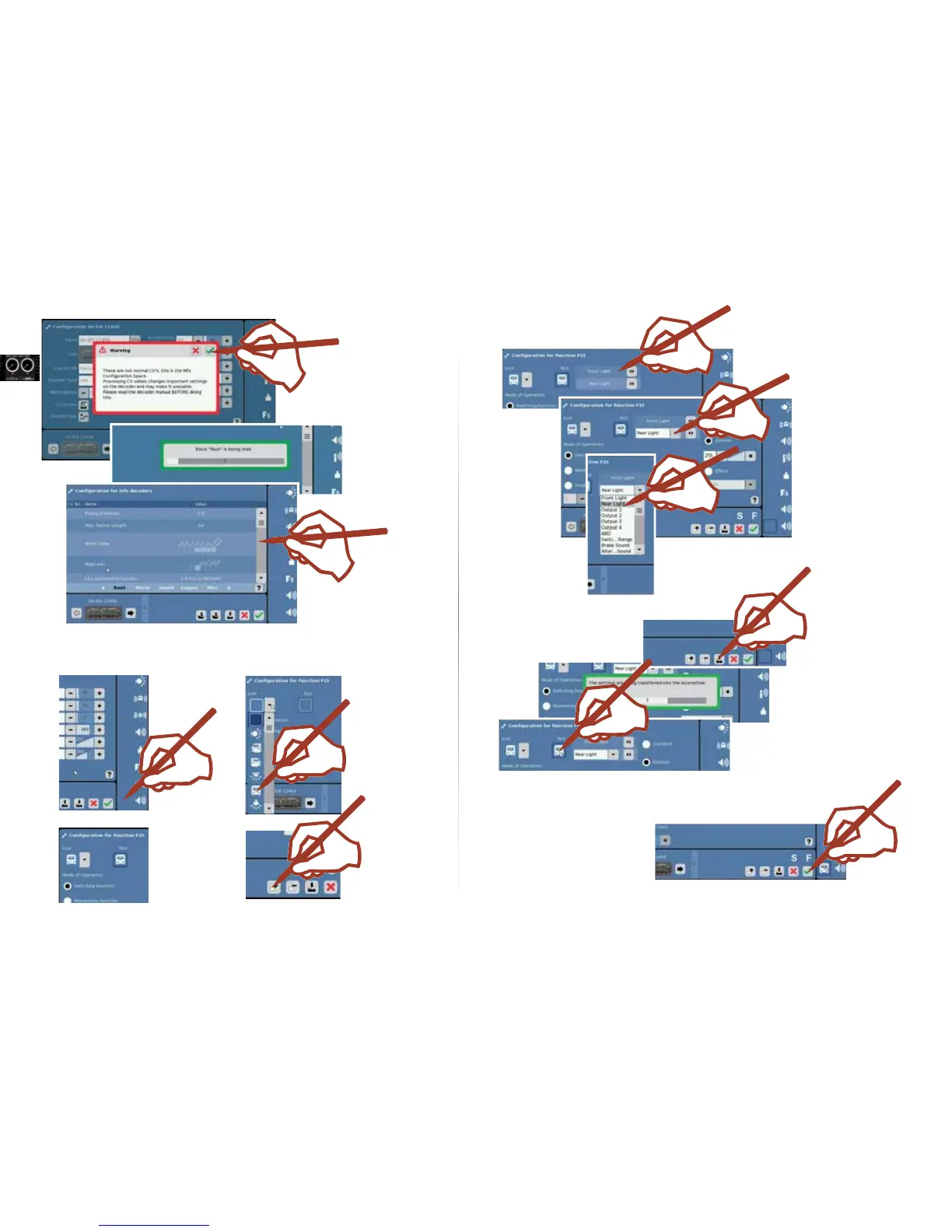
Example: Function Mapping
The data are transferred
only for programmable or
mfx decoders. Decoders
with DIP switches are
only taken into the loco-
motive list.
select
confi rm
change
Adding another function
1. Selecting a button 2. Selecting a symbol
selection
3. Adding a function
4. Editing a selected function
You can change functions
or assign characteristics
to the functions (dim, blink,
etc.).
5. Storing changes
6. The new function can now be tested.
You can insert, change, or store other functions.
Data are transmitted and the confi gurati-
on mode is closed.



 To Next Page