40
Confi rm
selection.
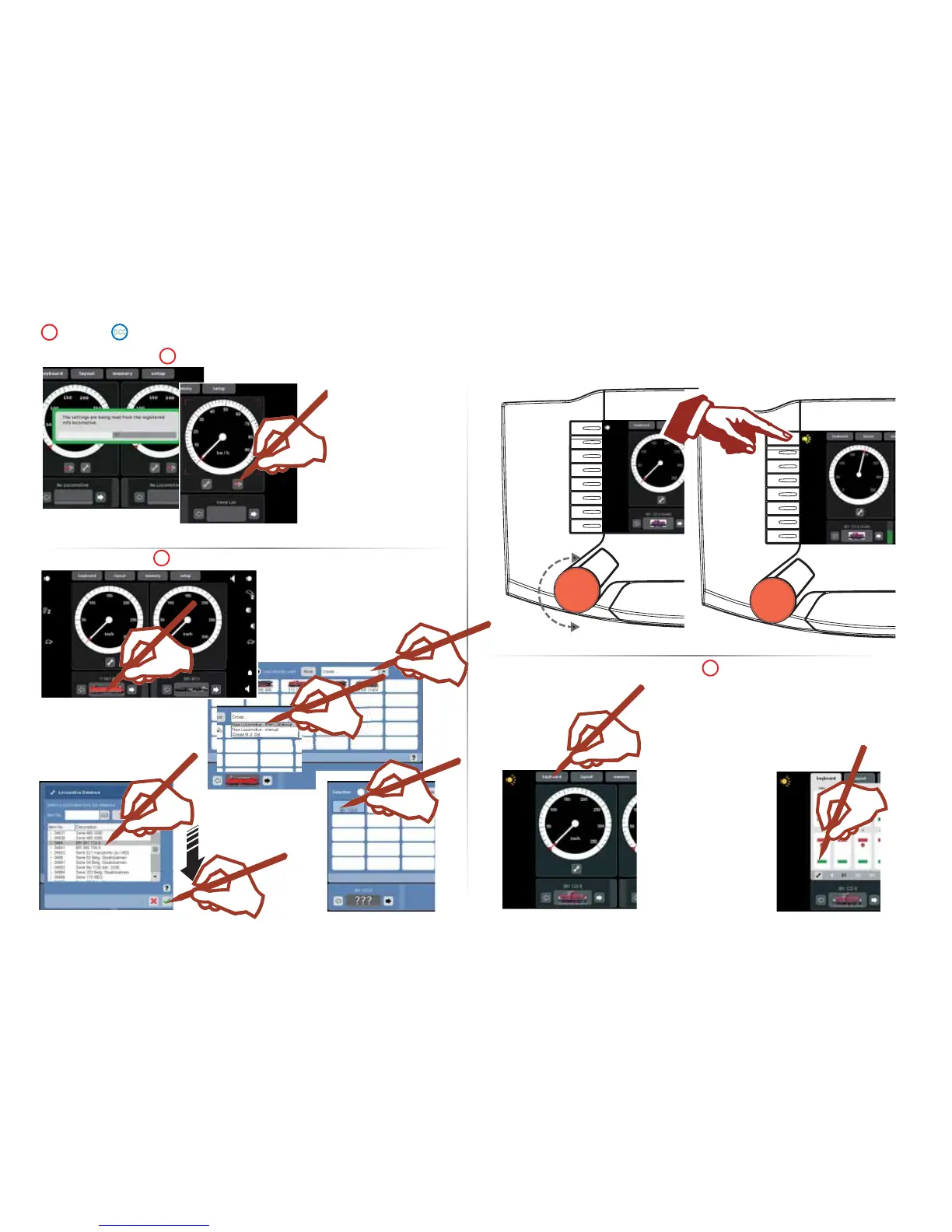
Select one of your locomotives
in the database.
This only works if the settings
done at the factory for the loco-
motive have not been changed.
Getting Set Up and Started
Selecting and Running a Locomotive
Selecting and Controlling Solenoid Accessories
All accessory addresses
are available without
prior programming.
These addresses are ar-
ranged in ascending order
and can be confi rmed with
the standard keyboard.
Running a Locomotive Function switch
Selecting Controlling
Selecting a Locomotive
mfx locomotive recognized
Data from the mfx
locomotive completely
read in.
Confi rm
The mfx locomotive is ready to
run and can already be operated.
If it becomes necessary, we re-
commend that the locomotive be
added to in the locomotive list as
shown starting on Page 47.
Registering mfx locomotive
You can start immediately if one of these
locomotives is part of your roster:
(101 047-9 with address 1, BR 85 006 with
address 8) then continue as described
nearby under “Running a Locomotive“.
Or
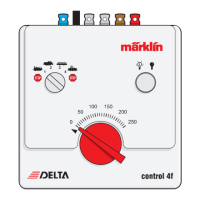
Select a controller and continue
with the following steps.
Page 39 =>



 To Next Page