48 / - Instruction Manual
5.3.2 Connection to the electronic unit (Pairing)
Initial condition:
Handle switched off.
Access mode:
Long pressure of only one of the two buttons
( blue).
Description:
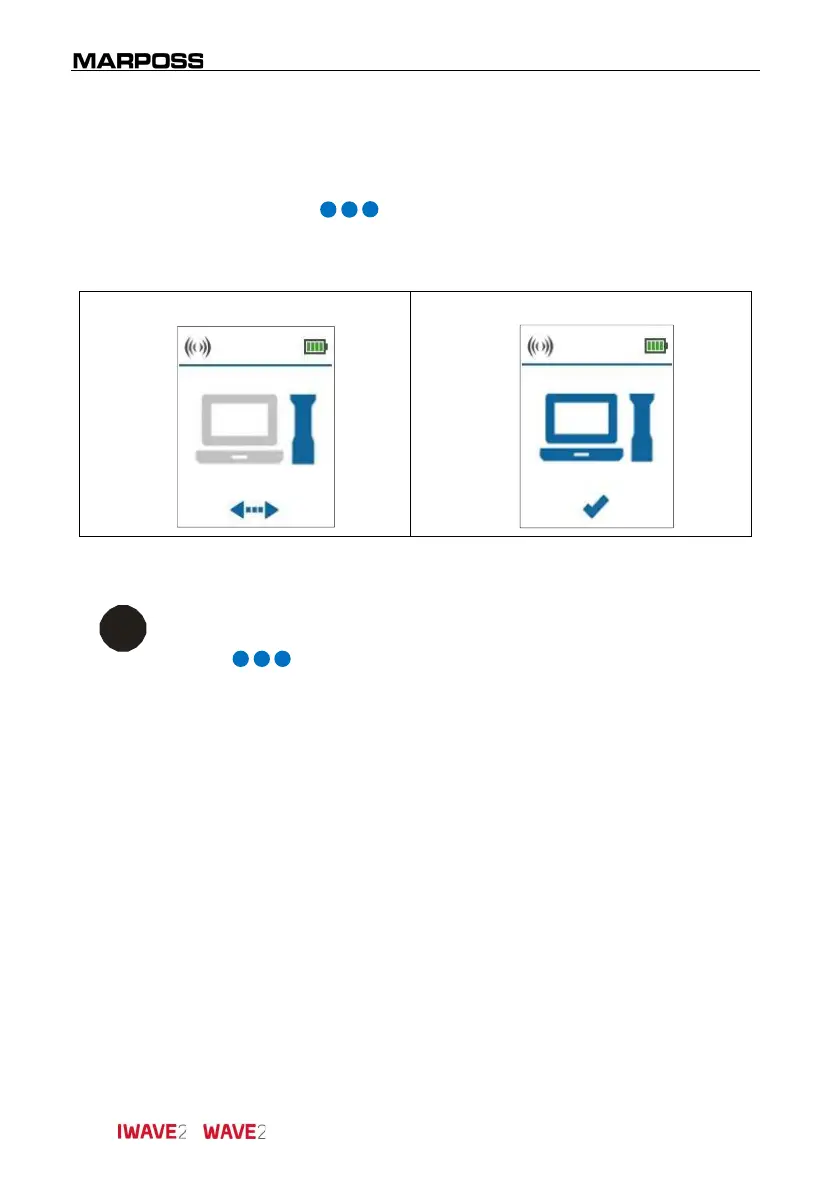
Wait for the connection to complete (Pairing) to an
electronic unit.
Pairing in progress Pairing done
Figure 5-3. Pairing.
i
INFORMATION
If the Pairing does not occur correctly, exit the menu performing a long
press ( blue), then switch off and refer to the Instruction
Manual of the electronic unit.



 To Next Page