58 / - Instruction Manual
5.3.5.2 Free Run use modes
Initial condition:
Connected measure.
Acquisition mode:
Click
one of the two buttons
( blue).
Description:
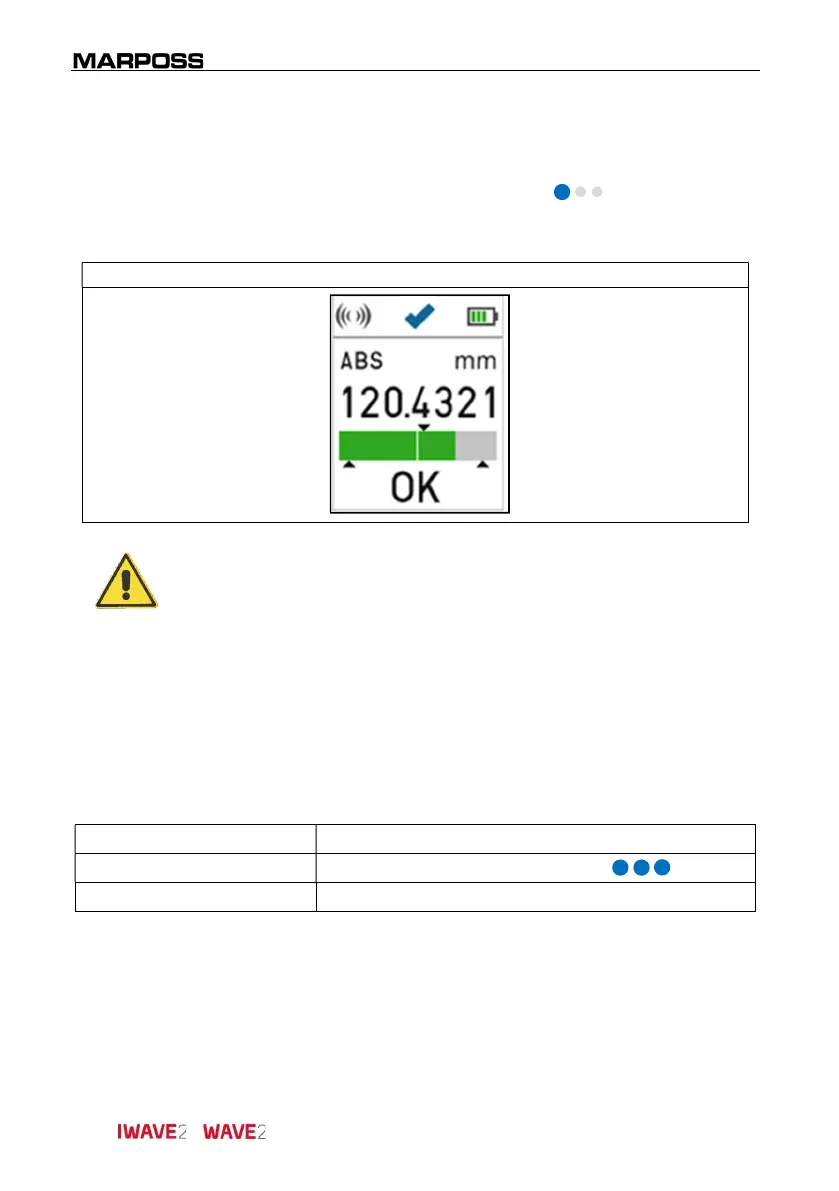
Sending the measure to the electronic unit.
Send measure
WARNING
In the "Free Run mode" (continuous measurement) the measurement
is transmitted when the button is pressed.
The correct transmission is shown on the handle display with the check
mark.
5.4 Switching off the I-Wave2/Wave2
handle
The I-Wave2
handle is provided with a programmable auto shut down feature. Please
refer to the I-Wave2
driver Manual for more details on the available option.
To switch off manually the handle, follow the instructions below:
Initial condition:
Handle switched on.
Action:
Long press
one of the two buttons
( blue).
Description: It allows to switch off the handle manually.
5.5 Reboot of the I-Wave2/Wave2 handle
To reboot the handle, put it in “Sleep mode” as described on paragraph 0, wait at least
five seconds, and then place it on the stand charger.



 To Next Page