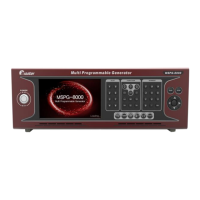
Slot Type Multi Video Signal Generator MSPG-8000
www.Ltdmaster.com 27
Current model name display on the monitor or not.
Default / Current model name none display.
Current model name display on the monitor at the center
upper.
Setting screen ratio to 4:3
Default / Setting screen ratio to 16:9
Setting screen ratio to 64:27
Default / Setting color matrix format to RGB
Setting color matrix format to BT.601
Setting color matrix format to BT.709
Setting color matrix format to BT.2020
Set of output Data Format.
Default / This signal is incarnate by only RGB Data without Y
The express method as base on the Y, Cb, Cr
The express method as base on the Y, Cb, Cr
The express method as base on the Y, Cb, Cr
Default / Setting to 8bit
Set of out range to full, limit or xvYCC
Default / Setting to limit range
Change audio format at selected timing
Change pattern at selected timing(will update)





 To Next Page