MTS600 Instruction Manual
l The atmosphere correction and the prism constant are set correctly.
l Setting up station completed.
l Prism center is already collimated and returned signal strength is suitable.
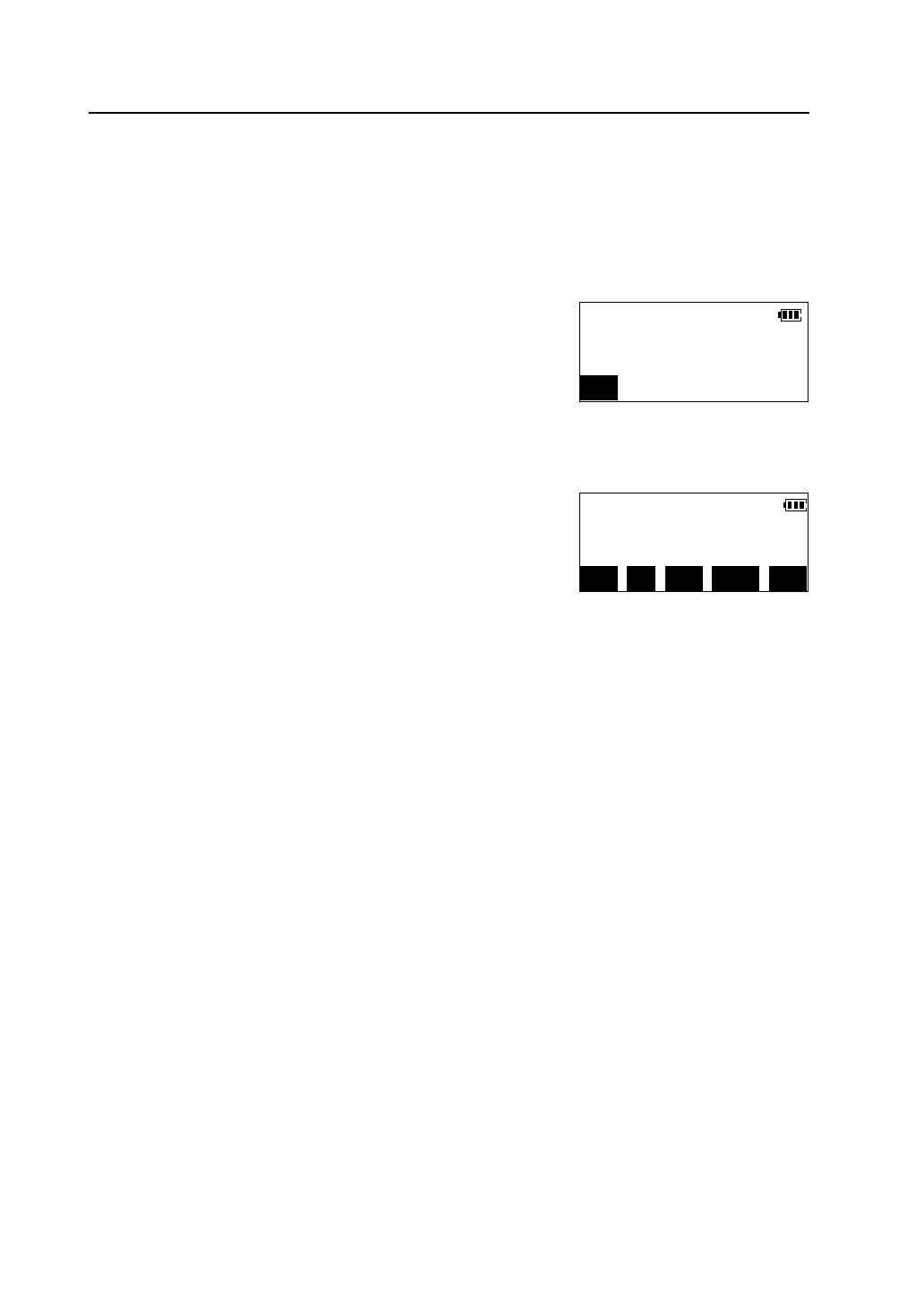
Press [MEAS] in the coordinate measurement mode,
or press [COORD] key on the panel to start
measurement.
When measurement finished,the coordinate value of the target is displayed.
l Press [MODE] to select distance measuring
mode.
l Press [EDM] to check returned signal, set the
atmosphere correction and the prism constant,
please see“4.2 distance measurement”
l When the height of the prism or instrument has been changed, press [HT]
to input the height of prism or instrument before measuring next target.
Psm.const. -30
Atmos.crn. 0ppm
STOP
Crd. N 638731.428m
E 53861.326m
MEAS SET MODE EDM HT



 To Next Page