MTS600 Instruction Manual
49
③Press [YES] to confirm the operation and all the
known point will be deleted.
7.3 Code manager
Code can be entered in the memory of instrument in advance. When recording
instrument station or measurement data, these codes can be recalled and read in.
7.3.1 Input code
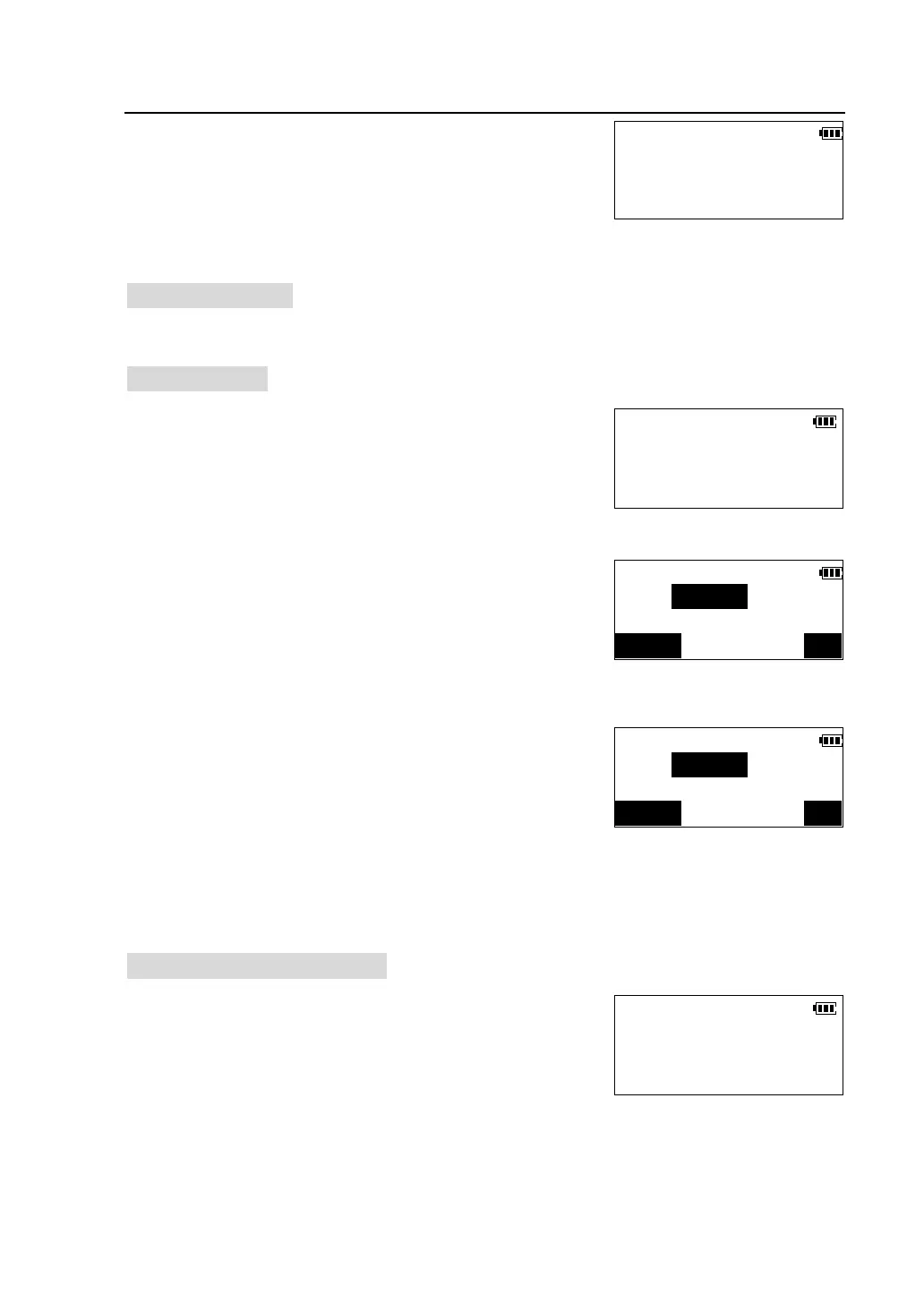
①Press [F3] to select “Code” in <Memory Manager>
menu to enter <Code> menu.
②Press [F1] to select“Input code”.
③Input code then press [OK], the code is stored in
memory and the screen is restored.
Press [ESC] key on the panel to finish inputting and
return back to <Code> menu.
7.3.2 Review and delete codes
①Press [F3] to select “Code” in <Memory Manager>
menu to enter <Code> menu.
Known Coord.
F1-Input coord.
F2-List and view
F3-Clear
CODE
F1-Input code
F2-
F3-Clear
Input code
CODE:
123/ABC OK
Input code
CODE:
123/ABC OK
CODE
F1-Input code
F2-
F3-Clear



 To Next Page