MTS600 Instruction Manual
17
4. Basic measurement
Basic measurement includes angle measurement, distance measurement,
coordinate measurement.
4.1 Angle measurement
l Before the measurement, please inspect once more and make sure the
instrument is leveled and centered precisely.
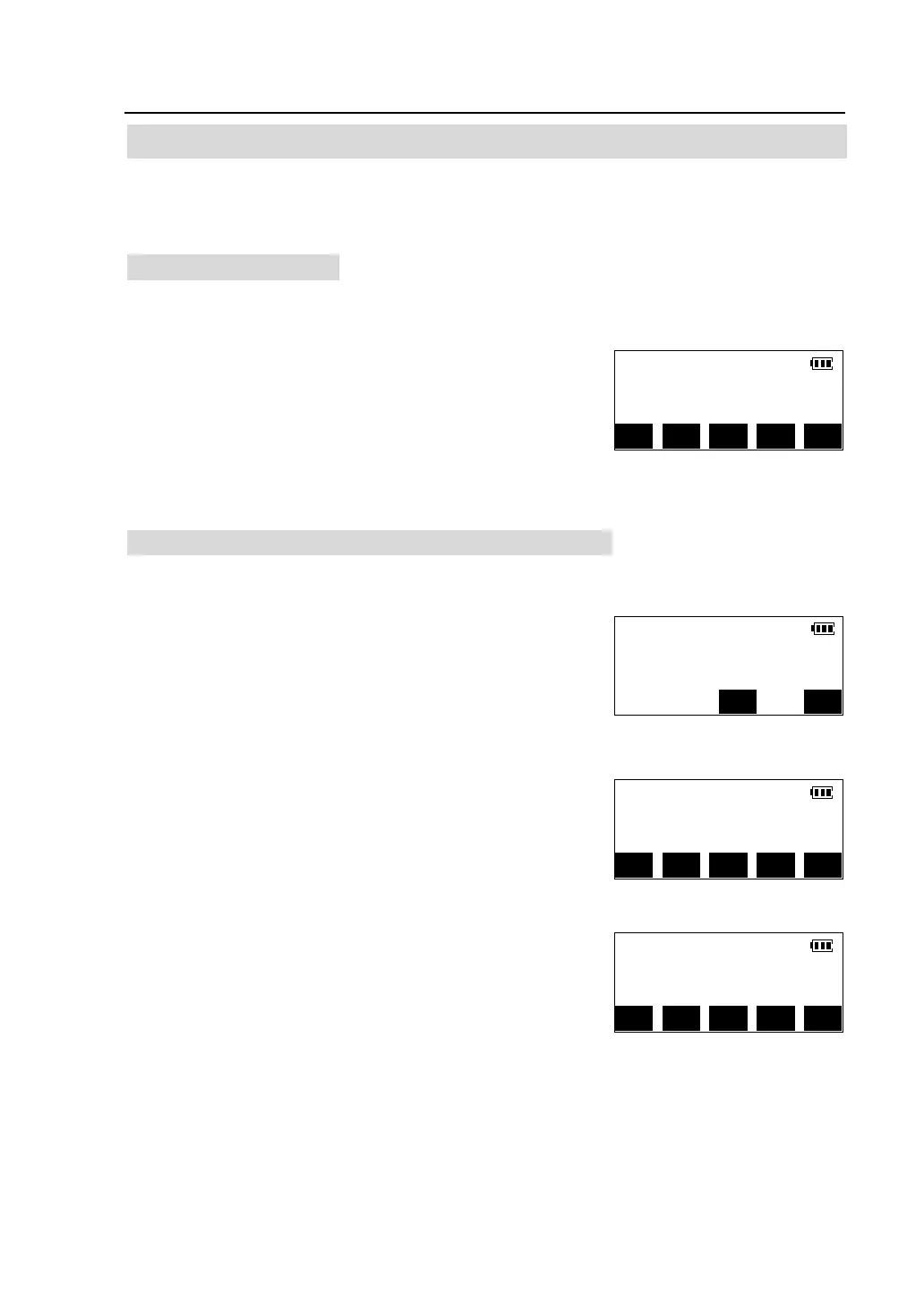
After power on, press [ANG] key on the panel to enter
the angle measurement mode, carrying on the function
related to measurement of angle . The function
allocated at two pages, can be switched by pressing
[> > ].
4.1.1 Measuring the horizontal angle between two points
Use the “0 SET” function to measure the included angle between two points.
①Collimate the first target,Press [0SET] in the first
page of the angle measurement mode screen.
② Press [OK], the target direction's horizontal angle
is set as 0°00 ' 00 "
③Collimate the second target, the horizontal angle
displayed is the included angle between two target
points (56°47′35″).
V.ang(Z) 92°24′18″
H.ang(R) 65°43′13″
OSET R/L HSET A/% >>
H.angle 0 set
H.ang(R) 0°00′00″
Collimate target
CE OK
V.ang(Z) 92°24′18″
H.ang(R) 0° 00′00″
OSET R/L HSET A/% >>
V.ang(Z) 92°24′18″
H.ang(R) 56°47′35″
OSET R/L HSET A/% >>


 To Next Page