MTS600 Instruction Manual
35
l When repeat measuring mode or tracking measuring mode is used for
setting-out, the result will be displayed in real-time while sighting the prism
without pressing any key.
⑧Move the prism forward and backward until the
horizontal distance difference is 0m.
l When the horizontal distance difference is
within ±1cm, ↑↓will be displayed.
⑨Press [ESC] to finish this point setting-out measurement and continue the
next point.
5.2 Coordinate setting-out
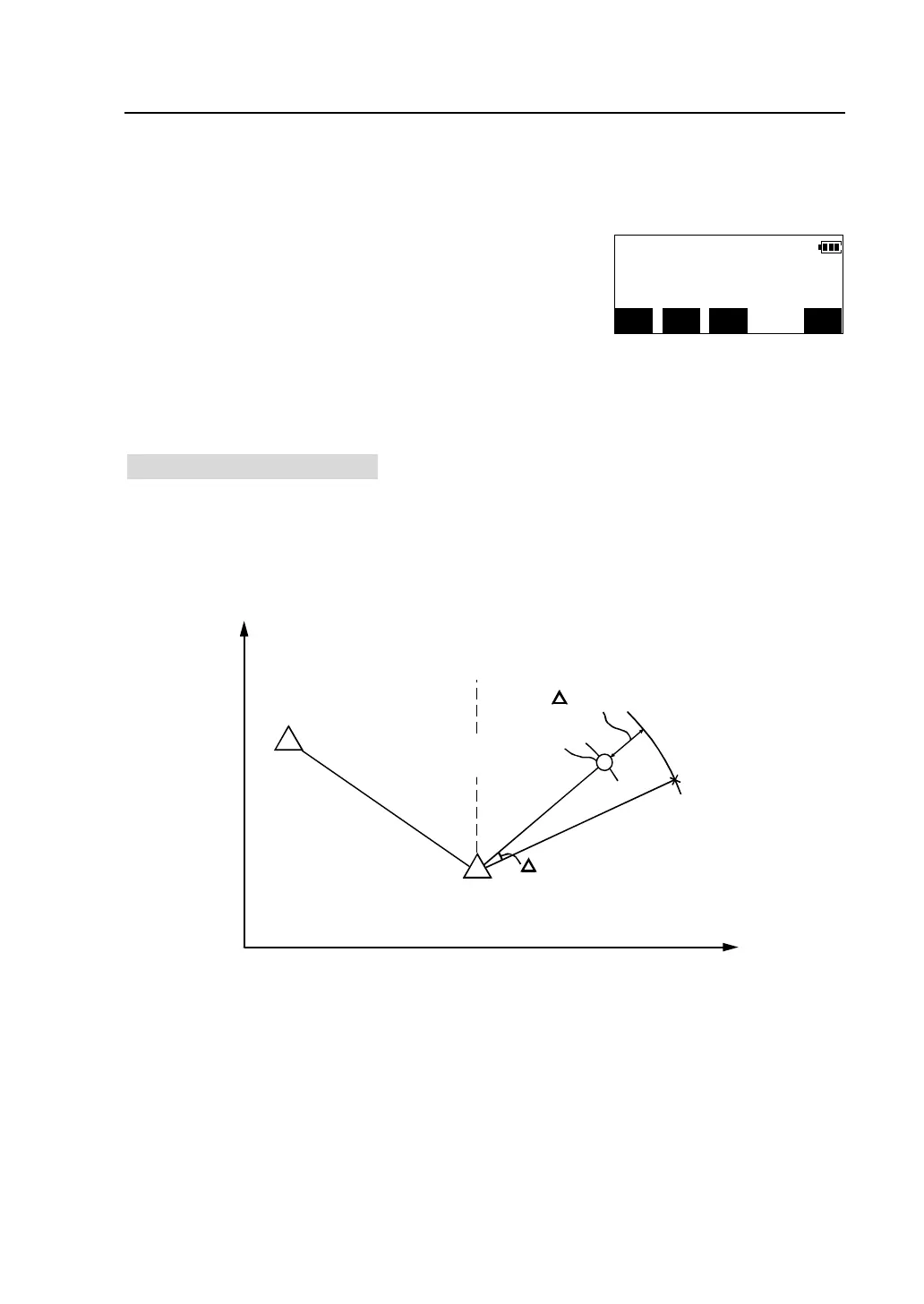
Setting-out coordinates measurement is used to set out the point whose coordinates
is known. After inputting the coordinates of the point to be set out, the instrument
calculates the setting-out horizontal angle and horizontal distance and store them
in the memory. By selecting the horizontal angle and then the horizontal distance
setting-out functions, the required coordinate location can be set out.
0
Backsight
Point
Instrument station
Angle
Point to be set out
Distance
Present target
Position
l To find the Z coordinate , you had better attach the prism to a pole etc.
with the same target height.
dHA 0°00′00″← →
dHD 0.000m ↑↓
H.ang(R) 45°33′10″
MODE EDM HSET MEAS


 To Next Page