MTS600 Instruction Manual
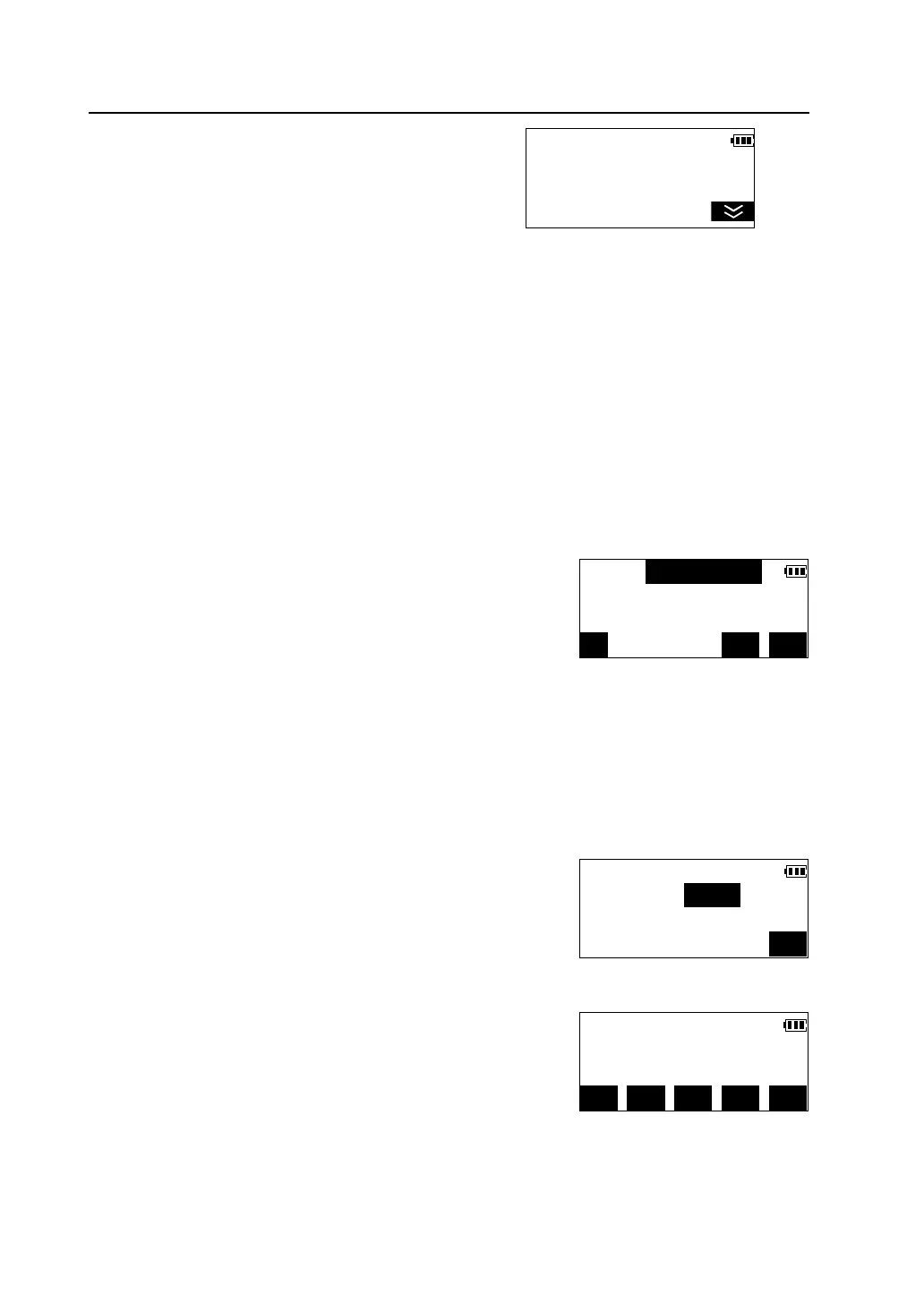
① In < Select S-O Mode> menu, press [F2] to
select "S-O Coordinate".
②In< S-O Coordinate >menu, press [F1] to select "Station data",input the station
coordinate and the height of instrument. Please see "4.3 coordinate measurement".
l If instrument station has been set up in the previous coordinate survey, this
step can be left out.
③In menu < S-O Coordinate >, press [F2] to select "STN Orientation",set the
direction angle of the backsight point. Please see "4.3 coordinate measurement".
l If direction angle has been set in the previous coordinate survey, this step
can be left out.
④Press [F3] to select "Start S-O". Input
coordinates(Np,Ep,Zp) of the setting-out point, press
[S-O].
l If setting-out plane coordinates only, Zp may
not be input.
l Pressing [PT#] can get the setting-out point coordinate in memory by
inputting the setting-out point number. Please see "4.3 Coordinate
measurement/Reading in registered coordinate data".
l Press [REC] to record the input coordinate data into memory .
⑤Measure and enter the height of the prism, press
[OK].
l If setting-out plane coordinates only, this step
can be left out.
⑥Following the same steps mentioned in “5.1
Distance & Angle setting-out”, complete the plane
coordinates setting-out.
l When the height of prism and instrument have
changed, press [HT] to input again.
S-O Coordinate <1/2>
F1—Station data
F2—STN Orientation
F3—Start S-O
Np(m):
Ep(m):
Zp(m):
PT# REC S-O
S-O Coordinate
Psm.ht(m):0.000
OK
dHA 35°02′43″ ←
dHD
dHT
MODE EDM HT DIFF MEAS


 To Next Page