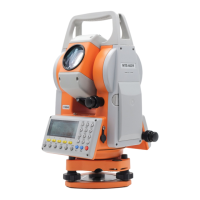
MTS600 Instruction Manual
8.3 Receive known point coordinate data
① Connect PC and MTS-600 with communication cable, run total station
communication program on PC, edit coordinate data, then click
【COMMUNICATION】,【SEND】, set parameter of communication, then click
【OK】.
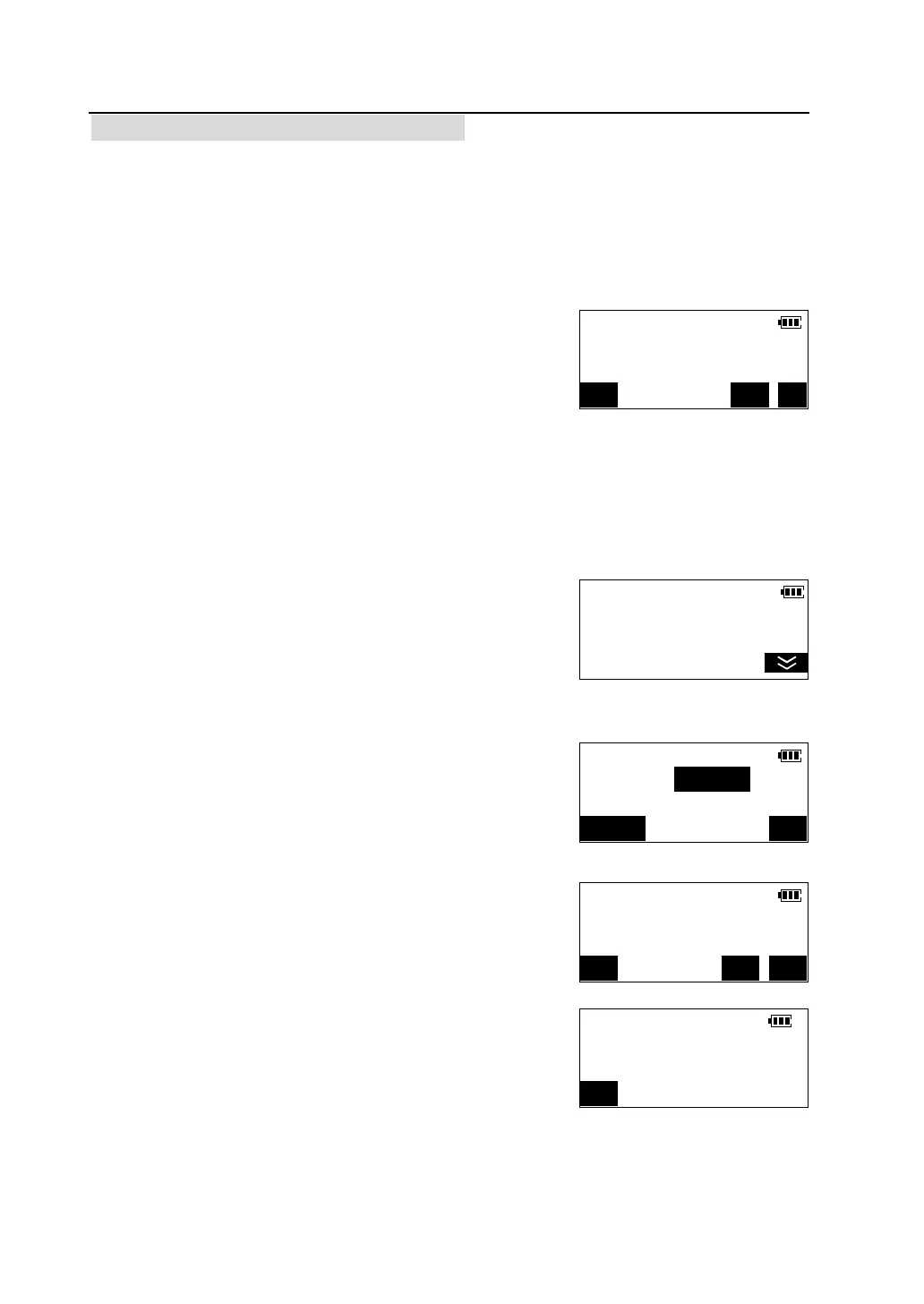
② Press [F2] to select "Receive data" in
<Communication> menu, the file used to receive data
is displayed. default file used to receive known point
coordinate data is "Known Coord" file, and waiting
for confirmation.
l Pressing [FILE] can change file or create a new JOB used to receive known
point data.
③e.g. Select creating a new JOB used to receive
known point coordinate data. Press [FILE] to enter
<Select A File> menu.
④ Press [F3] to select "New JOB".
⑤ Input JOB name, then press [OK], new JOB will
be created and return to screen of last step.
⑥Press [YES] to start receiving data from PC. The
number means amount of data received.
l Press [STOP] to stop transferring.
Comms./Receive Data
File <Known Coord>
Start communication?
FILE NO YES
Select A File <1/2>
F1-Known Coord
F2-Current JOB
F3-New JOB
Create New JOB
JOB name:
123/ABC OK
Comms/Receive Data
File <JOB known>
Start communication?
FILE NO YES
Comms/Receive Data
Transferring...
STOP



 To Next Page