MTS600 Instruction Manual
⑤Press [OK] to finish orientation, return to
<Recording Data> menu
6.4 Record measurement data
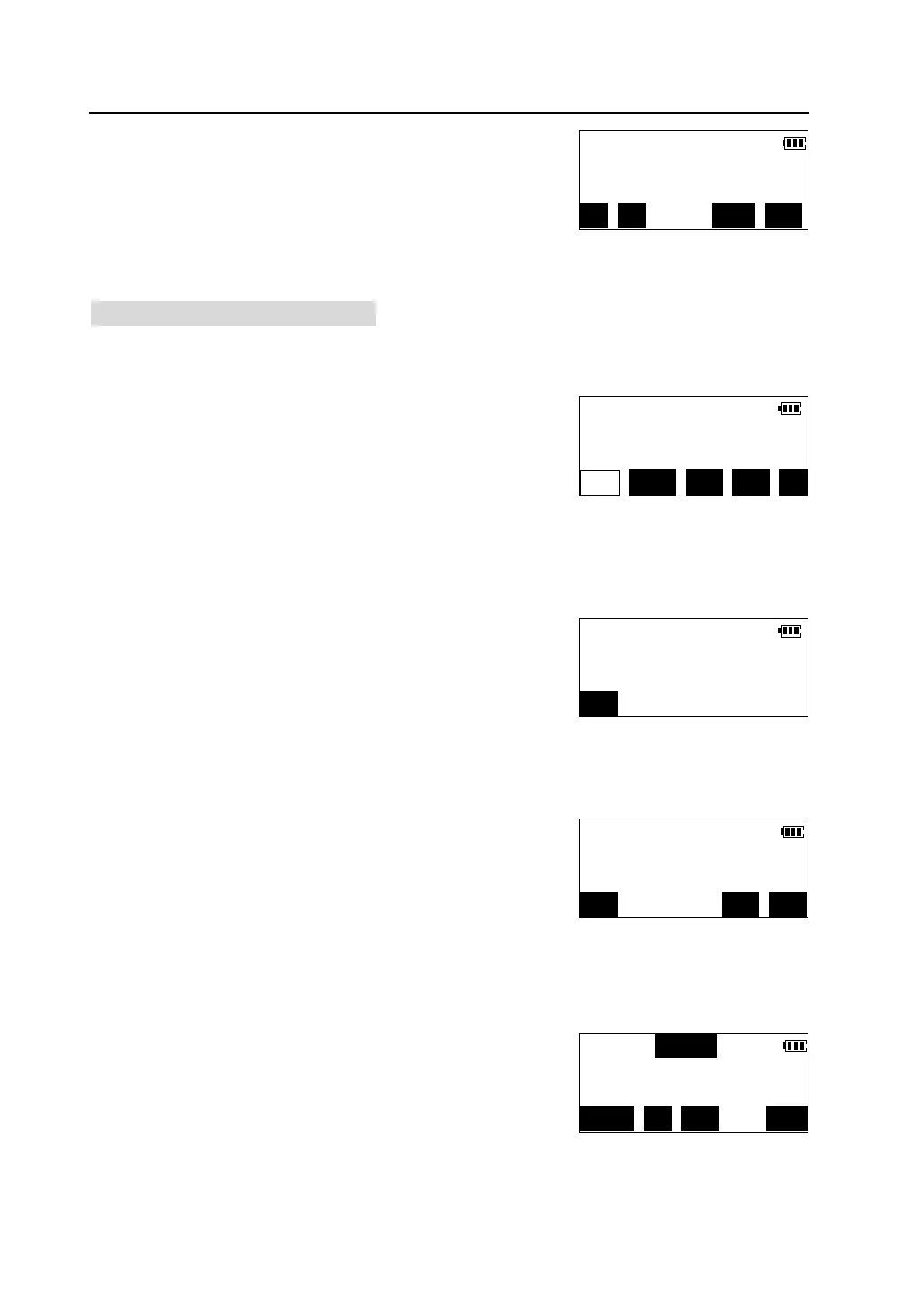
①Press【F3】in <Recording Data> menu to start measurement and recording data.
l Press [DIST] to measure and record distance data.
l Press [ANG] to measure and record angle data.
l Press [CRD] to measure and record coordinate
data.
Following is an example of recording coordinate data.
②Collimate the target, press [CRD] or press
[COORD] key on the panel to start coordinate
measurement.
③The measurement results are displayed when
measurement finished.
l if the target point situated in which a prism
cannot be installed directly or cannot be sighted,
press [OFFS] to calculate the data of the target point by carrying out
Offset-Measurement program. Please see “9.2 Offset-Measurement”.
④ Press [REC] to record the measured data marked
“*”. Input point number, code, prism height, then
press [OK] to store the coordinate data in memory.
Direc.ang=124°34′16″
H.ang(R): 54°30′16″
REC CHK CE OK
S.dist
V.ang(Z) 92°55′39″
H.ang(R) 90°15′00″
DIST ANG CRD EDM ALL
Psm.const -30
Atmos.crn 0ppm
STOP
Crd *N 68231.124m
*E 53231.366m
OFFS CE REC
PT#: A-1
CODE:
Psm.he(m):
123/ABC JOB VIEW



 To Next Page