MTS600 Instruction Manual
51
7.5 Format memory
Operation of formatting memory will delete all data in memory including all JOBS,
Known Coord file and codes, and resume the memory to factory status. Please take
care to use this function to avoid loss of useful data.
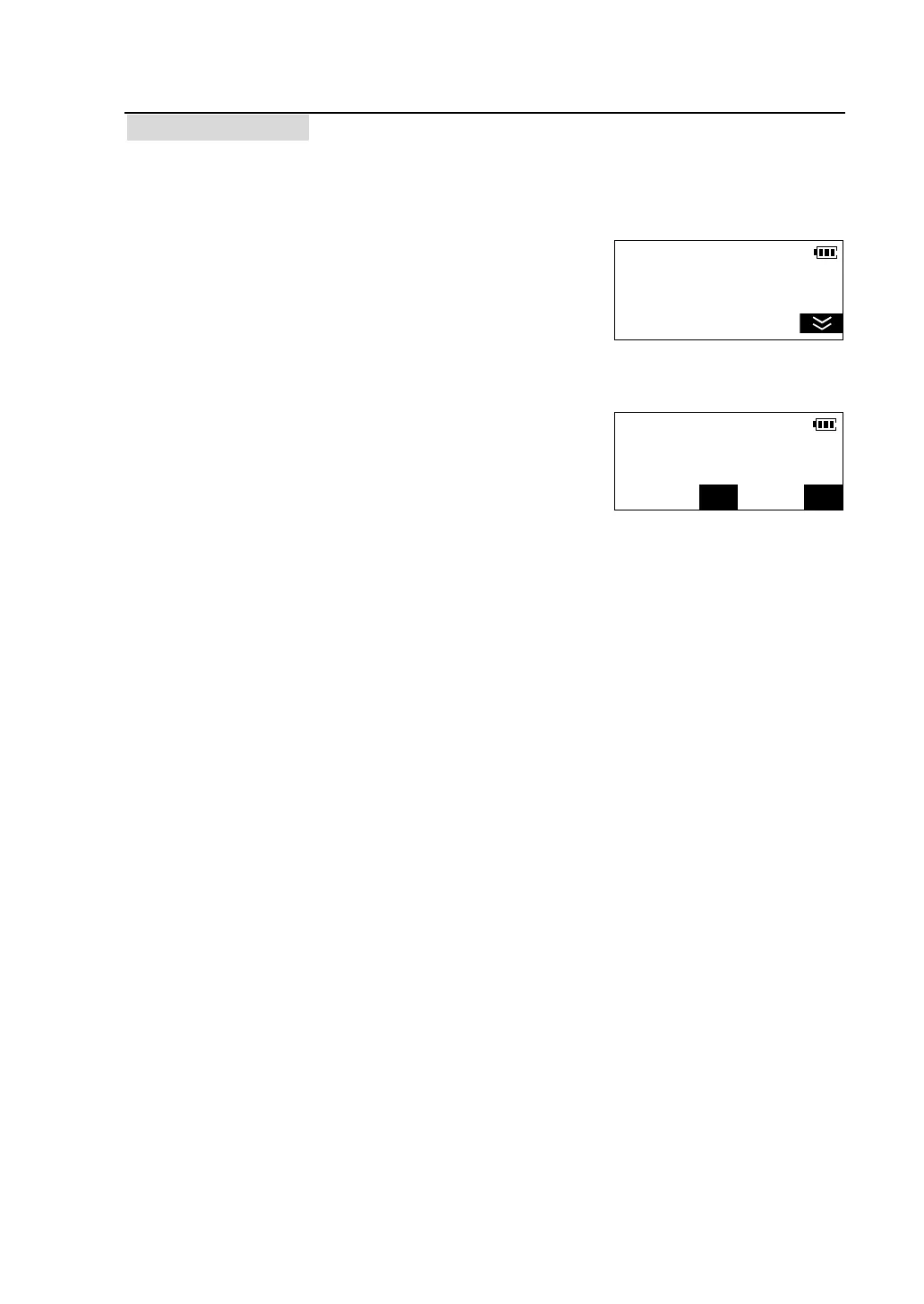
①Enter the second page of memory manage mode
menu.
② Press [F3] to select “Format memory”. A
confirmation screen is viewed.
l Press [NO] to abort the operation.
l Press [YES] to delete all data in memory.
Memory Manager <2/2>
F1-Input coordinate
F2-Memory status
F3-Format memory
Format
Delete all data in mem?
NO



 To Next Page