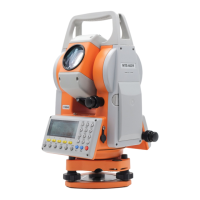
MTS600 Instruction Manual
39
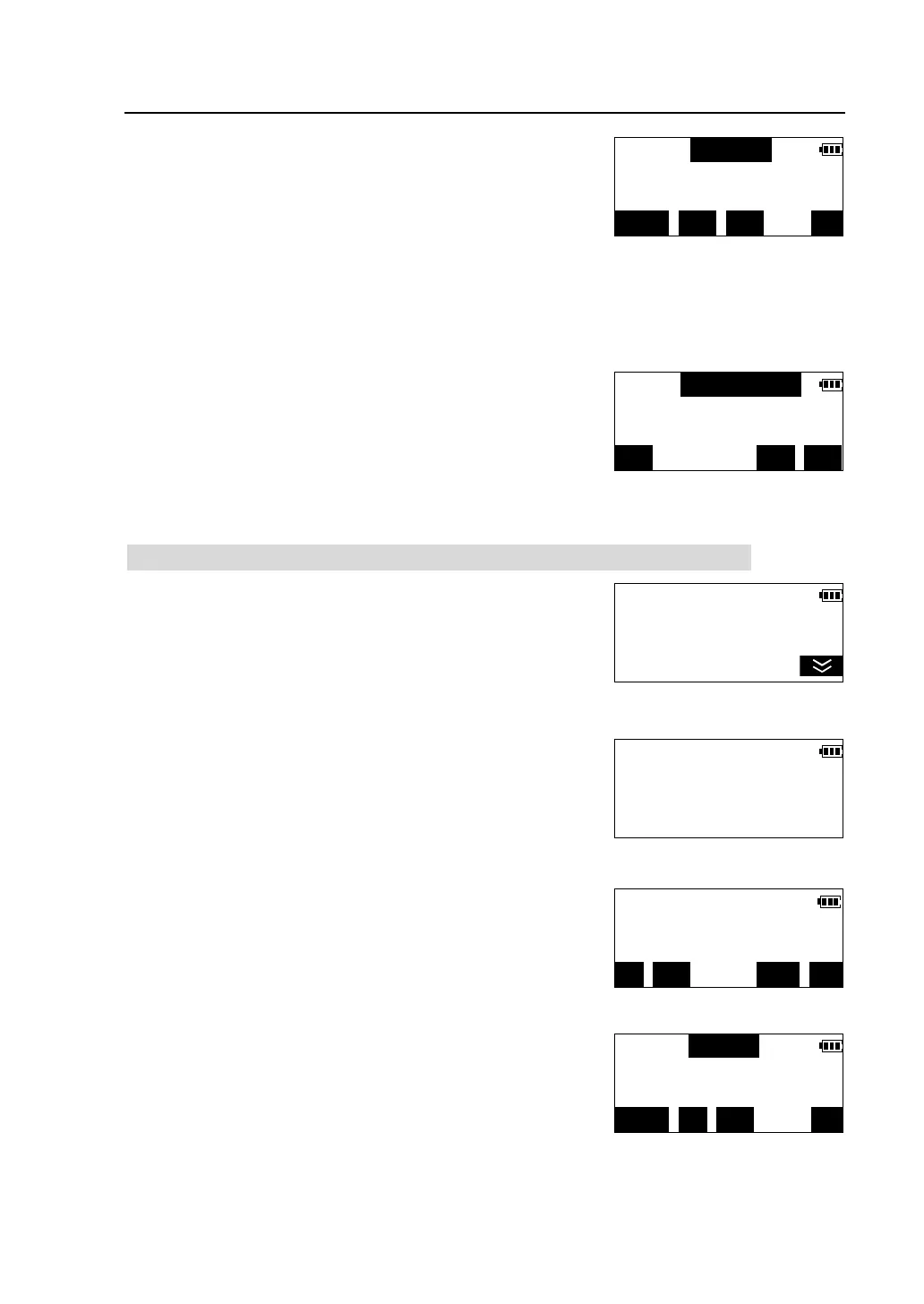
③ Input point number, code, height of the instrument,
then press [OK] to store the station data into memory.
l Press [JOB] ,re-select a JOB to store data.
l Press [VIEW] to view data stored in the current
JOB. please see “6.6 Review the data in the
current JOB”
l When editing code, the code registered in memory can be recalled and read
in.
④Press [OK] to confirm the station data, return to
<Recording Data> menu.
6.3 Set backsight direction angle and record the direction angle data
① Press [F2] in <Recording Data> menu to select
"STN orientation".
②According to the same steps described in"4.3.1
Station construction ", input backsight direction angle
or input backsight point coordinates, then the
instrument prompt to collimate the backsight point.
③Collimate backsight point accurately, press [REC]
④Input point number, code, prism height, press [OK]
to store the direction angle data into memory.
PT#: STN-1
CODE:
Ins.ht(m):
123/ABC JOB VIEW
N0(m): 62876.375
E0(m): 54721.058
Z0(m):
READ REC OK
Recording Data <1/2>
F1-Station data
F2-STN orientation
F3-Start measuring
Select Orient. Method<1/2>
F1-Input BS direc.ang
F2-
Direc.ang=124°34′16″
H.ang(R): 54°30′16″
REC CHK CE
PT#: BS-1
CODE:
Psm.ht(m):
123/ABC JOB VIEW



 To Next Page