MTS600 Instruction Manual
③Input the horizontal distance from the instrument
station to the position to be set out and the
included angle between the reference and the point
to be set out, then press [OK]
l if no input in the angle input line, the system namely takes setting-out
angle by the instrument current horizontal angle.
④Press [HSET], input the angle value of reference
direction, collimate the reference direction, then
press [OK] to finish instrument orientation.
l If orientation of instrument previously
completed in coordinate measurement mode or angle measurement mode,
this step can be left out.
⑤The horizontal angle difference between the
sighted target and the point to be set out is
displayed ,and the arrow indicates which direction
the target should be moved.
← : Looking from the station , move the prism to
the left.
→: Looking from the station, move the prism to
the right.
⑥Rotate the top of the instrument until 0°00′00″
displayed. When the horizontal angle difference
is within ±30″, “← →”will be displayed.
⑦Collimate the prism, press [MEAS] to start
distance measurement., the horizontal distance
difference between the target and the point to be
set out is displayed, and the arrow indicates
which direction the target should be moved.
↓: Move the prism forward
↑: Move the prism away
l Pressing [MODE] can change setting-out measuring mode.
l Pressing [EDM] can check returned signal, set the atmosphere correction
and the prism constant, please see“4.2 distance measurement”
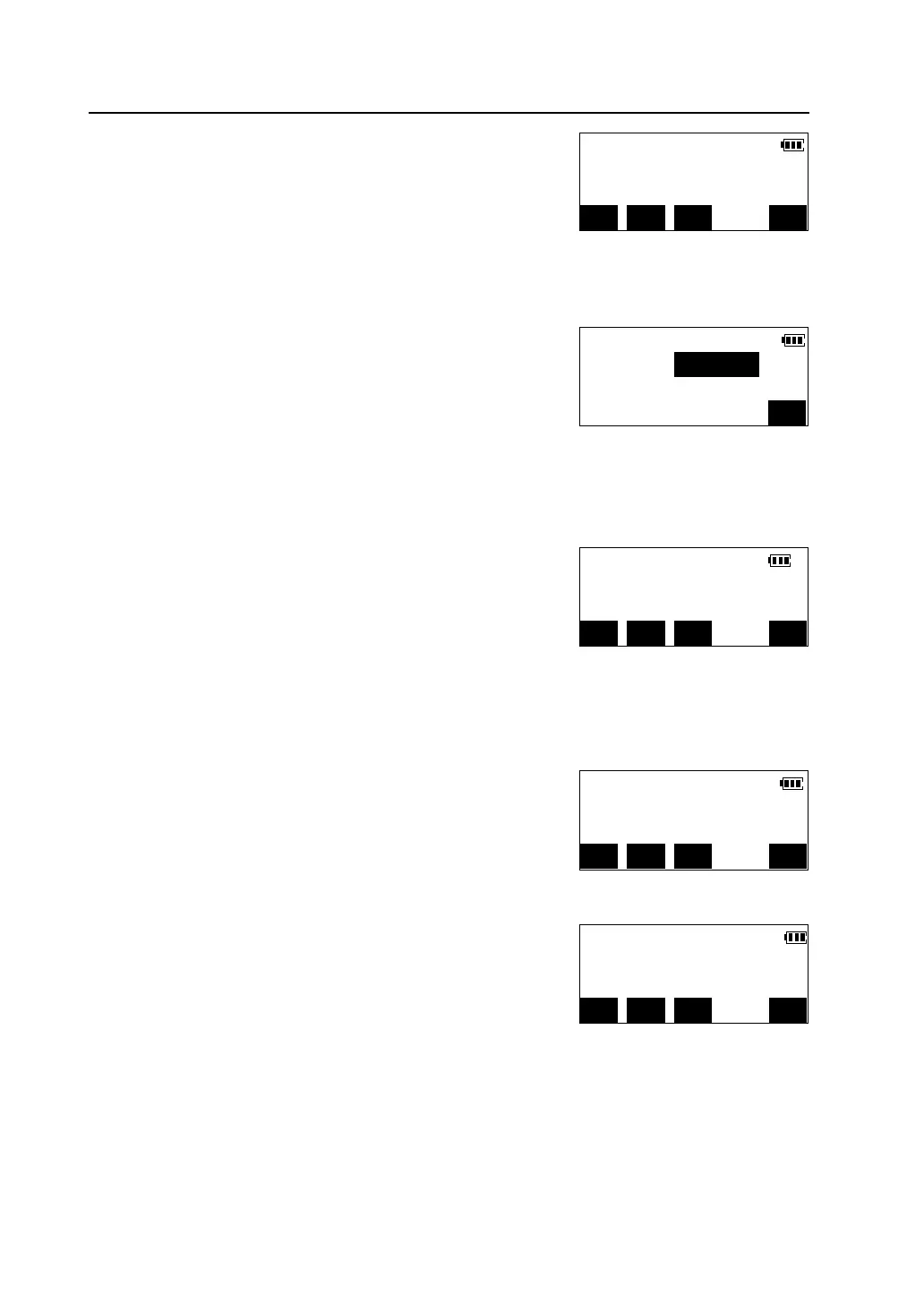
dHA -2°55′39″ →
dHD
H.ang(R) 90°15′00″
MODE EDM HSET MEAS
H.angle Set
H.ang(R):
OK
dHA 35°02′43″ ←
dHD
H.ang(R) 90°15′00″
MODE EDM HSET MEAS
dHA 0°00′00″← →
dHD
H.ang(R) 45°33′10″
MODE EDM HSET MEAS
dHA 0°00′00″← →
dHD -8.462m ↑
H.ang(R) 90°15′00″
MODE EDM HSET MEAS



 To Next Page