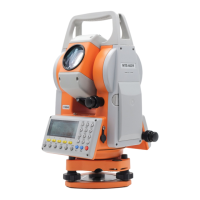
MTS600 Instruction Manual
5
Tripod
l When mounting the instrument to the tripod, tighten the centering screw
securely. Failure to tighten the screw properly could result in the instrument
falling off the tripod, causing injury.
l Tighten securely the leg fixing screws of the tripod on which the instrument is
mounted. Failure to tighten the screws could result in the tripod collapsing,
causing injury.
l Keep hands and feet away from the tripod shoes when fixing the tripod in the
ground. A hand or foot stab wound could result.
l Tighten the leg fixing screws securely before carrying the tripod. Failure to
tighten the screws could lead to the tripod legs extending, causing injury.
l
Laser Safety Information
l Some series of MTS-600 are equipped with laser source ,do not look directly
into the laser beam. Doing so could cause eye damage.
l Do not frequently start and shut down the laser plummet, which may cause
damage to it.



 To Next Page