MTS600 Instruction Manual
③ Press [OK] to confirm the measurement result.
The procedure prompts measuring the end point.
④When the measurement is complete, slope distance,
horizontal distance and height difference between the
end point and the starting point are calculated and
displayed.
⑤Press [SD/%], the gradient between two points
is displayed on the first line of screen.
l Press [1-PT] to re-observe the starting point.
⑥Press [SD/%] once more, return to display the slope
distance.
⑦Sight the next target point and press [2-PT] to observe it. Slope distance,
horizontal distance and height difference between multiple points and the starting
point can be measured by this way.
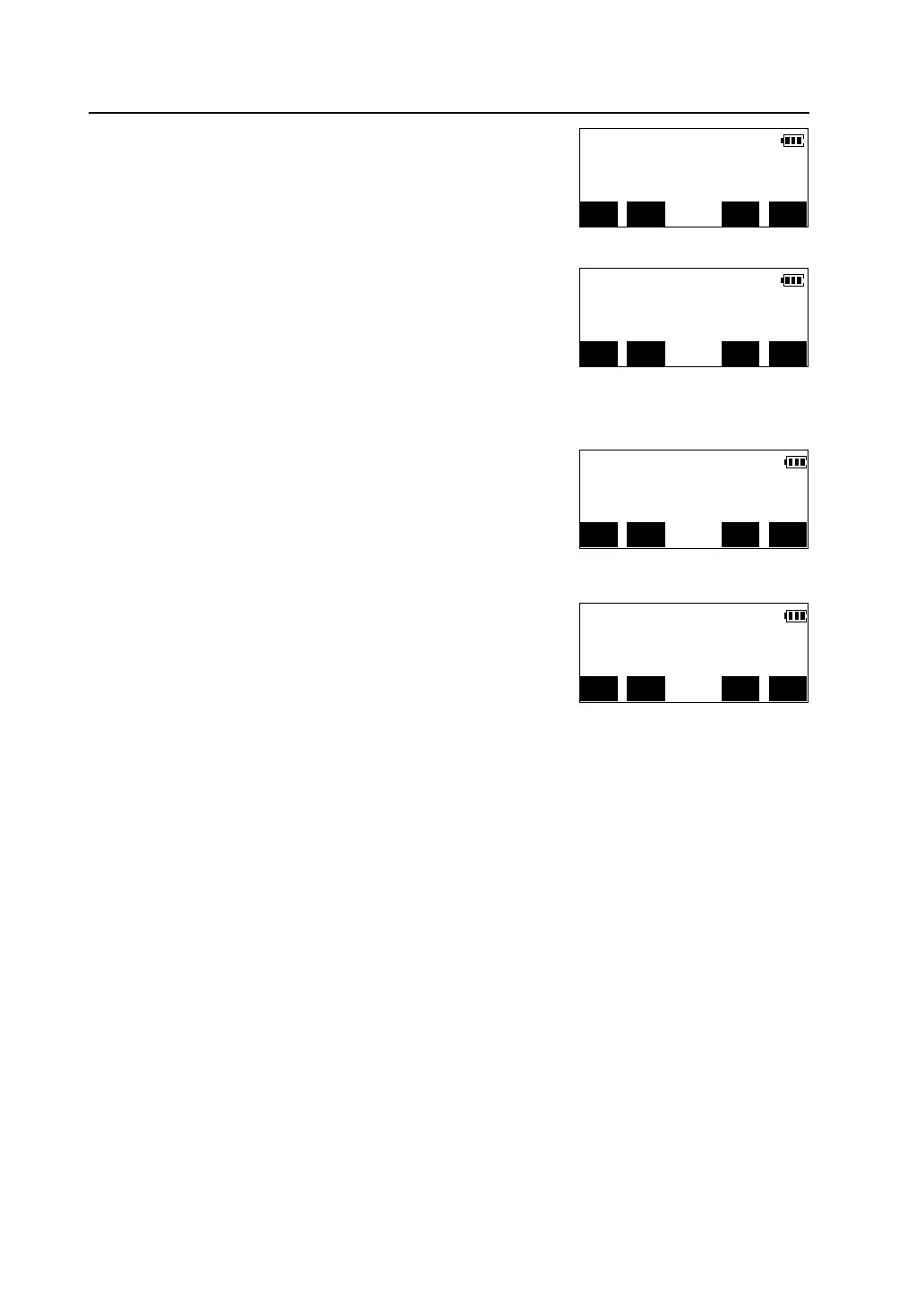
V.ang(Z) 88°40′42″
H.ang(R) 45°23′07″
MODE EDM CE MEAS
MLM S.dist 134.186m
H.dist 107.532m
1-PT MOVE SD/% 2-PT
MLM Grade 2.96 %
H.dist 107.532m
V.dist
1-PT MOVE SD/% 2-PT
MLM S.dist 134.186m
H.dist 107.532m
V.dist
1-PT MOVE SD/% 2-PT



 To Next Page