MTS600 Instruction Manual
85
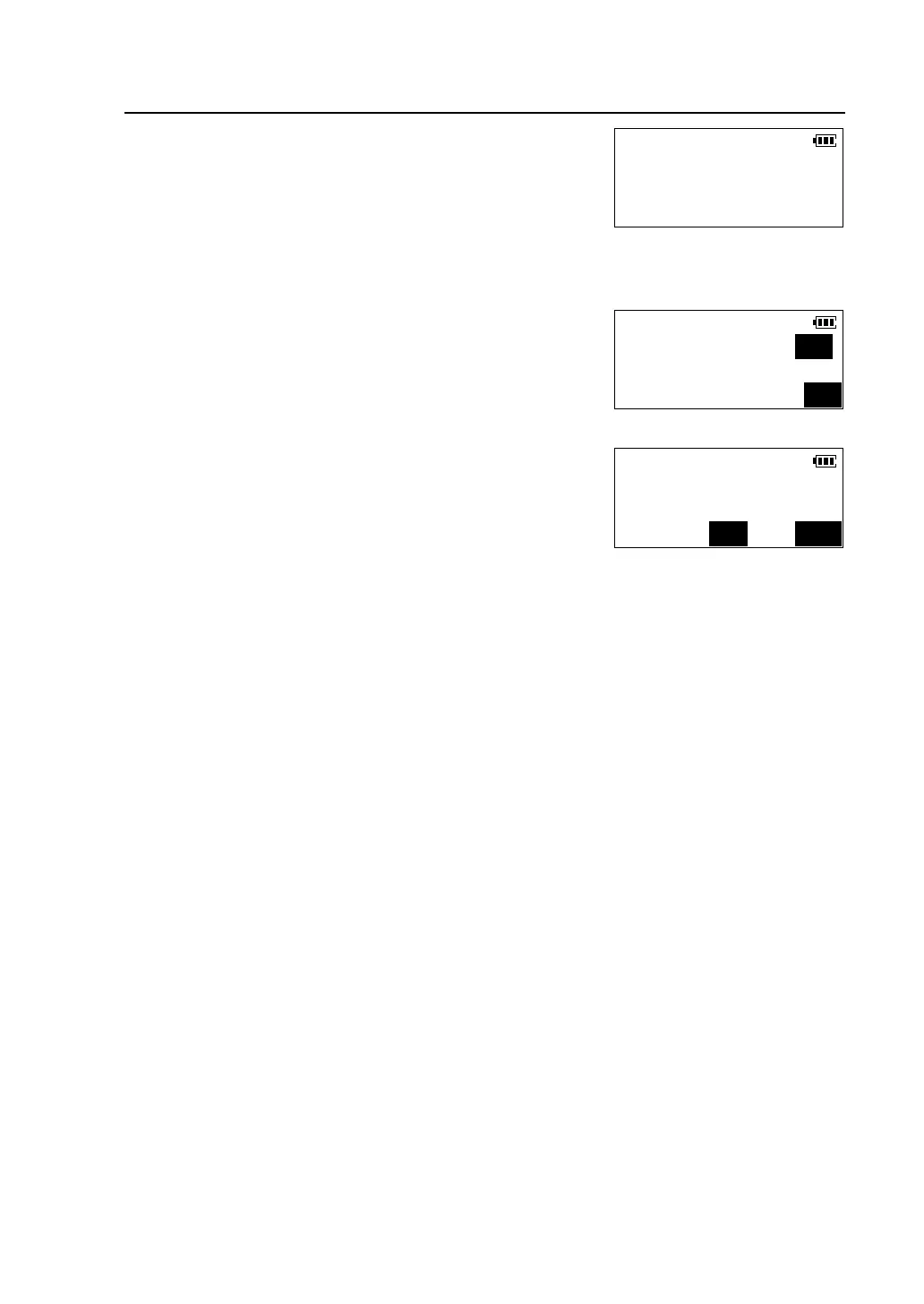
② Input “1234” and press [OK], enter <Instr.
Adjustment > menu.
③Press [F2] to select <Instrument constant>.
④Input the new value, press [OK].A confirmation
screen is viewed. Press [YES] to confirm the new
value, and return to <Instr. Adjustment > menu.
Instr.Adjustment
F1-V.ang. index offset
F2-Tile sensor offset
F3-Instrument constant
Instr.Adjustment
Instr. Const. (m):0
OK
Instr.Adjustment
Modify instr.constant?
NO YES



 To Next Page