29
Settings tab
To control multiple devices, you must use the control buttons (see “Control
buttons” on page 26) in the Command Center instead of the Stream and Record
buttons located on a Monarch HD device, which control the streaming and
recording for that device only.
You can control multiple Monarch HD devices from any of the devices on the
network. When enabling the control of multiple devices in a device’s Command
Center, that device becomes the primary device and the devices being controlled
become secondary devices. The control buttons in the Command Center of the
primary device can then be used to control the other devices on the network. You
can have more than one primary device on the network, with each primary device
controlling its secondary devices. For example, if you have three Monarch HD
devices on the network, you can set device one to control devices two and three,
and you can also set device two to control devices one and three.
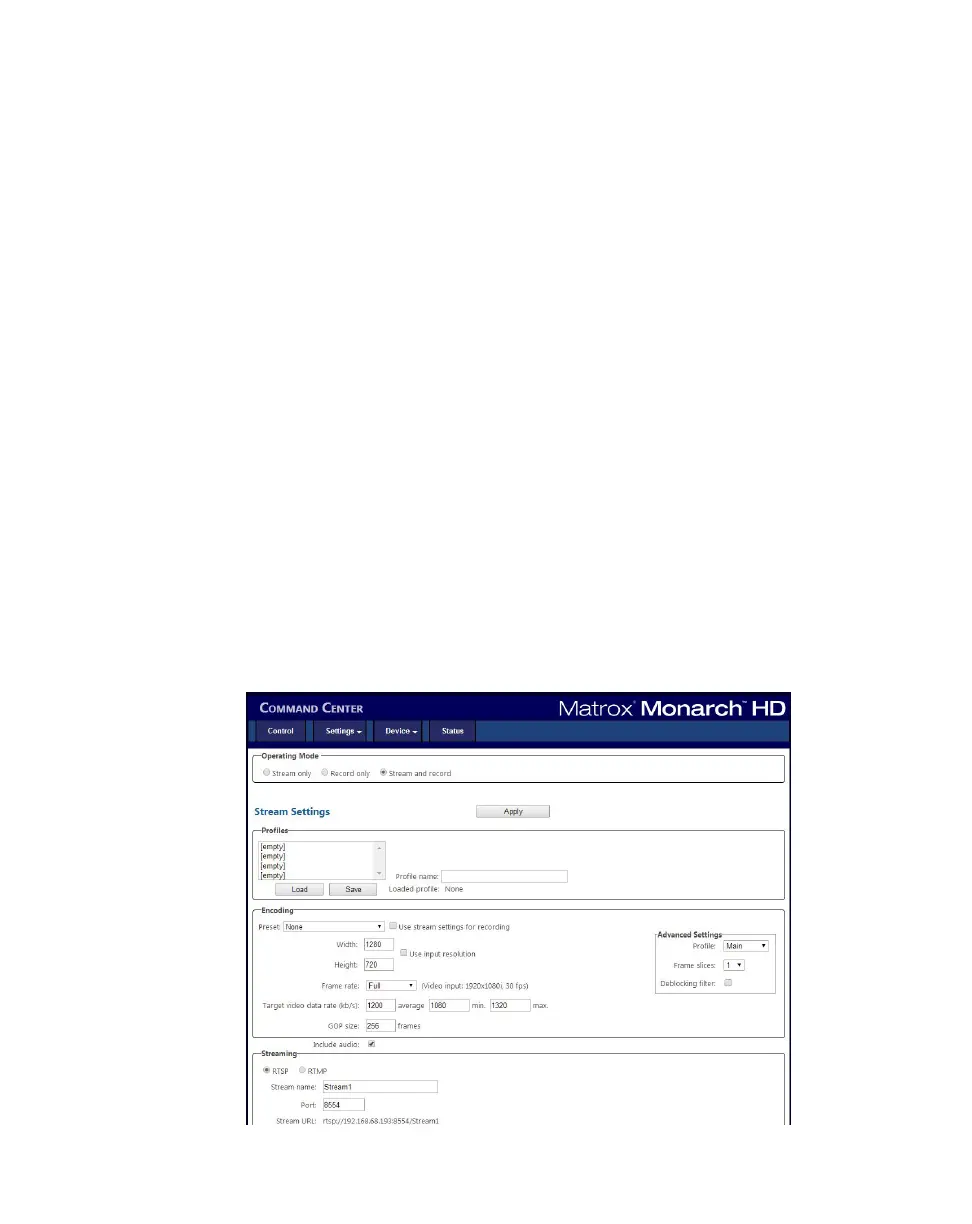
Settings tab
The Settings pages in the Command Center lets you set Stream, Record and
Audio settings for the Monarch HD device. If you have multiple Monarch HD
devices connected to the same network, you can also control the streaming and
recording of multiple devices from one device's Command Center (see “Enabling
multi-device control” on page 26).
¡ Important To save changes made on a Settings page (Stream, Record or
Audio), you must click the
Apply button. If you leave a Settings page before
applying the settings, all changes will be lost.



 To Next Page