46
Chapter 4, Using the Command Center
3 Perform a factory reset by pressing and holding the Reset button on the
device for at least five seconds (see “Reset to factory defaults” on page 12).
The Monarch HD boots up with your settings loaded.
¦NoteFor more information on Monarch configuration files, including
generating or editing configuration files, consult the Matrox Monarch HD Dev
Tools Reference Guide, which is provided in PDF format in the Matrox Monarch
HD Support section of our website at www.matrox.com/video/support.
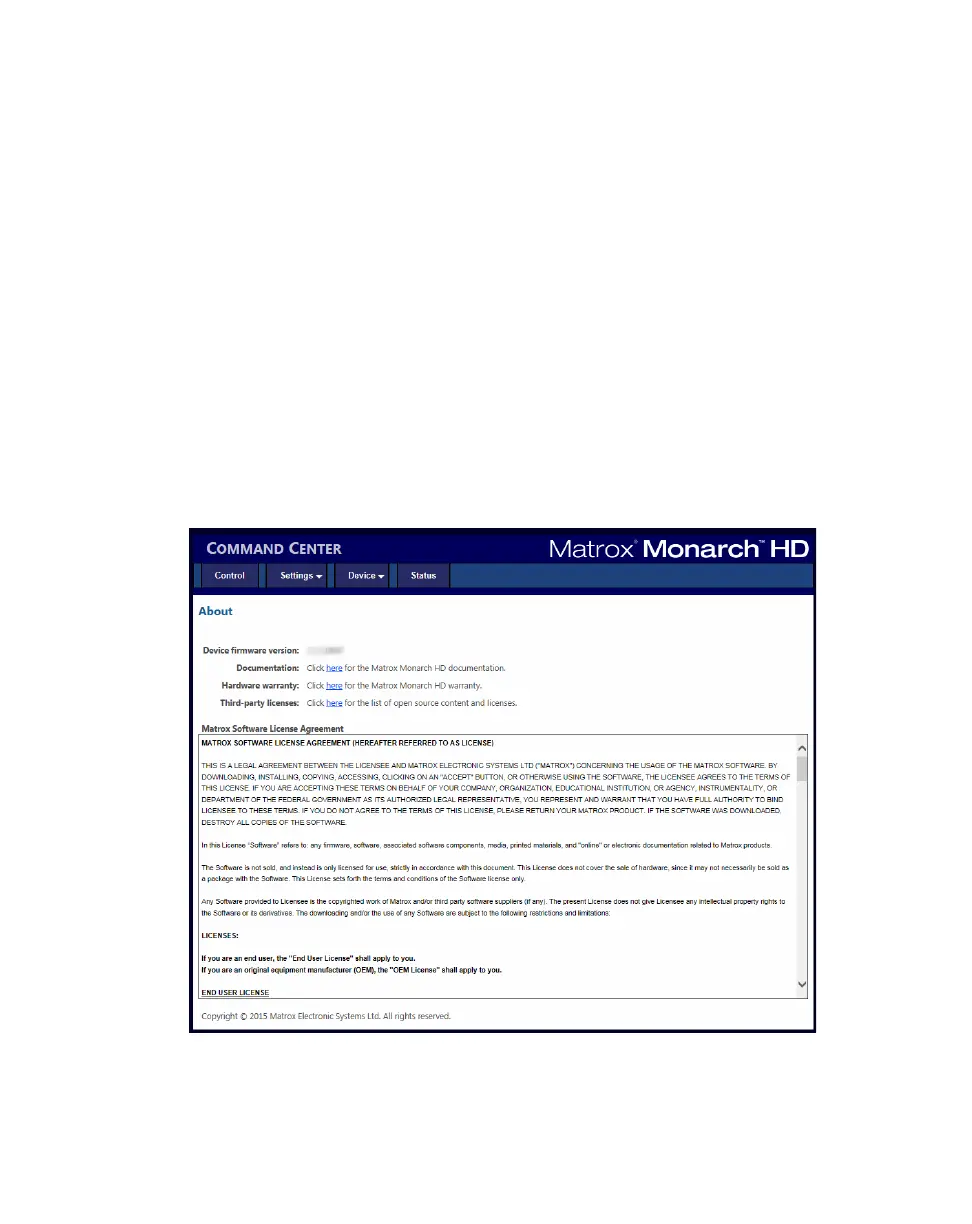
About page
The About page in the Command Center lets you see the current firmware
version of your Monarch HD device, provides a link to the Monarch HD
documentation, and displays the Matrox Limited Warranty for Monarch HD.
This page can be viewed without logging in.
To access the
About page, open the Monarch HD Command Center (see
“Accessing the Command Center” on page 19), and then choose
Device >
About
.
Firmware version
Displays the current firmware version of your Monarch HD device. To update the
Monarch HD firmware, see “Updating the Monarch HD firmware” on page 20.



 To Next Page