33
Specifying Stream settings
configuring audio settings, see “Audio source” on page 38 and “Specifying audio
input settings” on page 28.
Advanced settings
•
Profile Set the H.264 encoding profile for your stream or recording to
either
Baseline, Main, or High. Typically, High profile provides the best
image quality and is suitable in most instances. However, depending on the
decoder used when viewing the stream or recorded file, such as with mobiles
devices, a Main or Baseline profile may be required.
•
Frame slices You can choose to slice each frame into 2, 4, or 8 sections
when encoding, or you can select
1 to encode the frame as a whole. Slicing
each frame when encoding the video for streaming, or recording may be
useful when a multi-slice decoder device is used to view the stream or
recorded file.
•
Deblocking filter Select this option to remove blockiness from the
encoded video when streaming, or for recording. This option is especially
useful when a low video data rate is required.
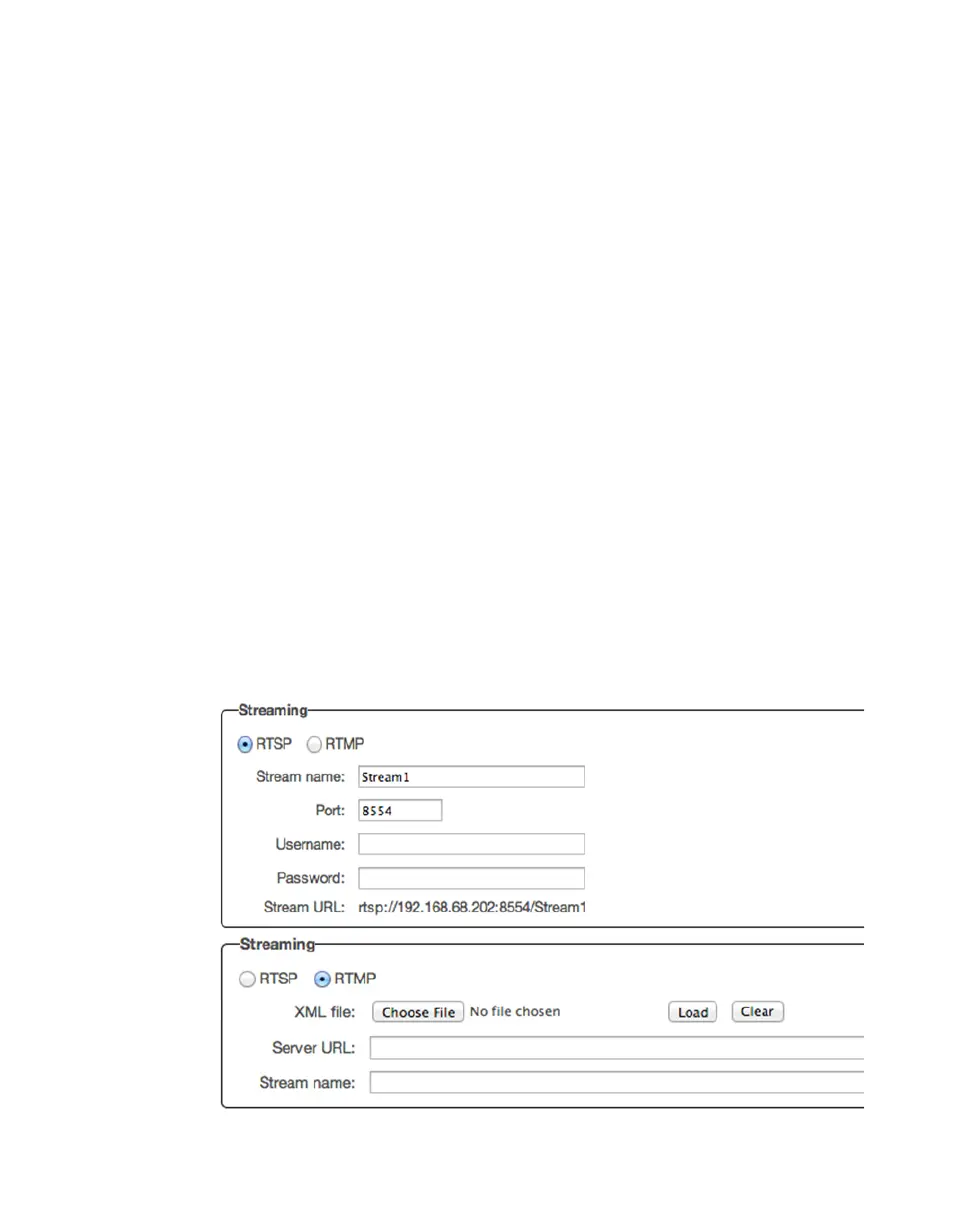
Specifying Stream settings
To access the stream settings, open the Monarch HD Command Center (see
“Accessing the Command Center” on page 19), and then choose
Settings >
Stream
.
¦NoteThe Streaming settings cannot be modified when Monarch HD is set to
Record-only mode (see “Monarch HD operating modes” on page 30).



 To Next Page