12
Chapter 2, Matrox Monarch HD Hardware and Connections
Reset to factory defaults
When resetting Monarch HD using this method, all Monarch HD settings reset to
factory defaults, the device password resets to admin, and the device powers up
in DHCP IP mode for connecting to a network with a DHCP server, such as a
router. To switch the device to Static IP mode after performing a factory reset, see
“Switch to Static IP mode” on page 11.”
You can also use a factory reset to load pre-configured Monarch HD settings
from a configuration file. For more information, see “Automatic configuration
page” on page 43.
To reset Monarch HD to factory defaults, press and hold the Reset button on the
device for at least five seconds. The device begins a power-up sequence during
which all LEDs illuminate. The device is ready when all LEDs turn off except the
Power ( ), Stream, Record, and USB port 1 LEDs.
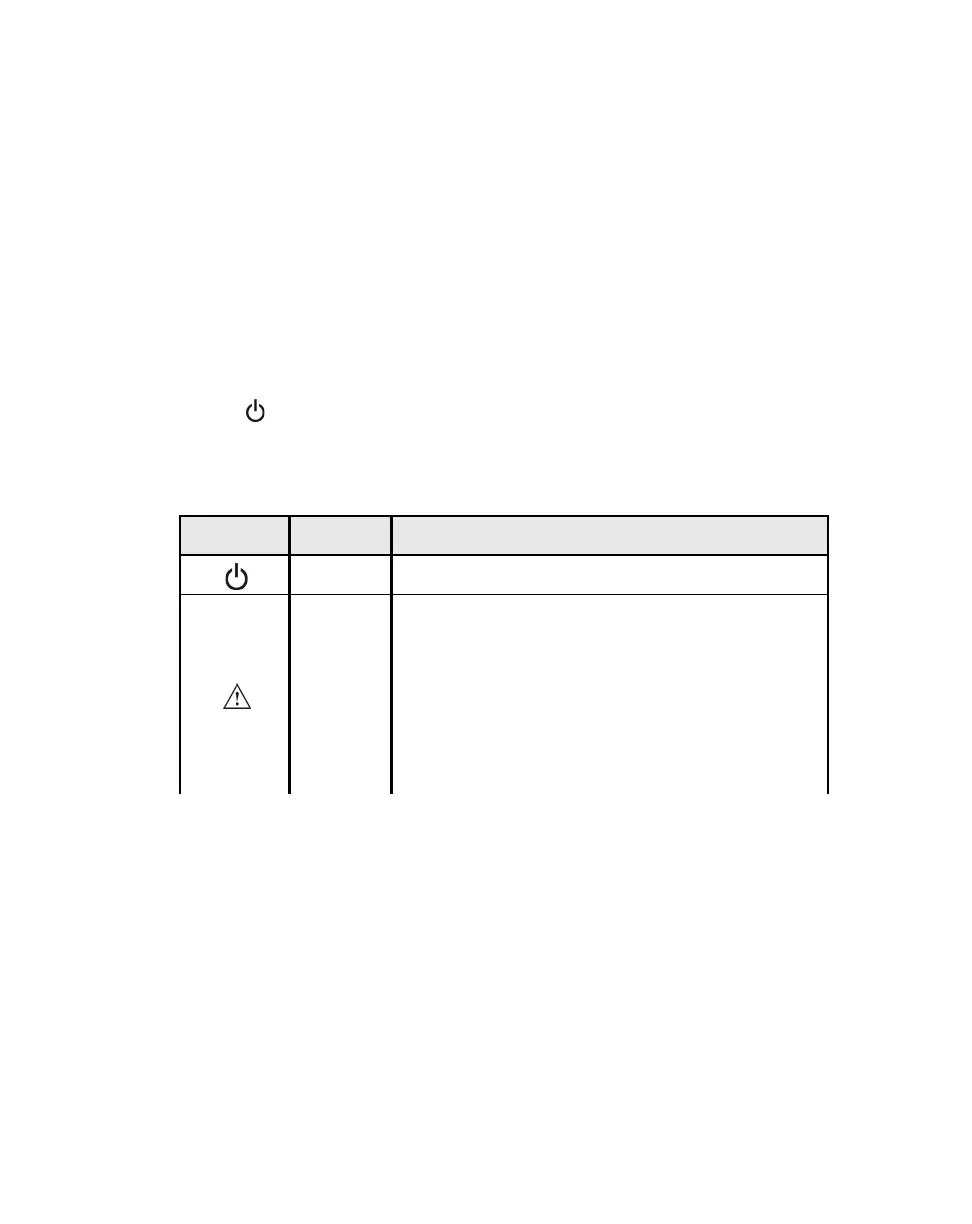
Status LEDs
This section explains the Monarch HD status LEDs.
LED State Condition
Green Device is powered.
Yellow
Indicates that a streaming and/or recording error has
occurred. This includes a physical disconnect of the
network cable. The LED turns off when the error is
cleared in the Command Center, when reconnected,
or when a new stream and/or recording is
successfully started. For information on how to view
and clear errors, see “Monarch HD errors” on
page 24.



 To Next Page