44
Chapter 4, Using the Command Center
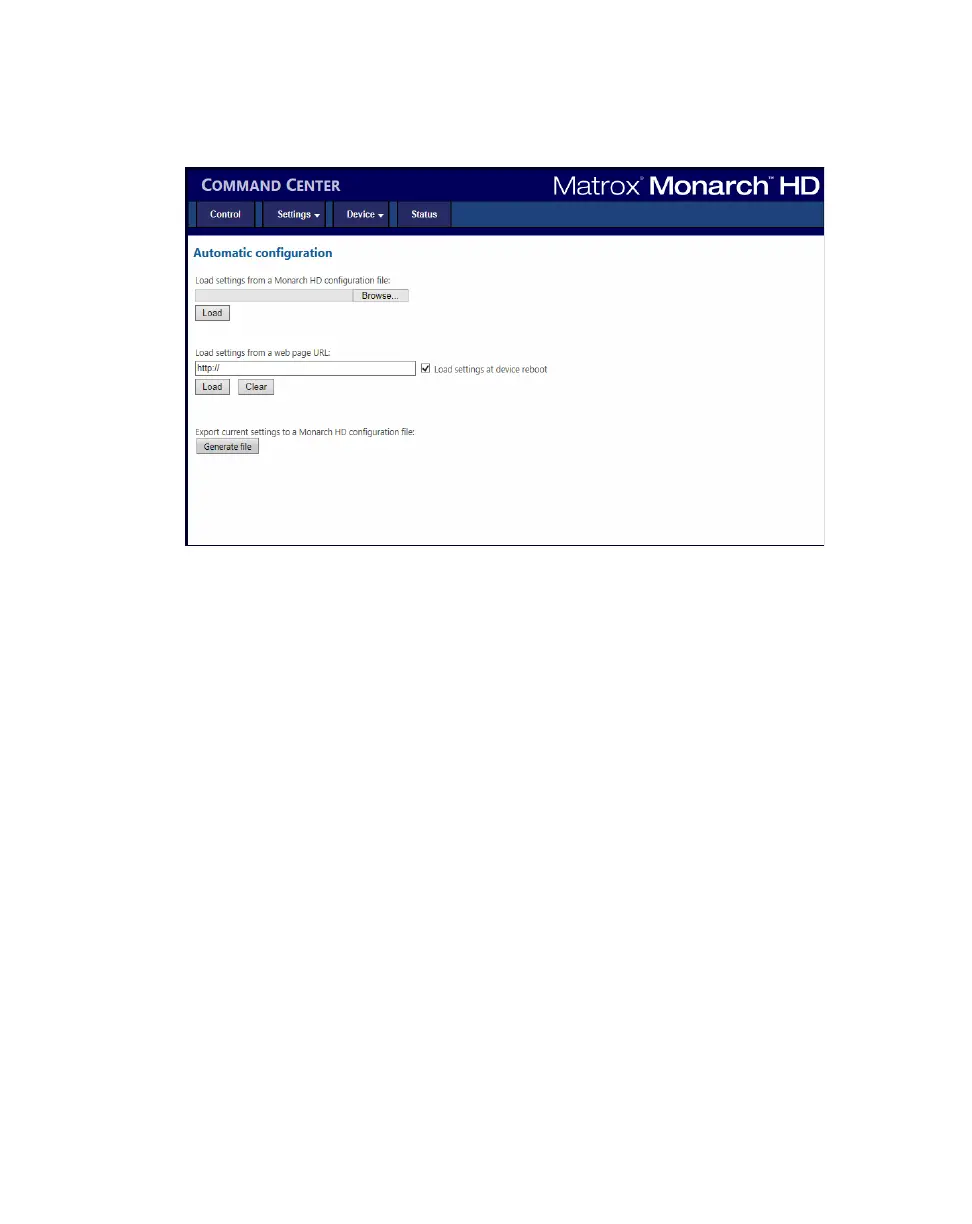
To access the Automatic configuration page, open the Monarch HD Command
Center (see “Accessing the Command Center” on page 19), and then choose
Device > Automatic configuration.
Loading settings from a Monarch HD
configuration file
You can import Monarch settings from a previously-generated Monarch HD
configuration file. The file must be located on your computer or somewhere that
is accessible from your computer (see “Generating a configuration file” on
page 45).
1 Go to the Automatic configuration page of the Command Center.
2 Under Load settings from a Monarch HD configuration file, click
Browse.
3 Select the file you want to load.
4 Click Load.
Your Monarch settings will now match those of the chosen configuration file.
Loading settings from a web page URL
You can import settings from a specific web page that is hosting the configuration
file generated in the Command Center (see “Generating a configuration file” on
page 45). This option is particularly useful when there is a need to oversee the
Monarch HD operation from a central control environment. You can set bit rates
and destinations by managing a web page instead of logging into the Monarch
HD Command Center.



 To Next Page