39
Device tab
Analog audio sample rate
If using analog audio, select the desired sample rate for your analog audio input
source. If you are using an HDMI audio input source, this option is unavailable
(appears dimmed) because the sample rate is determined by the digital signal.
The default setting is 48 kHz, but you can choose any of the available options.
The analog audio input is converted to the selected sample rate before encoding.
Selecting the highest sample rate provides the best audio quality, but also
increases the total bit rate required to maintain this quality for streaming and/or
recording.
Audio bit rate
Select the bit rate at which you want to stream the audio. This setting applies to
both the stream and record settings.
¦Note(Analog audio only) To select the 32 kb/s bit rate, you must first select
22.05 kHz for the
Analog audio sample rate.
Device tab
The Device tab is where you access various settings related to all aspects of the
Monarch HD and its operation. A username and password are required to access
the options and features of the
Device.
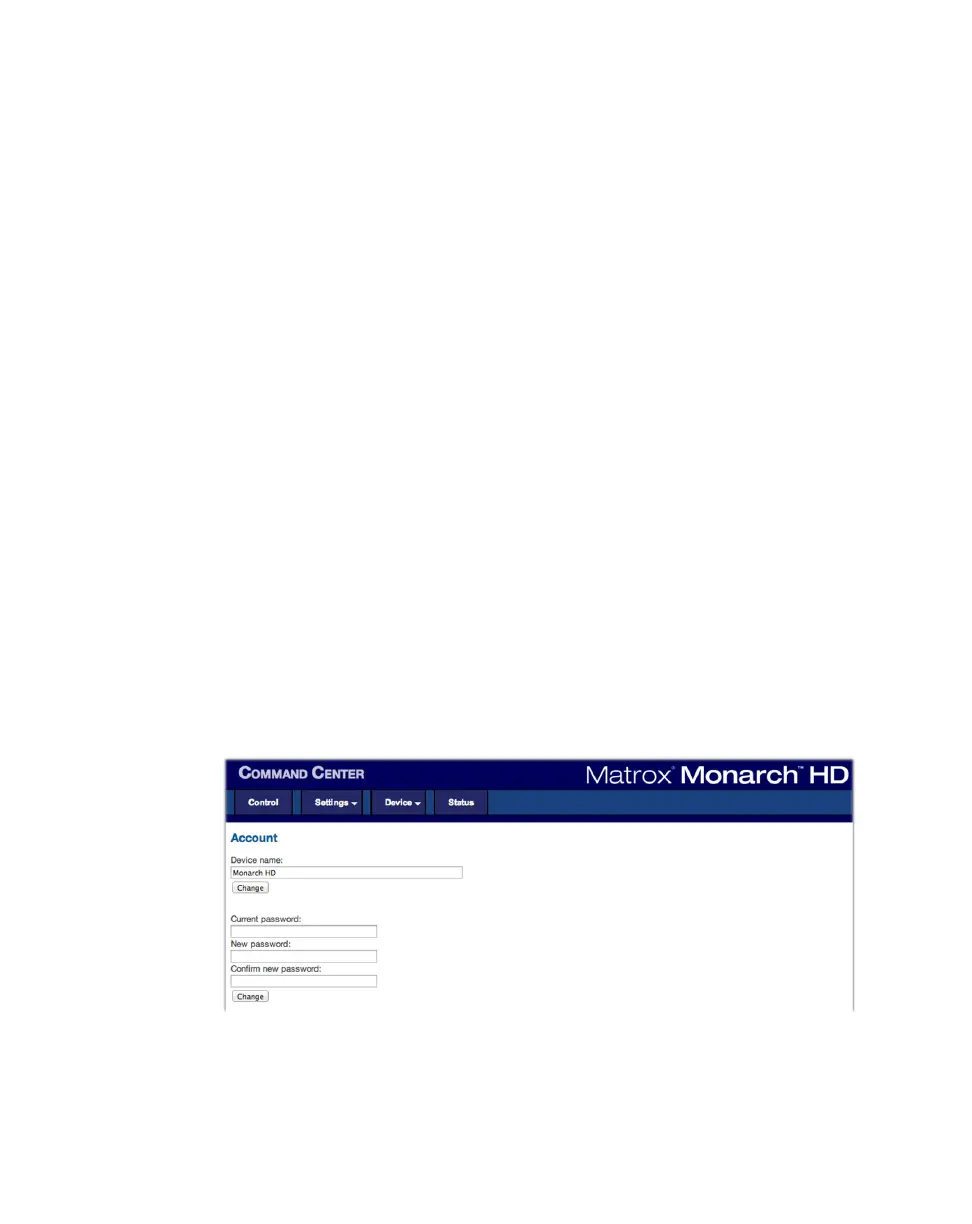
Account page
The Account page in the Command Center is where you give a descriptive name
to your Monarch HD device and change your Monarch HD password. To access
the
Account page, open the Monarch HD Command Center (see “Accessing the
Command Center” on page 19), and then choose
Device > Account.
Device name and password
By default, the device name is set to Monarch HD. You can give a unique name to
each Monarch HD device for easy identification within the Command Center and



 To Next Page